 0408998d96
Closes: #2313.

systemd-journald does not (never did) accept size values given in percent of
file system size. Only the defaults work with percent values. Hence our addition
of RuntimeMaxUse= as percent value in configuration file did not work.
systemd-journald outputs a warning to dmesg and ignores the value.

We could change the value to fixed size. We would have to choose a value that
works for systems with less memory (such as 1GiB) and that value would serve
poorly for systems with more memory. Instead, leaving the default value of 10%
for RuntimeMaxUse= might be better. Additional configuration of MaxFileSec=6h
and MaxRetentionSec=2day would also ease the burden in most cases for the low
memory devices. Considering that people did not report issues with status
quo (where the value we have set did not work and default size was used) also
suggests that default value will work. Further, /run filesystem itself seems to
be allocated only 10% of available memory.

Tests:

- Without the patch, start a vagrant machine. Notice that dmesg shows the error
mentioned in the issue #2313. Apply patch and restart the service. Setup is run
for config app. The file /etc/systemd/journald.conf.d/50-freedombox.conf will no
longer have the RuntimeMaxUse= directive.

- After reboot, dmesg will no longer show the error. systemctl status
systemd-journald shows that 10% of the size of /run is the max for journal file.

- In config app page, setting various values of log persistence works.

- On a fresh container with the patch, initial setup succeeds and
journald.conf.d file is setup without the RuntimeMaxUse= directive.

Signed-off-by: Sunil Mohan Adapa <sunil@medhas.org>
Reviewed-by: James Valleroy <jvalleroy@mailbox.org>





FreedomBox Service (Plinth)
The core functionality and web front-end of FreedomBox.

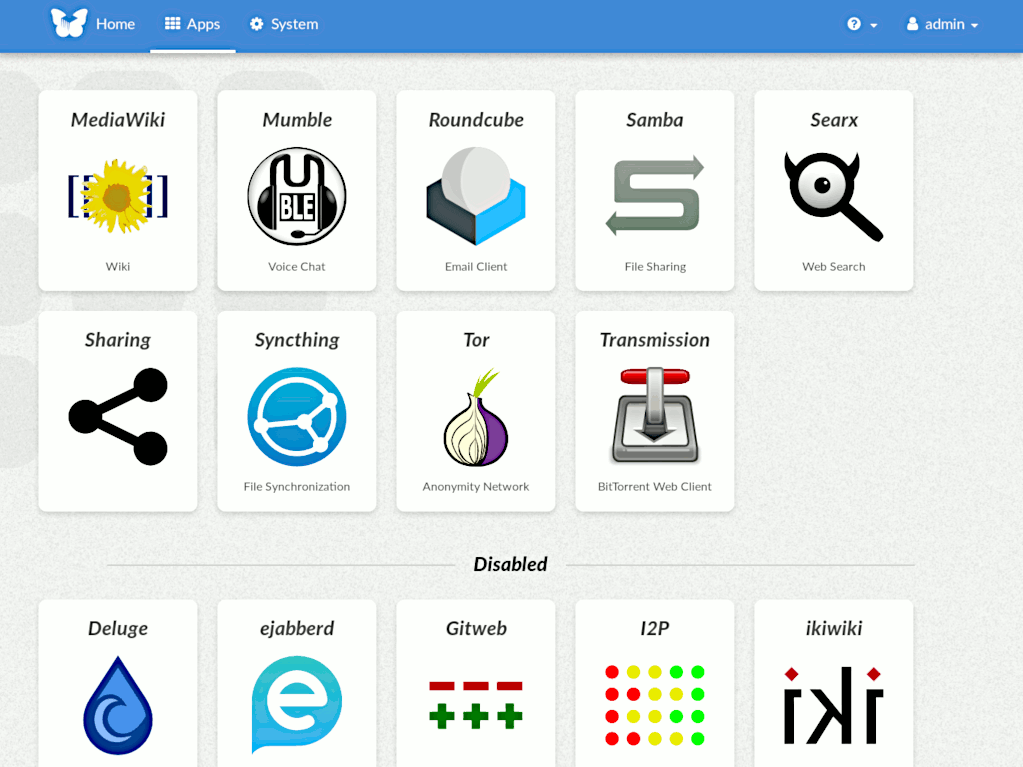

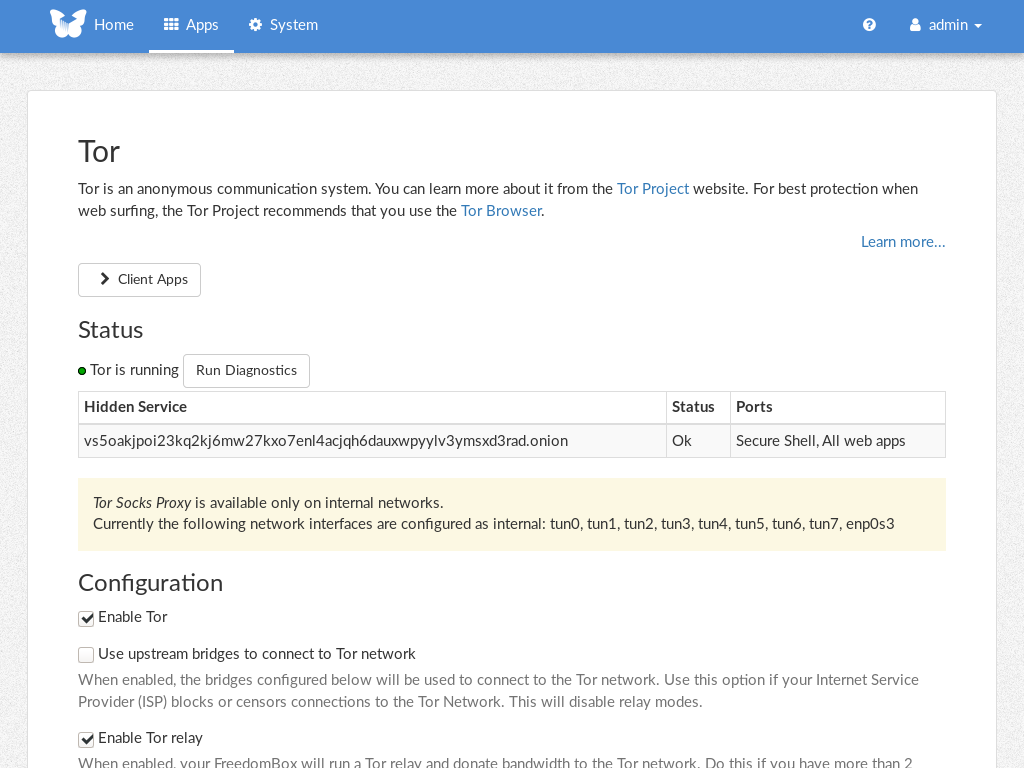

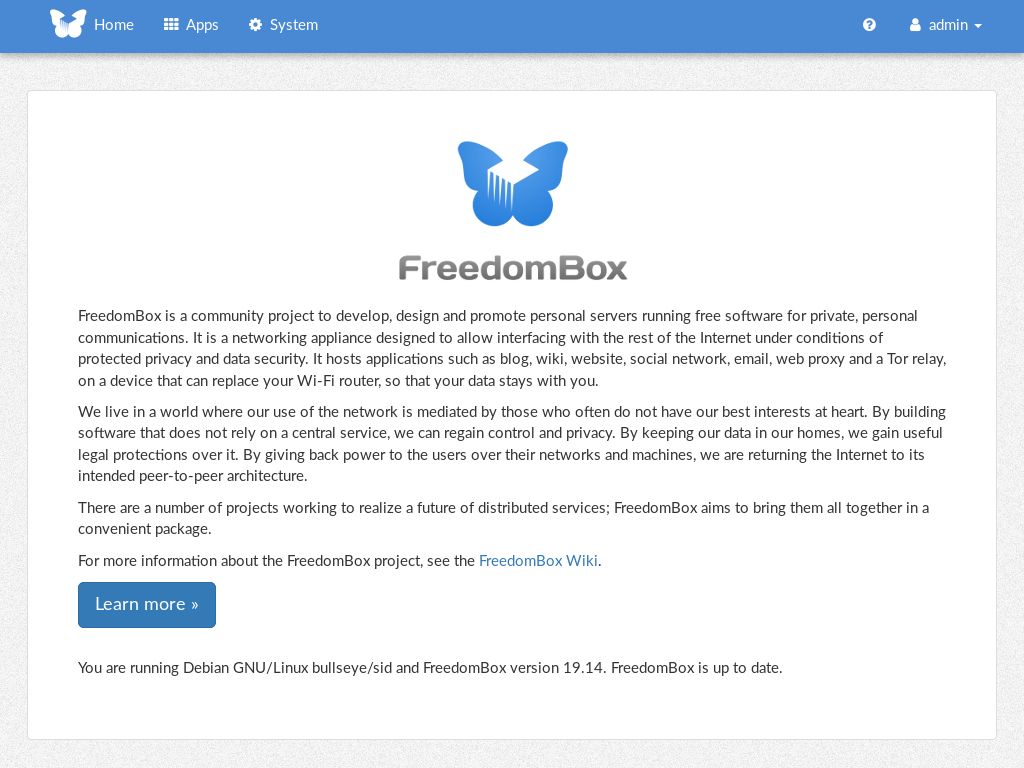
Description
FreedomBox is a community project to develop, design and promote personal servers running free software for private, personal communications. It is a networking appliance designed to allow interfacing with the rest of the Internet under conditions of protected privacy and data security. It hosts applications such as blog, wiki, website, social network, email, web proxy and a Tor relay, on a device that can replace your Wi-Fi router, so that your data stays with you.
This module, called FreedomBox Service and also know as Plinth, is the core functionality and web interface to the functions of the FreedomBox. It is extensible and provides various applications of FreedomBox as modules. Each module or application provides simplified user interface to control the underlying functionality. As FreedomBox can act as a wireless router, it is possible to configure networking. It also allows configuration of basic system parameters such as time zone, hostname and automatic upgrades.
You can find more information about FreedomBox Service (Plinth) on the Plinth Wiki page, the FreedomBox Wiki and the FreedomBox Manual.
Getting Started
To have a running FreedomBox, first install Debian (Buster or higher) on a clean machine. Then run:
$ sudo apt install freedombox
Full instructions are available on FreedomBox Manual's QuickStart page.
For instructions on running the service on a local machine from source code, see INSTALL.md. For instructions on setting up for development purposes, see HACKING.md.
Contributing
See the HACKING.md file for contributing to FreedomBox Service (Plinth).
Localization
