 12374d8783
- Before we can enable this added protection, we need to address a couple of
issues:

  - Redis password is restored after a restore. This means that if nextcloud's
  backup is restored on a machine where redis server already has a password set,
  then the password won't match with the password configured for other apps that
  are using redis.

  - When email server is already installed before this patch and then nextcloud
  is installed. rspamd will fail to connect to redis server. This even with the
  changes intended on the email server as the setup version in those changes has
  not been incremented.

- Restart redis-server only when needed. This avoids major disruption caused due
un-persisted cache and locks removed.

- Don't use Redis for caching of server-local data as this APCu seems to be
preferred by upstream containers.

- Don't set filelocking.enabled=true as this is already the default.

Signed-off-by: Sunil Mohan Adapa <sunil@medhas.org>
Reviewed-by: James Valleroy <jvalleroy@mailbox.org>





FreedomBox Service (Plinth)
The core functionality and web front-end of FreedomBox.


Description
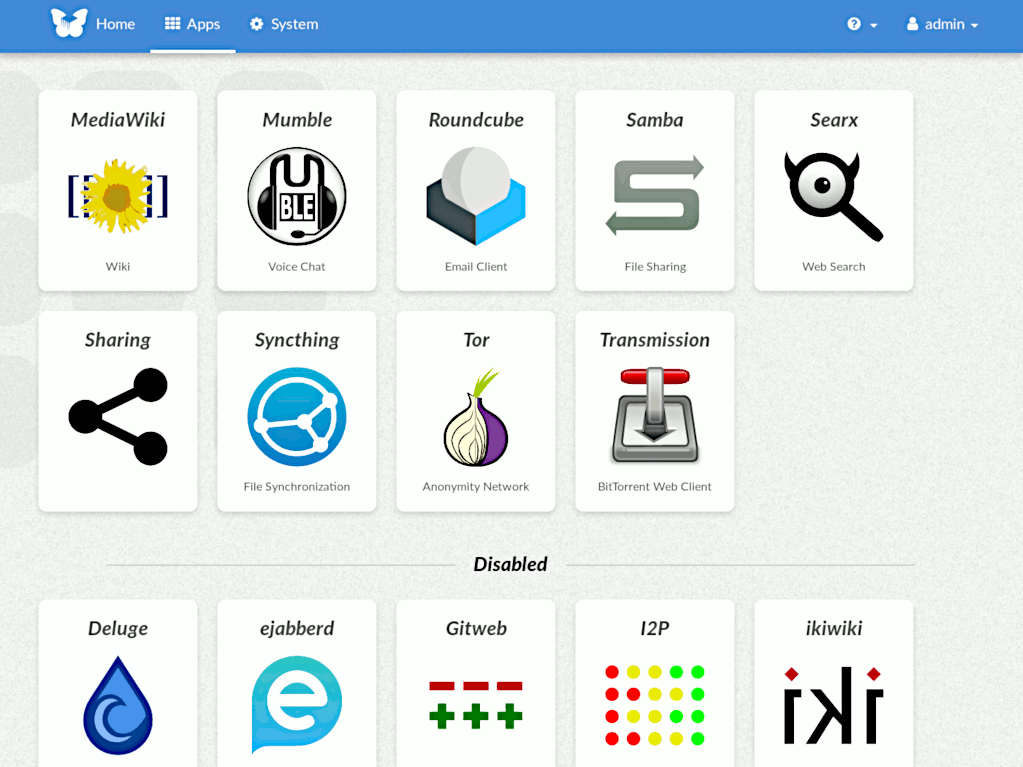
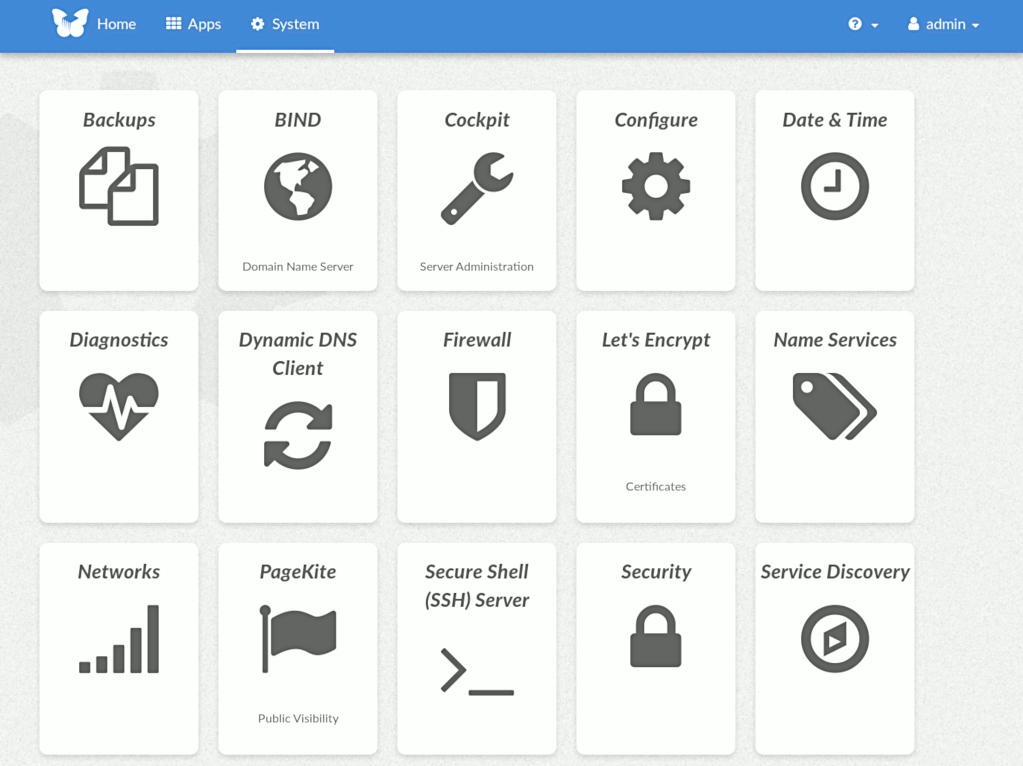
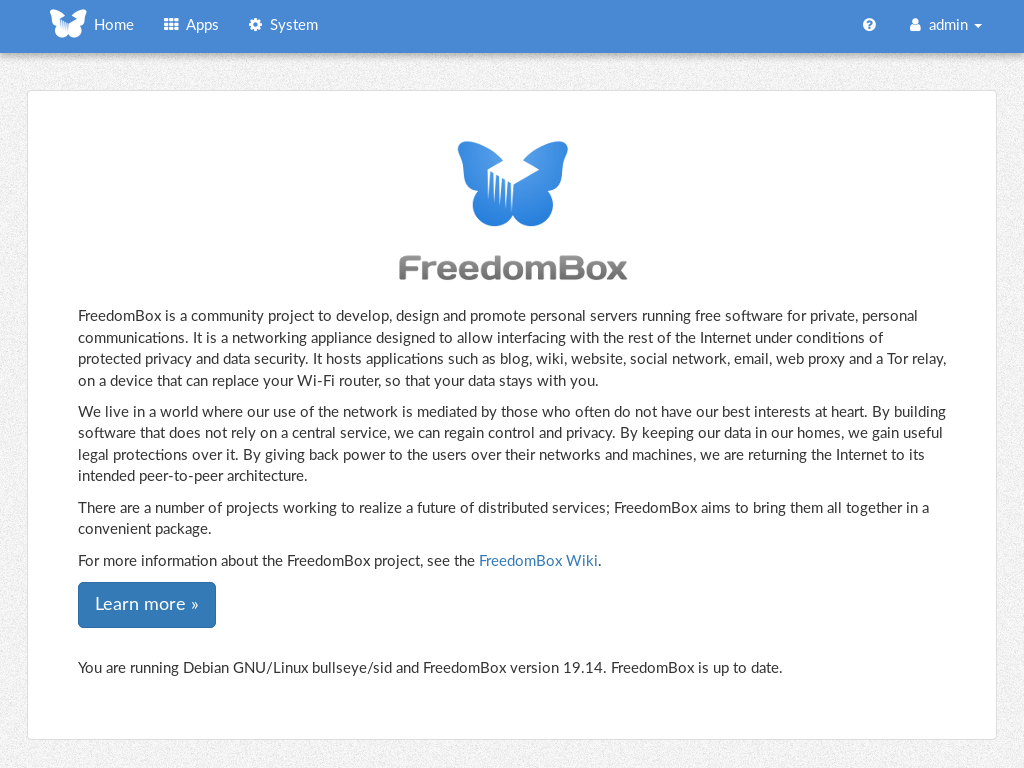
FreedomBox is a community project to develop, design and promote personal servers running free software for private, personal communications. It is a networking appliance designed to allow interfacing with the rest of the Internet under conditions of protected privacy and data security. It hosts applications such as blog, wiki, website, social network, email, web proxy and a Tor relay, on a device that can replace your Wi-Fi router, so that your data stays with you.
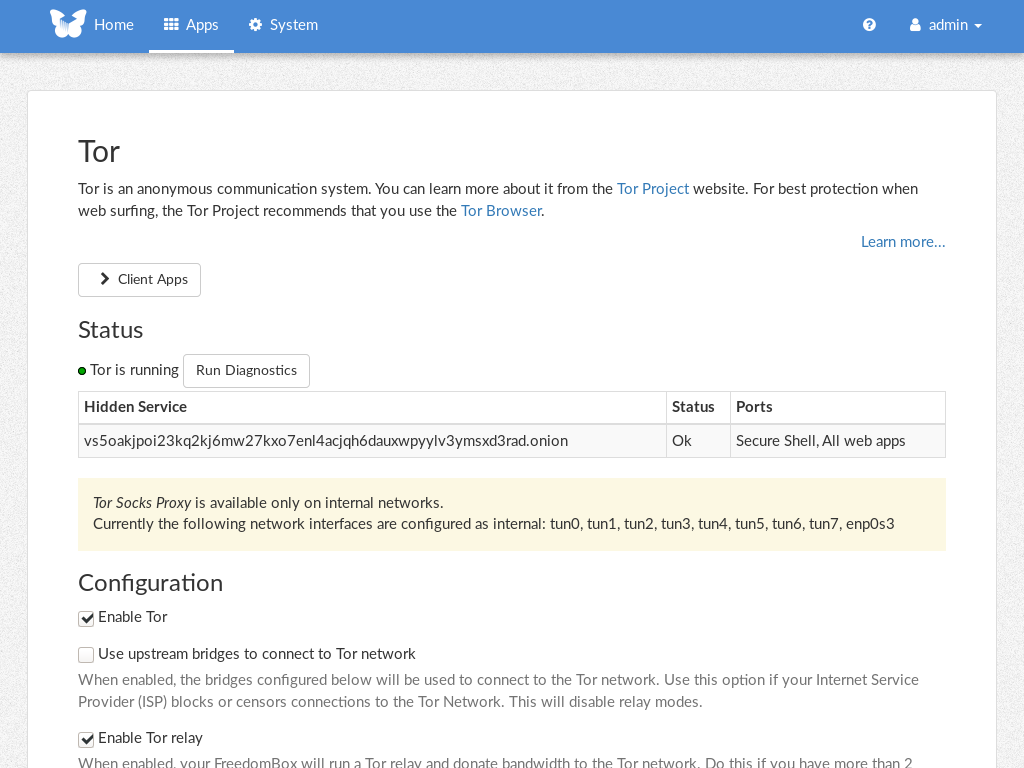
This module, called FreedomBox Service and also know as Plinth, is the core functionality and web interface to the functions of the FreedomBox. It is extensible and provides various applications of FreedomBox as modules. Each module or application provides simplified user interface to control the underlying functionality. As FreedomBox can act as a wireless router, it is possible to configure networking. It also allows configuration of basic system parameters such as time zone, hostname and automatic upgrades.
You can find more information about FreedomBox Service (Plinth) on the Plinth Wiki page, the FreedomBox Wiki and the FreedomBox Manual.
Getting Started
To have a running FreedomBox, first install Debian (Buster or higher) on a clean machine. Then run:
$ sudo apt install freedombox
Full instructions are available on FreedomBox Manual's QuickStart page.
For instructions on running the service on a local machine from source code, see INSTALL.md. For instructions on setting up for development purposes, see HACKING.md.
Contributing
See the HACKING.md file for contributing to FreedomBox Service (Plinth).
Localization
