 6887c960fe
SOGo is an open source webmail client and groupware available in Debian.
Make a new FreedomBox app for it to be used with the local
Postfix/Dovecot email server.

SOGo requires a database to store events/tasks as well as user settings. Memcached
is also required for caching.

Users log in with their username (as opposed to username + domain on
Roundcube). The host header seen from the first login will be
associated with the user profile. So, if a user logs into SOGo from
freedombox.local and later configures the email server to use
example.com, they will manually have to edit their account(s) to show
the updated domain.

Authentication is done via openldap. It is possible to authenticate with
apache, however it is limited to http basic auth, so mod_auth_tkt cannot
be used. See: b40d777a86/SoObjects/SOGo/SOGoProxyAuthenticator.m (L137)
Configuring http basic auth in my opinion wouldn't add much to
the user experience. It would actually take away the usage of SOGO's built
in TOTP feature.

SOGo only accepts configurations from /etc/sogo/sogo.conf, other configs
from sogo.d don't get recognised.

Use the sogo icon from upstream source. Update sogo.png and sogo.svg to be the
same image (but resized) that is provided in the upstream source. The previous
image was download from Wikimedia Commons.

Update smtp settings so that messages can be sent

Test result for mail deliverability sent with SOGo: https://www.mail-tester.com/test-pdf2yzy6n

The result shows that the message is not DKIM signed. This seems to be
an issue not specific to SOGo. Mails sent from Thunderbird don't get
signed either.

Tests:
- Install app and log in with a FreedomBox user. Create a new event
  titled "Lunch with 🍕 and fries". Confirm the pizza character displays properly.
- Backup the app and uninstall it.
- Restore from the backup, log in and confirm the event gets restored.

To-do:
- test ActiveSync
- create a fail2ban jail
- include the icons in the copyright file
- test sending email in a production setup
- test sieve filters
- write tests

https://salsa.debian.org/freedombox-team/freedombox/-/issues/56

[Sunil]

- App:

  - Update icons to be uniform size as all other apps and copyright information.

  - Since SOGo is not configured to trust the authentication from Apache, it
  does not require FirewallLocalProtection. Remove it.

  - Expand app description. Talk about Email Server app.

  - Update to match recent tags related changes.

  - Make memcached a shared daemon as other processes might use it.

  - Added shared daemon for PostgreSQL.

  - Don't start services when rerunning setup if the app is currently disabled.

  - Don't restart memcached during a restore operation.

- Security:

  - Add system security restrictions to the daemon.

  - Don't use fail2ban jail. SOGo has a mechanism to lock users for a few
  minutes. Use that instead.

- Apache:

  - Make /.well-known URLs work by moving their definitions to global section.

  - Remove old (<2.4) Apache authorization keywords.

  - Simplify, indentation, new line at EOF.

- Manifest:

  - Add more tags.

  - Add SOGo connector, DAVx5, and GNOME Calendar to list of clients.

  - Add 'sogo' to list of service to bring down during backup/restore.

- Privileged:

  - Switch from MySQL to PostgreSQL as it is recommended by SOGo.

  - Use existing utility to generate database password.

  - Use plget and plmerge utilities from gnustep-common package to parse/edit
  the configuration instead of augeas which don't have a dedicated lens.

  - Don't reset the domain when rerunning setup.

  - Ensure that the configuration file has proper ownership and permissions even
  when it did not exist previously.

  - Add typing information for most methods.

  - Remove configuration file after uninstall.

- Configuration:

  - Define database URLs for all seven database tables.

  - Set calendar default roles as suggested in the installation guide.

  - Refresh view automatically every minute to check for new mail.

  - Use the mechanism to lock account after failed login attempts.

  - Add folder name for Junk folder too explicitly.

- Tests: Add basic functional tests.

Tests:

- Functional tests work.

- Rerunning setup does not change the domain back to the primary domain of the
email server.

- Login works. Sending mail and reading mail works. Creating calendar events and
contact works.

- Changing the domain sets the domain value properly in the configuration file.
Configured domain is shown properly on the form.

- Backup and restore work as expected.

- When configuration file is removed and setup is re-run, then the file is
created with proper ownership and permissions.

- 'systemd-analyze security sogo.service' shows a good score.

Signed-off-by: Benedek Nagy <contact@nbenedek.me>
Signed-off-by: Sunil Mohan Adapa <sunil@medhas.org>
Reviewed-by: Sunil Mohan Adapa <sunil@medhas.org>
Reviewed-by: James Valleroy <jvalleroy@mailbox.org>





FreedomBox Service (Plinth)
The core functionality and web front-end of FreedomBox.



Description
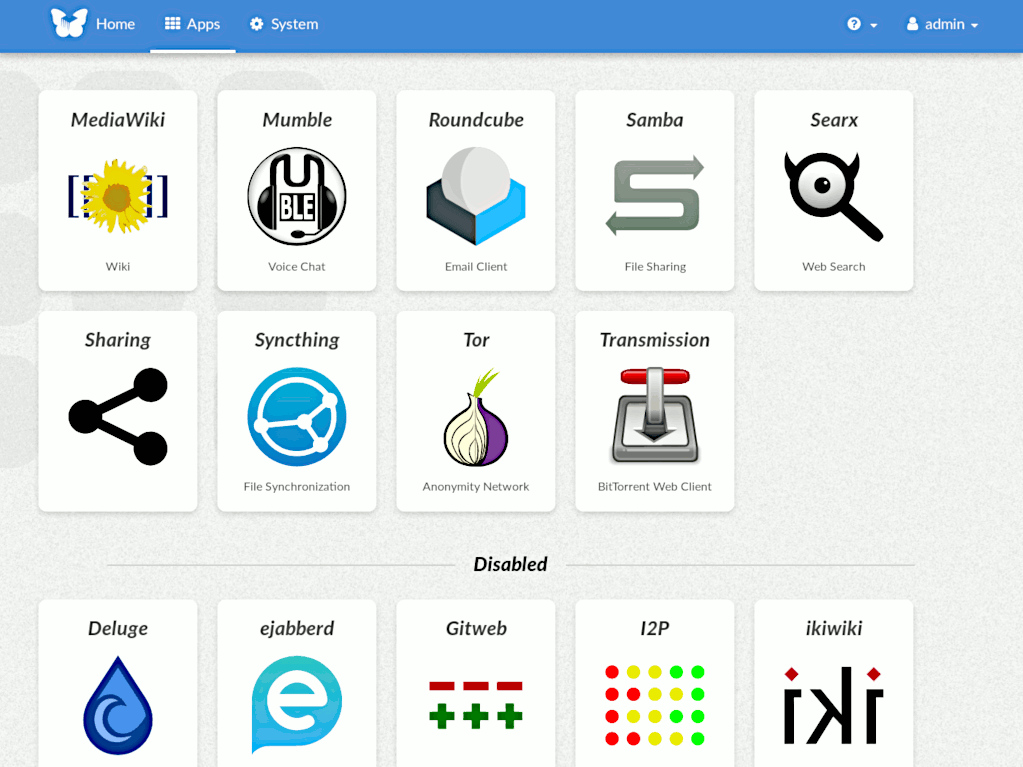
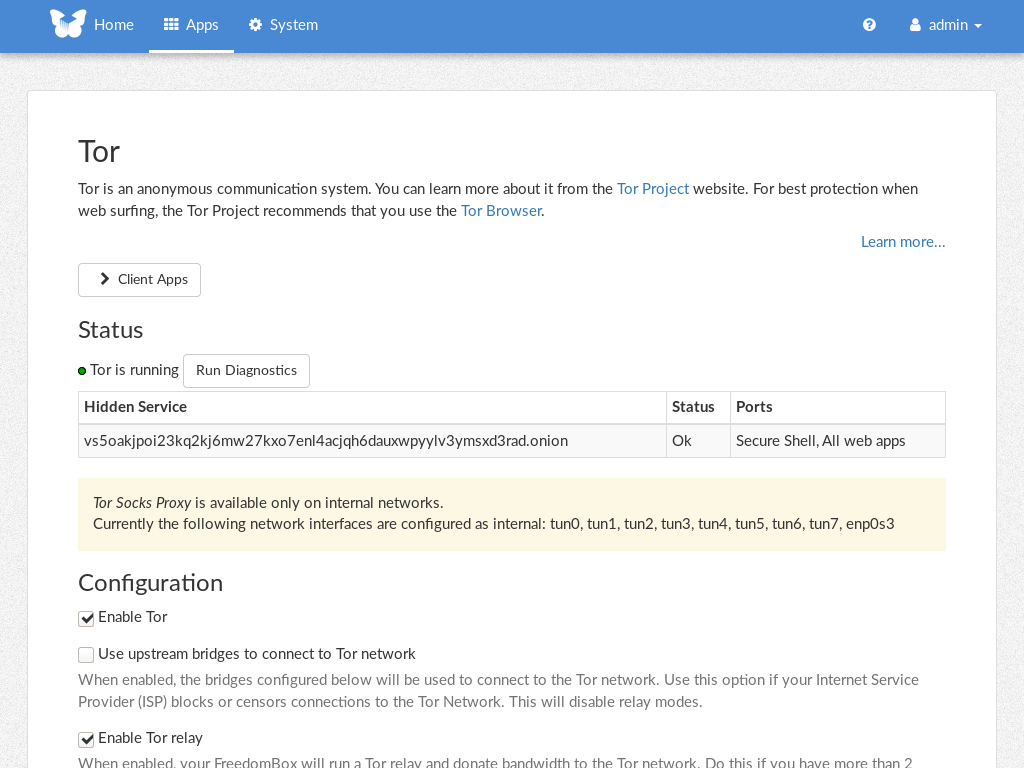
FreedomBox is a community project to develop, design and promote personal servers running free software for private, personal communications. It is a networking appliance designed to allow interfacing with the rest of the Internet under conditions of protected privacy and data security. It hosts applications such as blog, wiki, website, social network, email, web proxy and a Tor relay, on a device that can replace your Wi-Fi router, so that your data stays with you.
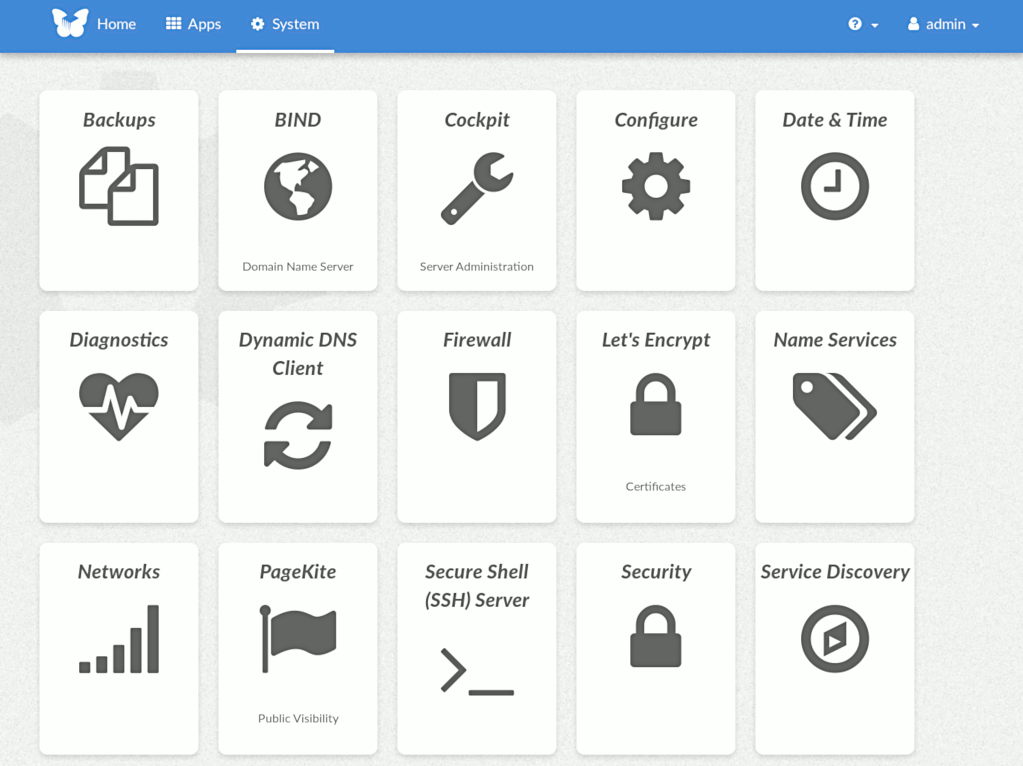
This module, called FreedomBox Service and also know as Plinth, is the core functionality and web interface to the functions of the FreedomBox. It is extensible and provides various applications of FreedomBox as modules. Each module or application provides simplified user interface to control the underlying functionality. As FreedomBox can act as a wireless router, it is possible to configure networking. It also allows configuration of basic system parameters such as time zone, hostname and automatic upgrades.
You can find more information about FreedomBox Service (Plinth) on the Plinth Wiki page, the FreedomBox Wiki and the FreedomBox Manual.
Getting Started
To have a running FreedomBox, first install Debian (Buster or higher) on a clean machine. Then run:
$ sudo apt install freedombox
Full instructions are available on FreedomBox Manual's QuickStart page.
For instructions on running the service on a local machine from source code, see INSTALL.md. For instructions on setting up for development purposes, see HACKING.md.
Contributing
See the HACKING.md file for contributing to FreedomBox Service (Plinth).
Localization

License

FreedomBox is distributed under the GNU Affero General Public License, Version 3 or later. A copy of AGPLv3 is available from the Free Software Foundation.