 770974c8ce
- Add explicit dependency on django-ipware >=3. django-axes >= 6 adds
only and optional dependency on django-ipware. Adding explicit dependency make
the behavior safer.

- Depend on django-axes >= 5 where the authentication backend and other features
are available. The new code won't work with older versions. The new approach
uses and authentication backend to deny access to the login form on lockout and
a middleware to redirect user to locked out form when limit of attempts have
been reached.

- Drop old code used for compatibility with django-axes 3.x.

- Suppress verbose and debug messages as django-axes is too chatty.

- Re-implment the CAPTCHA form entirely. In the old style, we have a login form
with CAPTCHA field. That would not work with the new django-axes authentication
middle. On submission of the form, auth.authenticate() will be called. This
call invokes various authentication backends include django-axes authentication
backend. This backend's behavior is to reject all authentication attempts when
the IP is listed in locked table. The new approach is to provide a simple
CAPTCHA form with just the CAPTCHA field. If the form is successfully
validated (correct CAPTCHA is provided), then the lock on the IP address is
reset. The user is then free to perform 3 more attempts to login.

- Update firstboot form to send the request parameter when using
auth.authenticate() method. This needed by Django axes' authentication method
which will be triggered.

Tests:

- Run tests on Debian Bookworm and Debian testing.

- Axes verbose messages and debug messages are not printed on the console when
running FreedomBox in debug mode.

- Only three invalid attempts are allowed at the login page. After the final
incorrect attempt, user is redirected to CAPTCHA page. Visiting the login page
using the URL works but entering the correct credentials still takes the user to
CAPTCHA page.

- CAPTCHA form appears as expected. Clicking the CAPTCHA images downloads the
audio file corresponding to the image. Incorrect CAPTCHA shows an error. Correct
CAPTCHA takes the user to login form where they are able to login with correct
credentials. Entering incorrect credentials 3 times will take the user again to
CAPTCHA page.

- Creating user account during firstboot works.

- Blocked IP address the IP of the client such as 10.42.0.1 and not the local IP
address 127.0.0.1 according the django-axes log messages. While one client IP
address is blocked, another IP is able to login to the same user account that
was attempted by the blocked client.

Signed-off-by: Sunil Mohan Adapa <sunil@medhas.org>
Reviewed-by: James Valleroy <jvalleroy@mailbox.org>





FreedomBox Service (Plinth)
The core functionality and web front-end of FreedomBox.


Description
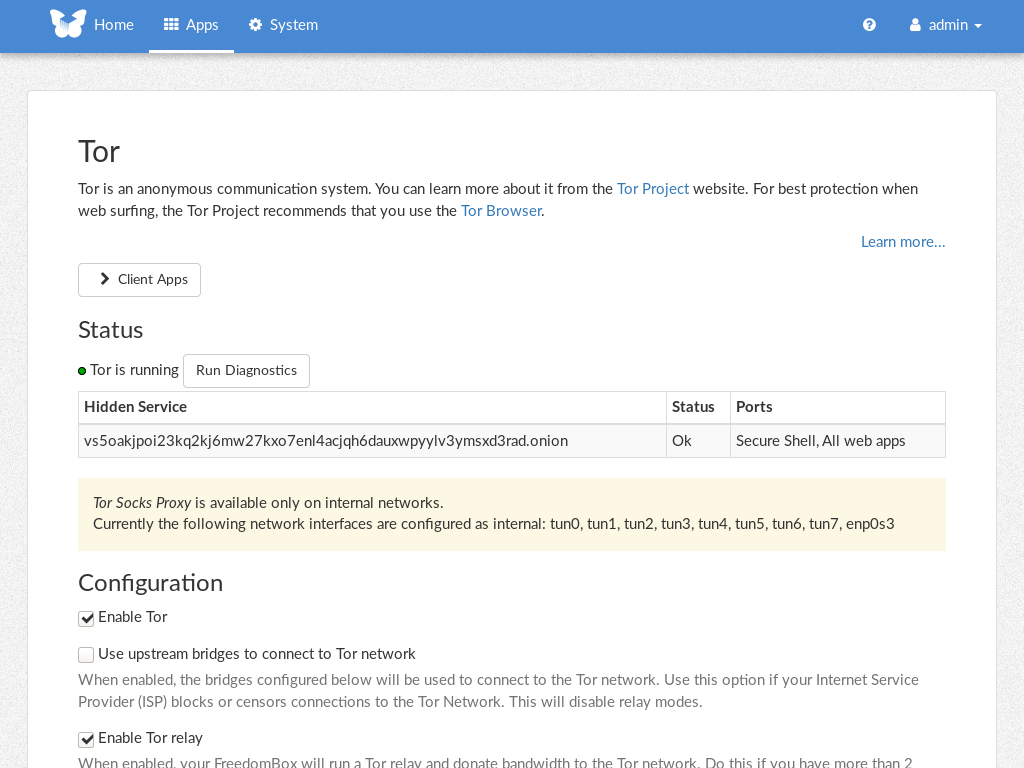
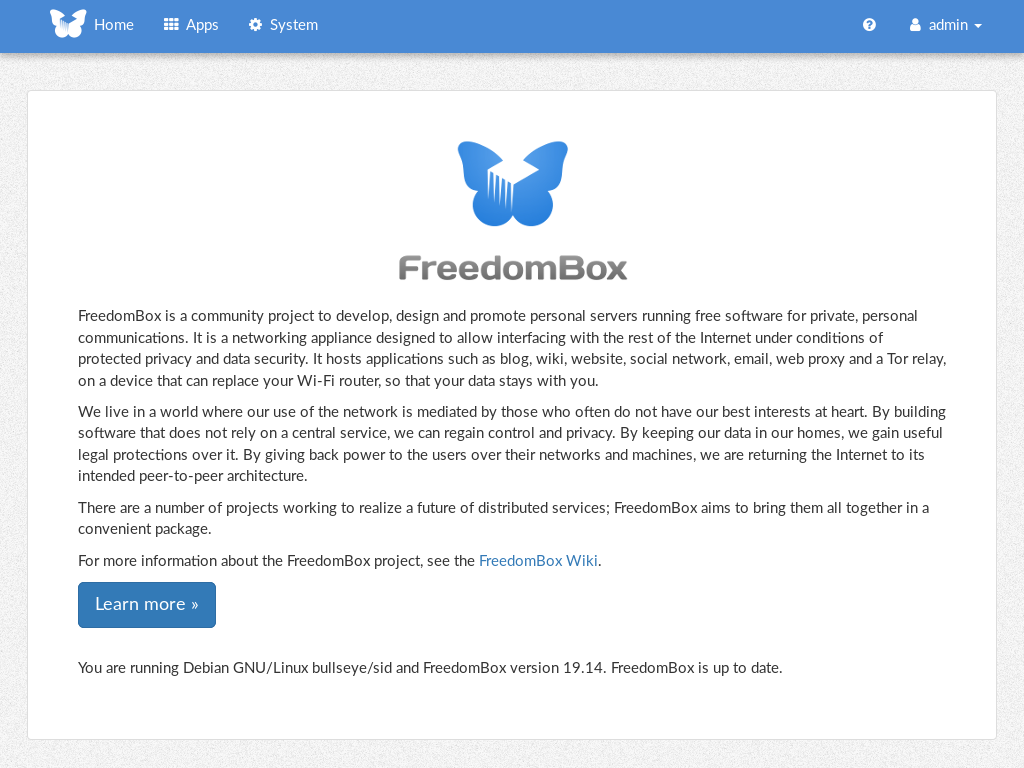
FreedomBox is a community project to develop, design and promote personal servers running free software for private, personal communications. It is a networking appliance designed to allow interfacing with the rest of the Internet under conditions of protected privacy and data security. It hosts applications such as blog, wiki, website, social network, email, web proxy and a Tor relay, on a device that can replace your Wi-Fi router, so that your data stays with you.
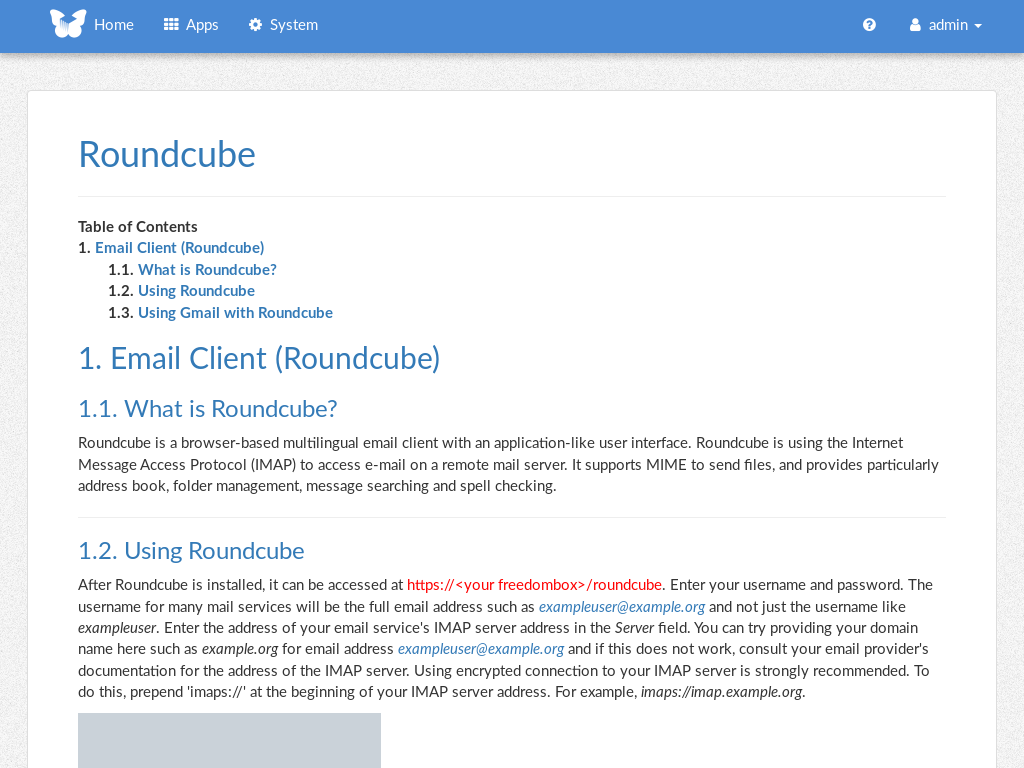
This module, called FreedomBox Service and also know as Plinth, is the core functionality and web interface to the functions of the FreedomBox. It is extensible and provides various applications of FreedomBox as modules. Each module or application provides simplified user interface to control the underlying functionality. As FreedomBox can act as a wireless router, it is possible to configure networking. It also allows configuration of basic system parameters such as time zone, hostname and automatic upgrades.
You can find more information about FreedomBox Service (Plinth) on the Plinth Wiki page, the FreedomBox Wiki and the FreedomBox Manual.
Getting Started
To have a running FreedomBox, first install Debian (Buster or higher) on a clean machine. Then run:
$ sudo apt install freedombox
Full instructions are available on FreedomBox Manual's QuickStart page.
For instructions on running the service on a local machine from source code, see INSTALL.md. For instructions on setting up for development purposes, see HACKING.md.
Contributing
See the HACKING.md file for contributing to FreedomBox Service (Plinth).
Localization
