 b4e6c03bd7
- Shows URLs and shared secret that communication servers like matrix-synapse
should be configured to. Later we will implement auto-configuring those servers.

- Allow selecting domain for the sake of TLS/DTLS certificate installation.

- Simplify systemd service file options. Drop log file and pid file support as
they are not needed with systemd. Add security options.

- Set custom configuration file by overriding systemd service file options so
that we don't have a problem with conffile prompts.

- Implement functional tests (and automatic diagnostics).

- Custom icon selected from the Noun project as Coturn project does not have
one.

- Backup/restore configuration file and certificates.

- Document some questions regarding configuration options.

Tests performed:

- App is not listed in the app page if 'advanced' flag is disabled.

- App name, icon and short description shows up correctly in apps page.

- App name, icon, short description, description, manual link, enable/disable
button and diagnostics link show up currently in app page.

- Verify that configuration used by coturn server is the FreedomBox
configuration by checking the cert path in the log output.

- PID file is not created in /var/run/turnserver/. It goes into /dev/null
according to the log output.

- No log file is created other than what is collected by systemd from command
line.

- systemctl show coturn.service shows all the intended restrictions such as
NoNewPrivileges, Protect* options.

- Run functional tests.

- Ensure that backup of configuration file works by taking backup, changing the
secret and restoring. During backup and restore coturn should be stopped and
started as per logs.

- Build Debian package. No warnings about the copyright file.

- Enabling the app enables the service and runs it.

- Disabling the app disables the service and stop it.

- All diagnostics tests pass.

- Diagnostic tests show firewall port coturn-freedombox for internal and
external networks, service coturn, and each listening port for udp4, udp6, tcp4
and tcp6.

- Information in the firewall page shows up properly. Enabling the app opens
firewall ports, and disabling it closes them.

- When the app is installed, if a cert domain is available, it will be used.
When multiple domains are available, one of them is picked.

- Status shows 4 URLs with the currently selected domain and secret key.

- Changing domain to another domain succeeds and reflects in the status
information.

- When no domain is configured. Installing the app succeeds. No domain is shown
in the list of domains.

- When domain is changed, the certificates files in /etc/coturn/certs are
overwritten.

- Certificates have the ownership turnserver:turnserver. Public key is cert.pem
has 644 permissions. Private is pkey.pem has 600 permissions. /etc/coturn/certs
is owned by root:root.

- Let's encrypt certificates are setup immediately after install.

- Port forwarding information shows all ports except for relay ports.

- Trying to create a user with username 'turnserver' throws an error. This
happens even when coturn is not installed yet.

- After installing coturn, the configuration file /etc/coturn/freedombox.conf is
created with ownership root:turnserver and permissions 640. The directory
/etc/coturn is created with ownership root:root and permissions 755.

Signed-off-by: Sunil Mohan Adapa <sunil@medhas.org>
[jvalleroy: Fix copied form_valid comment]
Signed-off-by: James Valleroy <jvalleroy@mailbox.org>
Reviewed-by: James Valleroy <jvalleroy@mailbox.org>





FreedomBox Service (Plinth)
The core functionality and web front-end of FreedomBox.


Description
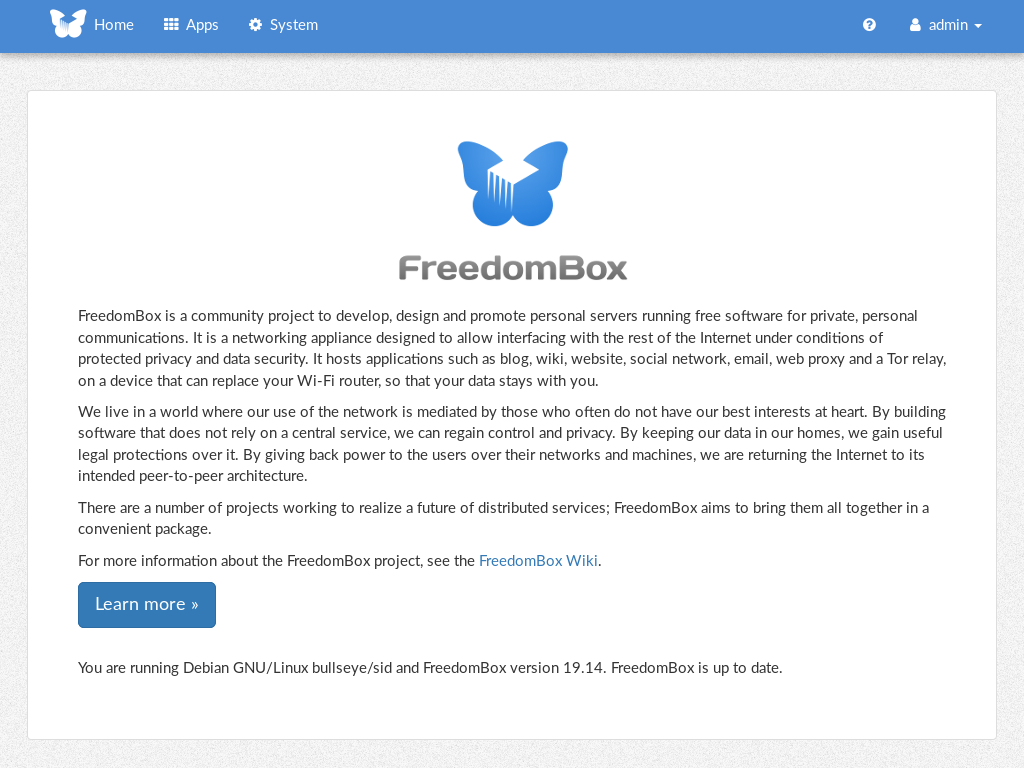
FreedomBox is a community project to develop, design and promote personal servers running free software for private, personal communications. It is a networking appliance designed to allow interfacing with the rest of the Internet under conditions of protected privacy and data security. It hosts applications such as blog, wiki, website, social network, email, web proxy and a Tor relay, on a device that can replace your Wi-Fi router, so that your data stays with you.
This module, called FreedomBox Service and also know as Plinth, is the core functionality and web interface to the functions of the FreedomBox. It is extensible and provides various applications of FreedomBox as modules. Each module or application provides simplified user interface to control the underlying functionality. As FreedomBox can act as a wireless router, it is possible to configure networking. It also allows configuration of basic system parameters such as time zone, hostname and automatic upgrades.
You can find more information about FreedomBox Service (Plinth) on the Plinth Wiki page, the FreedomBox Wiki and the FreedomBox Manual.
Getting Started
To have a running FreedomBox, first install Debian (Buster or higher) on a clean machine. Then run:
$ sudo apt install freedombox
Full instructions are available on FreedomBox Manual's QuickStart page.
For instructions on running the service on a local machine from source code, see INSTALL.md. For instructions on setting up for development purposes, see HACKING.md.
Contributing
See the HACKING.md file for contributing to FreedomBox Service (Plinth).
Localization
