 dfaf009d3c
This change prevents the plinth user to become a superuser without
knowing an admin password.

Users module and action script:
- User credentials are now required for the subcommands: create-user,
  set-user-password, add-user-to-group (if the group is admin),
  remove-user-from-group (if the group is admin), set-user-status,
  remove-user (if the removed user is the last admin user.
  Note: the web UI doesn't allow to delete last admin user).
- subcommand remove-users requires authentication if the user is last
  admin user. Password must be provided through standard input.
- subcommand remove-group: do not allow to remove group 'admin'
- User credentials must be provided using the argument
  --auth-user and a passsword must be provided through standard input.
- If there are no users in the admin group, no admin password is
  required and if the --auth-user argument is required, it can be an
  empty string.

Users web UI:
- An admin needs to enter current password to create and edit a user
  and to change user's password.
- Show more detailed error text on exceptions when submitting forms.
- Show page title on the edit and create user pages.

Users unit and functional tests:
- Added a configuration parameters to the pytest configuration file
  to set current admin user/password.
- Added a configuration parameter 'ssh_port' to the functional tests.
  You can overwrite this with the FREEDOMBOX_SSH_PORT environment
  variable. Modified HACKING.md accordingly.
- Added an unit test:
     - test changing the password as a non-admin user.
     - test invalid admin password input.
     - test that removing the admin group fails.
- Capture stdout and stderr in the unit tests when calling an action
  script to be able to see more info on exceptions.
- Added functional tests for setting ssh keys and changing passwords
  for admin and non-admin users.
- Added a functional test for setting a user as active/inactive.

Changes during review [sunil]:
- Move uncommon functional step definitions to users module from global. This is
  keep the common functional step definitions to minimal level and promote when
  needed.
- Minor styling changes, flake8 fixes.
- Don't require pampy module when running non-admin tests. This allows tests to
  be run from outside the container on the host machine without python3-pam
  installed.
- Call the confirm password field 'Authorization Password'. This avoid confusion
  with a very common field 'Confirm Password' which essentially means retype
  your password to ensure you didn't get it wrong. Add label explaining why the
  field exists.
- Don't hard-code /tmp path in test_actions.py. Use tmp_path_factory fixture
  provided by pytest.
- Remove unused _get_password_hash() from actions/users.
- Undo splitting ldapgid output before parsing. It does not seem correct and
  could introduce problems when field values contain spaces.

Tests performed:
- No failed unit tests (run with and without sudo).
- All 'users' functional tests pass.
- Creating an admin user during the first boot wizard succeeds.
- Creating a user using the web UI with an empty or wrong admin
  password fails and with the correct admin password succeeds.
- Editing a user using the web UI with an empty or wrong admin
  password fails and with the correct admin password succeeds.
- Changing user's password using the web UI with an empty or wrong
  admin password fails and with the correct admin password succeeds.
- Above mentioned user action script commands can't be run without
  correct credentials.
- Adding the daemon user to the freedombox-share group succeeds when
  installing certain apps (deluge, mldonkey, syncthing, transmission).

Signed-off-by: Veiko Aasa <veiko17@disroot.org>
[sunil: Move uncommon functional step definitions to users module from global]
[sunil: Minor styling changes, flake8 fixes]
[sunil: Don't require pampy module when running non-admin tests]
[sunil: Call the confirm password field 'Authorization Password']
[sunil: Don't hard-code /tmp path in test_actions.py]
[sunil: Remove unused _get_password_hash() from actions/users]
[sunil: Undo splitting ldapgid output before parsing]
Signed-off-by: Sunil Mohan Adapa <sunil@medhas.org>
Reviewed-by: Sunil Mohan Adapa <sunil@medhas.org>





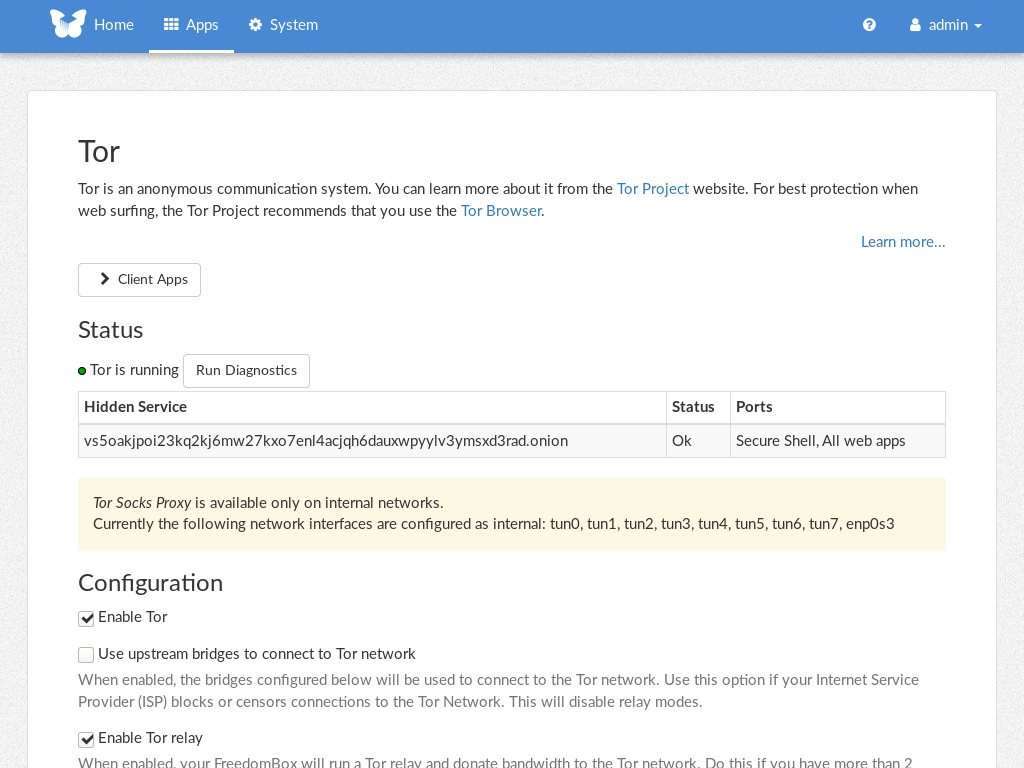
FreedomBox Service (Plinth)
The core functionality and web front-end of FreedomBox.


Description
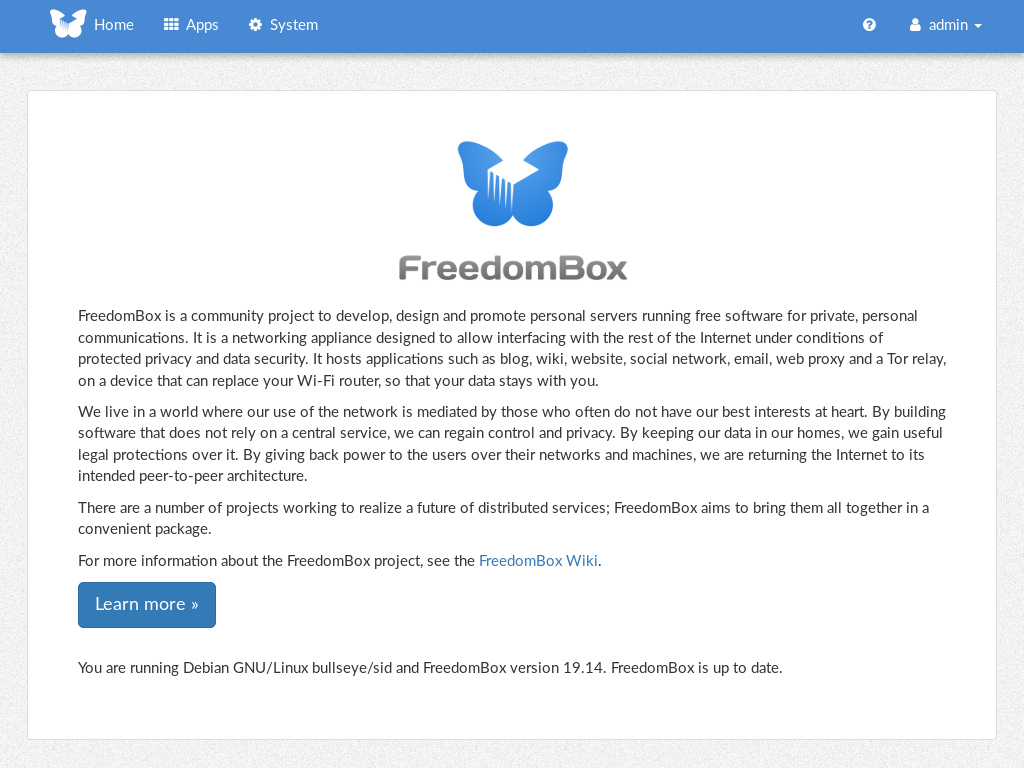
FreedomBox is a community project to develop, design and promote personal servers running free software for private, personal communications. It is a networking appliance designed to allow interfacing with the rest of the Internet under conditions of protected privacy and data security. It hosts applications such as blog, wiki, website, social network, email, web proxy and a Tor relay, on a device that can replace your Wi-Fi router, so that your data stays with you.
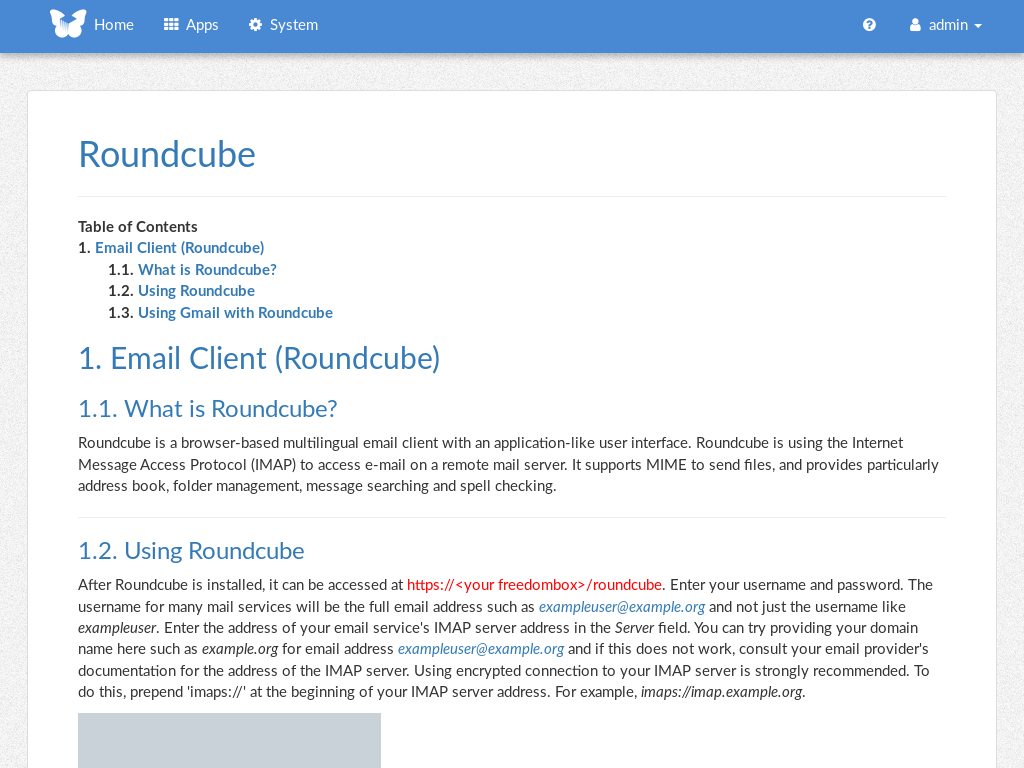
This module, called FreedomBox Service and also know as Plinth, is the core functionality and web interface to the functions of the FreedomBox. It is extensible and provides various applications of FreedomBox as modules. Each module or application provides simplified user interface to control the underlying functionality. As FreedomBox can act as a wireless router, it is possible to configure networking. It also allows configuration of basic system parameters such as time zone, hostname and automatic upgrades.
You can find more information about FreedomBox Service (Plinth) on the Plinth Wiki page, the FreedomBox Wiki and the FreedomBox Manual.
Getting Started
To have a running FreedomBox, first install Debian (Buster or higher) on a clean machine. Then run:
$ sudo apt install freedombox
Full instructions are available on FreedomBox Manual's QuickStart page.
For instructions on running the service on a local machine from source code, see INSTALL.md. For instructions on setting up for development purposes, see HACKING.md.
Contributing
See the HACKING.md file for contributing to FreedomBox Service (Plinth).
Localization
