 e51d027618
- Remove freedombox-udiskie.service file. Don't run udiskie anymore. Use our own
implementation of auto-mounting.

- Schedule disk failure checking to 3 seconds after application initialization.
Also perform auto-mounting at that time.

- Listen to new filesystems added and auto-mount them.

- Listen to disk failing attribute and report to user via a notification.

- Add rules to polkit-1 to allow plinth user to mount drives.

- Add simple abstractions over DBusProxy objects make accessing properties
simpler.

- Replicate udiskie's approach to mounting disks.

- Mount as root user for now using command line instead of DBus API. This is to
keep compatibility with older code that mounted under /media/root with relaxed
permissions.

Udiskie analysis:

  - On device added, media added, perform auto_add
  - On device changed and is addable and old state is not addable or removeable
  - Automount condition:
    - Matches configuration
    - Not ignored
    - is_filesystem and not mounted -> mount
    - crypto device -> try unlock -> if success, mount
    - is partition table
      - Get all non-ignored devices, if partition then mount
  - Mount condition:
    - Is not ignored
    - Is filesystem
    - Find device with path
    - Get options from configuration
    - Is ntfs and executable ntfs-3g is not available
    - Call mount
  - No support for udisks1
  - Built-in rules
    - {'symlinks': '/dev/mapper/docker-*', 'ignore': True}
    - {'symlinks': '/dev/disk/by-id/dm-name-docker-*', 'ignore': True}
    - {'is_loop': True, 'is_ignored': False, 'loop_file': '/*', 'ignore': False}
    - {'is_block': False, 'ignore': True}
    - {'is_external': False, 'is_toplevel': True, 'ignore': True}
    - {'is_ignored': True, 'ignore': True}

Tests performed:
  - Create a CDROM in VM, inject media. Disk should get mounted.
  - Create a temp file. mkfs.ext4 it at top level. losetup it. It should not get
    auto mounted as it is a top level internal device.
  - Create a temp file. Create two partitions and format the partitions. kpartx
    -a on it. Both the file systems should get mounted.
  - Create a temp file. luksformat it. Create a filesystem. luksopen the file.
    It should get auto mounted.
  - Checking for disk space repeatedly happens every 3 minutes.
  - Drives are checked for healthy status only once, 3 seconds after FreedomBox is started.
  - FreedomBox is able to mount disks while running as 'plinth' user with
    policykit-1 version 0.105-26.
  - FreedomBox is able to mount disks while running as 'plinth' user with
    policykit-1 version 0.116-2 from experimental.
  - Temporarily flip the is_failing condition in report_failing_drive. When
    FreedomBox is restarted, notification about drives failing show up. When the
    condition is reverted to normal, the notification is withdrawn.
  - Build new Debian package and upgrade system with 20.8 installed. Two files
    should be removed:
    /var/lib/systemd/deb-systemd-helper-enabled/freedombox-udiskie.service.dsh-also
    /etc/systemd/system/multi-user.target.wants/freedombox-udiskie.service .
    systemctl status freedombox-udiskie.service should report no such unit.

Signed-off-by: Sunil Mohan Adapa <sunil@medhas.org>
Reviewed-by: Veiko Aasa <veiko17@disroot.org>





FreedomBox Service (Plinth)
The core functionality and web front-end of FreedomBox.


Description
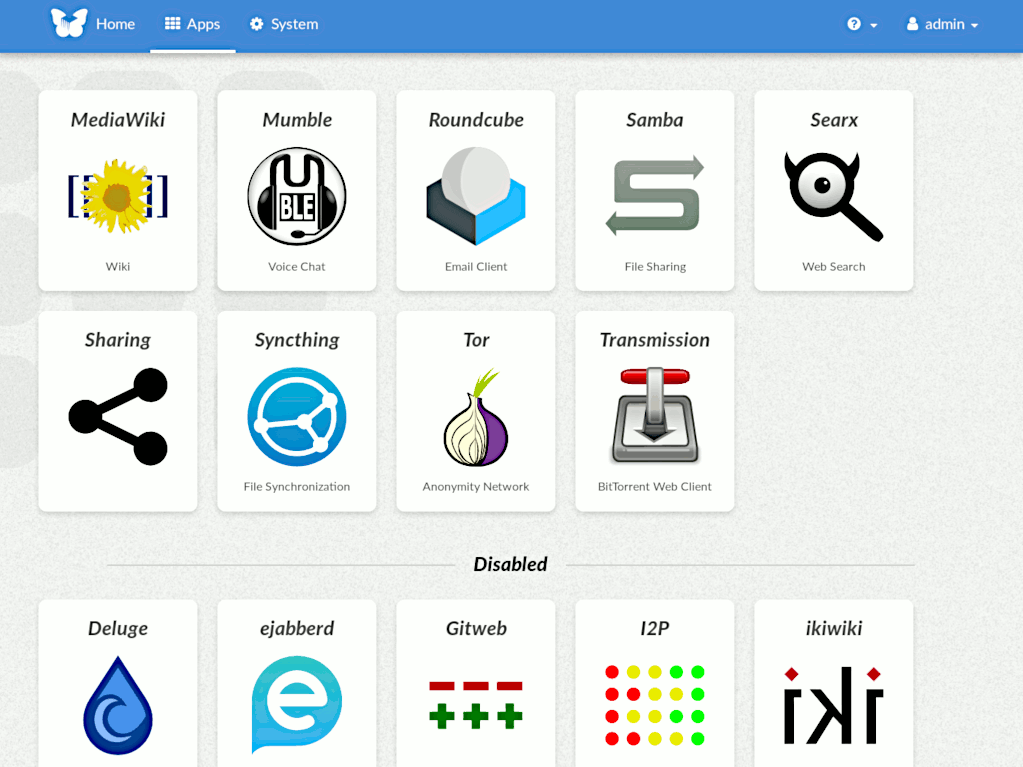
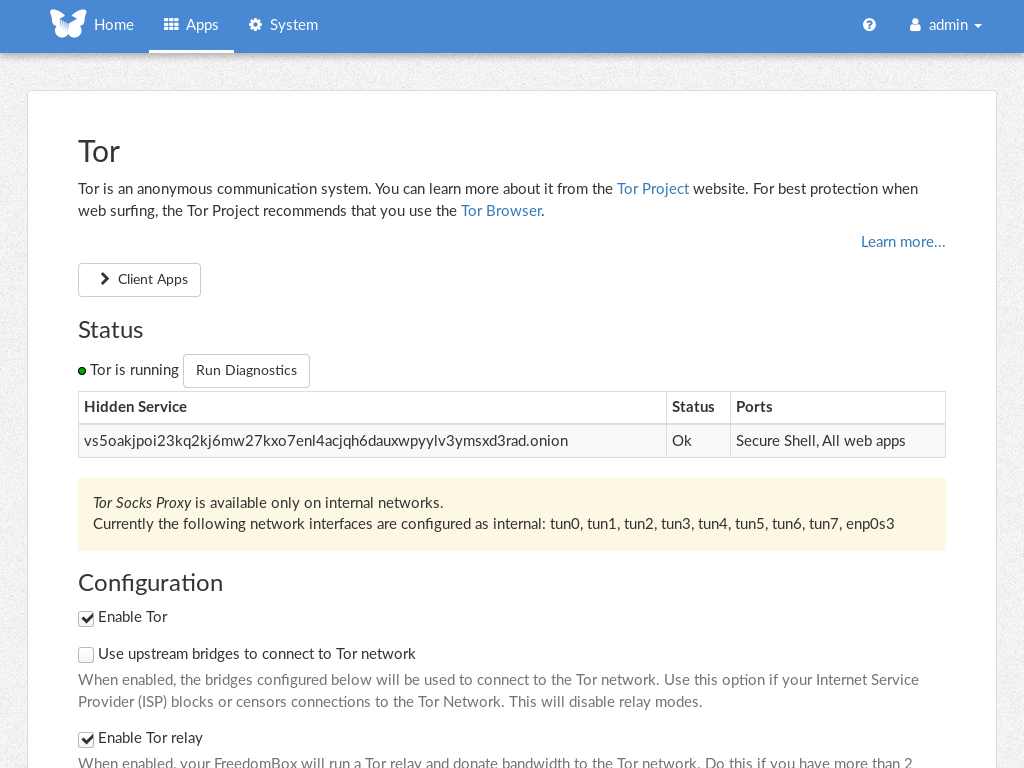
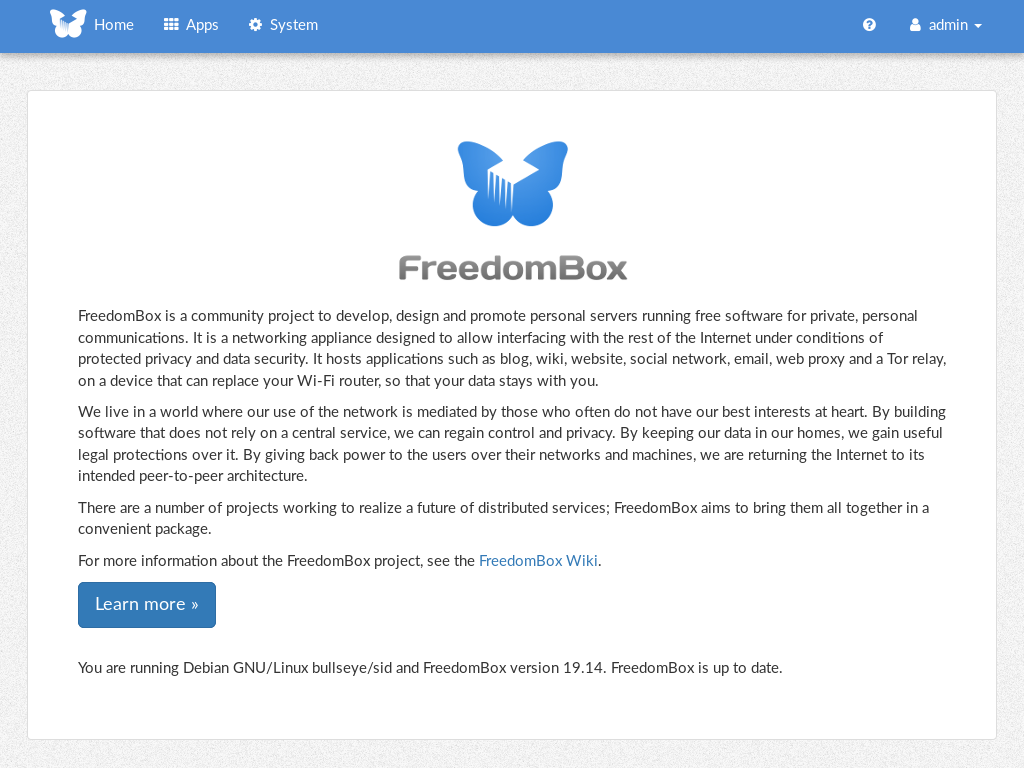
FreedomBox is a community project to develop, design and promote personal servers running free software for private, personal communications. It is a networking appliance designed to allow interfacing with the rest of the Internet under conditions of protected privacy and data security. It hosts applications such as blog, wiki, website, social network, email, web proxy and a Tor relay, on a device that can replace your Wi-Fi router, so that your data stays with you.
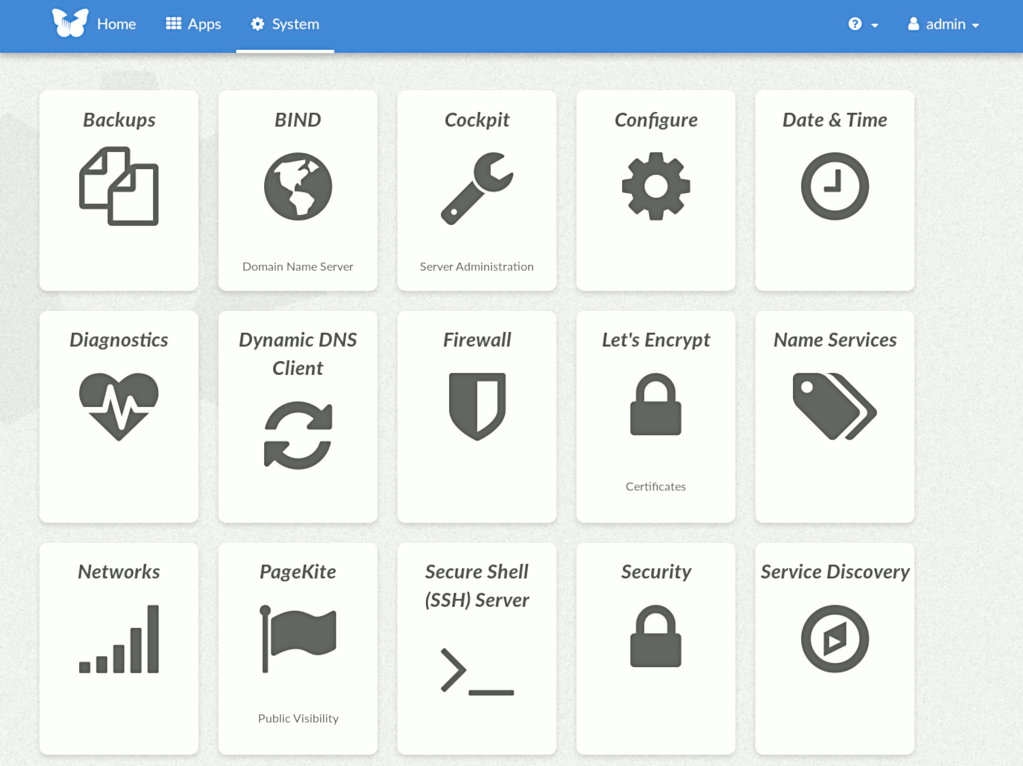
This module, called FreedomBox Service and also know as Plinth, is the core functionality and web interface to the functions of the FreedomBox. It is extensible and provides various applications of FreedomBox as modules. Each module or application provides simplified user interface to control the underlying functionality. As FreedomBox can act as a wireless router, it is possible to configure networking. It also allows configuration of basic system parameters such as time zone, hostname and automatic upgrades.
You can find more information about FreedomBox Service (Plinth) on the Plinth Wiki page, the FreedomBox Wiki and the FreedomBox Manual.
Getting Started
To have a running FreedomBox, first install Debian (Buster or higher) on a clean machine. Then run:
$ sudo apt install freedombox
Full instructions are available on FreedomBox Manual's QuickStart page.
For instructions on running the service on a local machine from source code, see INSTALL.md. For instructions on setting up for development purposes, see HACKING.md.
Contributing
See the HACKING.md file for contributing to FreedomBox Service (Plinth).
Localization
