 e5b7ed4faf
- Add tags to Info component of apps. Use only English tags for all operations.
Localized tags are used for presentation to the user only. Add tags to all the
apps. Conventions (English):

  1. Tags describing use cases should be in kebab case.

  2. Protocols in tag names should be in their canonical format.

  3. Tags needn't be 100% technically correct. This can get in the way of
  comparing apps using a tag. Words that describe use cases that users can
  easily understand should be preferred over being pedantic.

  4. Tags should be short, ideally not more than 2 words. Avoid conjunctions
  like "and", "or" in tags.

  5. Avoid redundant words like "server", or "web-clients". Most apps on
  FreedomBox are either servers or web clients.

  6. Keep your nouns singular in tags.

- Use query
params to filter the Apps page by tags. When all tags are removed, redirect to /apps.

- Add UI elements to add and remove tag filters in the Apps page. Make the UI
similar to GitLab issue tags. Since there are 40 apps, there will be at least 40
tags. Selecting a tag from a dropdown will be difficult on mobile devices. A
fuzzy search is useful to find tags to add to the filter. Allow user to find the
best match for the search term and highlight it visually. The user can then
press Enter to select the highlighted tag. Make tag search case-insensitive.
Make the dropdown menu scrollable with a fixed size. User input is debounced by
300 ms during search.

- tests: Add missing mock in test_module_loader.py

- Add functional tests

[sunil]

- 'list' can be used instead of 'List' for typing in recent Python versions.

- Reserve tripe-quoted strings for docstrings.

- Undo some changes in module initialization, use module_name for logging
errors.

- isort and yapf changes.

- Encode parameters before adding them to the URL.

Tests:

- Tested the functionality of filtering by tag with one tag and two tags.

Signed-off-by: Joseph Nuthalapati <njoseph@riseup.net>
Signed-off-by: Sunil Mohan Adapa <sunil@medhas.org>
Reviewed-by: Sunil Mohan Adapa <sunil@medhas.org>





FreedomBox Service (Plinth)
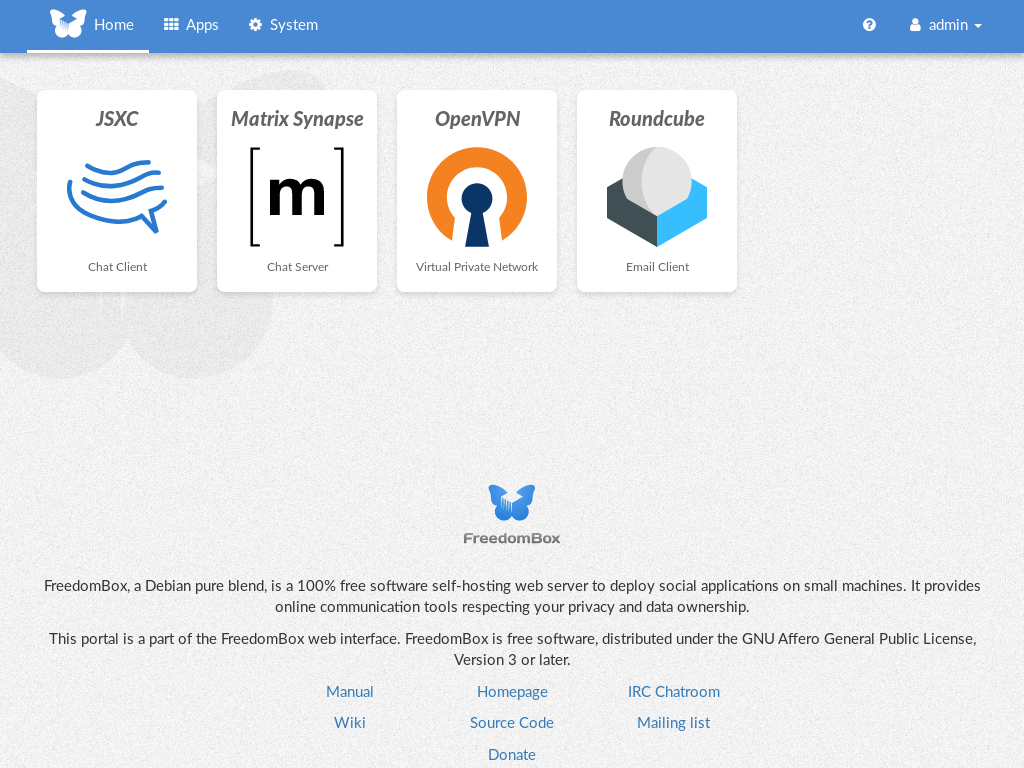
The core functionality and web front-end of FreedomBox.


Description
FreedomBox is a community project to develop, design and promote personal servers running free software for private, personal communications. It is a networking appliance designed to allow interfacing with the rest of the Internet under conditions of protected privacy and data security. It hosts applications such as blog, wiki, website, social network, email, web proxy and a Tor relay, on a device that can replace your Wi-Fi router, so that your data stays with you.
This module, called FreedomBox Service and also know as Plinth, is the core functionality and web interface to the functions of the FreedomBox. It is extensible and provides various applications of FreedomBox as modules. Each module or application provides simplified user interface to control the underlying functionality. As FreedomBox can act as a wireless router, it is possible to configure networking. It also allows configuration of basic system parameters such as time zone, hostname and automatic upgrades.
You can find more information about FreedomBox Service (Plinth) on the Plinth Wiki page, the FreedomBox Wiki and the FreedomBox Manual.
Getting Started
To have a running FreedomBox, first install Debian (Buster or higher) on a clean machine. Then run:
$ sudo apt install freedombox
Full instructions are available on FreedomBox Manual's QuickStart page.
For instructions on running the service on a local machine from source code, see INSTALL.md. For instructions on setting up for development purposes, see HACKING.md.
Contributing
See the HACKING.md file for contributing to FreedomBox Service (Plinth).
Localization

License

FreedomBox is distributed under the GNU Affero General Public License, Version 3 or later. A copy of AGPLv3 is available from the Free Software Foundation.