 f978d2f0d0
- Identify Freedbombox admin who installed the app to be zoph admin.

- Implement backup and restore.

- Photos directory should remain at /var/lib/zoph, for proper operation of
backups.

- There remains an issue that the App is enabled before it is configured but
will not work correctly until configuration.

- OpenStreetMap mapping is enabled. These should be configurable before
installation.

- Add initial forms.py and views.py to Zoph app, however these are currently
unused as urls.py does not invoke the view. When the view is not invoked the
Zoph App installs, with single signon, currently as the first LDAP user, rather
than the plinth user.

- The first user's preferences are not set, and need to be manually set to avoid
other errors.

* Sunil's changes

- Squash commits and re-split them.

- Drop documentation as it will be auto populated from wiki later.

- Remove outdated validation code from manifest.

- Drop some dead code.

- Don't send MySQL password over command line for improved security. Instead
  rely on Unix authentication of root user similar to backup/restore process.

- Use JSON for exchanging configuration dump to avoid encoding errors.

- Add username validation to avoid a potential SQL injection.

- Update description for neural tone and brevity. Add information about how user
  accounts work in FreedomBox

- Fix functional tests.

- Drop all code related to changing photos path until it is ready.

- Update URL from /zoph to /zoph/ to avoid another redirect.

- Fix disabling the app.

- Use icon that Zoph uses for favicon as logo. Update copyright file.

- Fix spelling unzip.

- Minor refactors. Run yapf and isort.

- Use subprocess.run() instead of os.popen() everywhere for better security with
argument parsing.

- Enable OpenStreetMap by default. User have a choice to disable it before using
the app. Add label to explain privacy concerns.

- Fix dropping database by using --force argument.

- Cleanup enabling the app to not enable the app when updating configuration.

- Use AppView's default template instead of overriding.

- Update functional tests to just check if the app is enabled/disabled as
expected. Checking that Zoph site is available will require reliable handling of
admin user.

Signed-off-by: John Lines <john@paladyn.org>
Signed-off-by: Sunil Mohan Adapa <sunil@medhas.org>
Reviewed-by: Sunil Mohan Adapa <sunil@medhas.org>





FreedomBox Service (Plinth)
The core functionality and web front-end of FreedomBox.
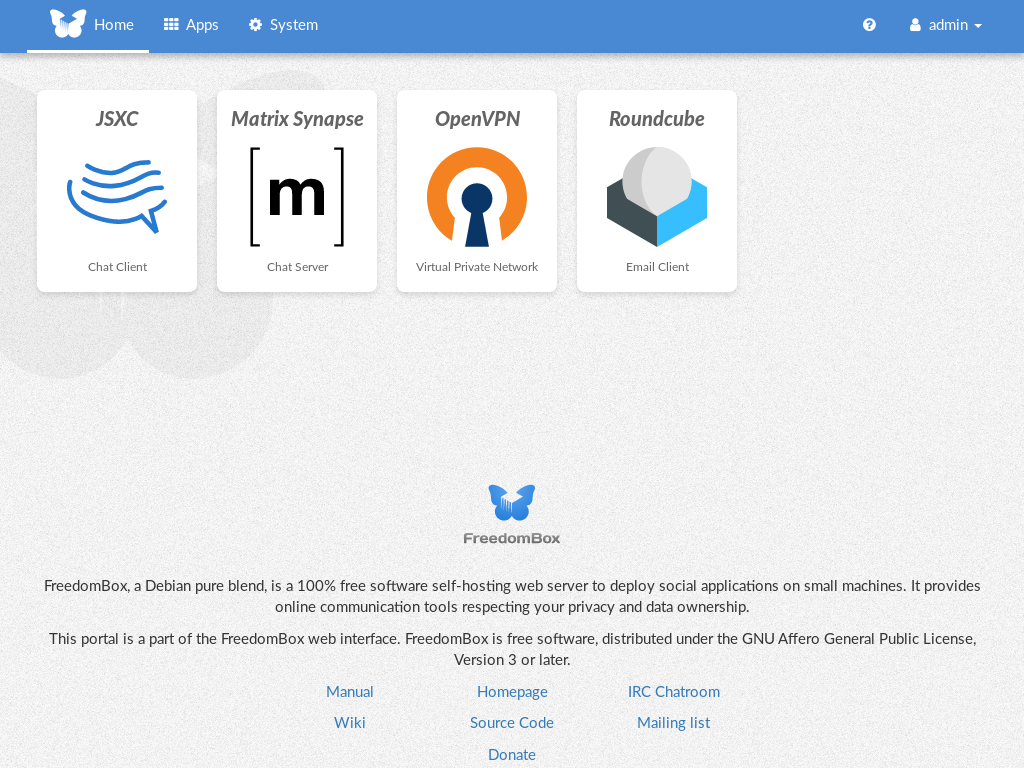


Description
FreedomBox is a community project to develop, design and promote personal servers running free software for private, personal communications. It is a networking appliance designed to allow interfacing with the rest of the Internet under conditions of protected privacy and data security. It hosts applications such as blog, wiki, website, social network, email, web proxy and a Tor relay, on a device that can replace your Wi-Fi router, so that your data stays with you.
This module, called FreedomBox Service and also know as Plinth, is the core functionality and web interface to the functions of the FreedomBox. It is extensible and provides various applications of FreedomBox as modules. Each module or application provides simplified user interface to control the underlying functionality. As FreedomBox can act as a wireless router, it is possible to configure networking. It also allows configuration of basic system parameters such as time zone, hostname and automatic upgrades.
You can find more information about FreedomBox Service (Plinth) on the Plinth Wiki page, the FreedomBox Wiki and the FreedomBox Manual.
Getting Started
To have a running FreedomBox, first install Debian (Buster or higher) on a clean machine. Then run:
$ sudo apt install freedombox
Full instructions are available on FreedomBox Manual's QuickStart page.
For instructions on running the service on a local machine from source code, see INSTALL.md. For instructions on setting up for development purposes, see HACKING.md.
Contributing
See the HACKING.md file for contributing to FreedomBox Service (Plinth).
Localization
