03120bac32
* feat(subsonic): add averageRating to API responses

Add averageRating attribute to Subsonic API responses for artists,
albums, and songs. The average is calculated across all user ratings.

* perf(db): add index for average rating queries

Add composite index on (item_id, item_type, rating) to optimize
the correlated subquery used for calculating average ratings.

Signed-off-by: Terry Raimondo <terry.raimondo@gmail.com>

* test: add tests for averageRating feature

Add tests for:
- Album.AverageRating calculation in persistence layer
- MediaFile.AverageRating calculation in persistence layer
- AverageRating mapping in subsonic response helpers

Signed-off-by: Terry Raimondo <terry.raimondo@gmail.com>

* test: improve averageRating rounding test with 3 users

Add third test user to fixtures and update rounding test to use
3 ratings (5 + 4 + 4) / 3 = 4.33 for proper decimal rounding coverage.

Signed-off-by: Terry Raimondo <terry.raimondo@gmail.com>

* perf: store avg_rating on entity tables instead of using subquery

- Add avg_rating column to album, media_file, and artist tables
- Update SetRating() to recalculate and store average when ratings change
- Read avg_rating directly from entity table in withAnnotation()
- Remove old annotation index migration (no longer needed)

This trades write-time computation for read-time performance by
pre-computing the average rating instead of using a correlated
subquery on every read.

* feat: add Subsonic.EnableAverageRating config option (default true)

Allow administrators to disable exposing averageRating in Subsonic API
responses if they don't want to expose other users' rating data.

The avg_rating column is still updated internally when users rate items,
but the value is only included in API responses when this option is enabled.

* address PR comments

- Use structs:"avg_rating" with db:"avg_rating" tag instead of SQL alias
- Remove avg_rating indexes (not needed)
- Populate avg_rating columns from existing ratings in migration

* Woops

* rename avg_rating column to average_rating

---------

Signed-off-by: Terry Raimondo <terry.raimondo@gmail.com>

Navidrome Music Server 








Navidrome is an open source web-based music collection server and streamer. It gives you freedom to listen to your music collection from any browser or mobile device. It's like your personal Spotify!
Note: The master branch may be in an unstable or even broken state during development.
Please use releases instead of
the master branch in order to get a stable set of binaries.
Check out our Live Demo!
Any feedback is welcome! If you need/want a new feature, find a bug or think of any way to improve Navidrome, please file a GitHub issue or join the discussion in our Subreddit. If you want to contribute to the project in any other way (ui/backend dev, translations, themes), please join the chat in our Discord server.
Installation
See instructions on the project's website
Cloud Hosting
PikaPods has partnered with us to offer you an officially supported, cloud-hosted solution. A share of the revenue helps fund the development of Navidrome at no additional cost for you.

Features
- Handles very large music collections
- Streams virtually any audio format available
- Reads and uses all your beautifully curated metadata
- Great support for compilations (Various Artists albums) and box sets (multi-disc albums)
- Multi-user, each user has their own play counts, playlists, favourites, etc...
- Very low resource usage
- Multi-platform, runs on macOS, Linux and Windows. Docker images are also provided
- Ready to use binaries for all major platforms, including Raspberry Pi
- Automatically monitors your library for changes, importing new files and reloading new metadata
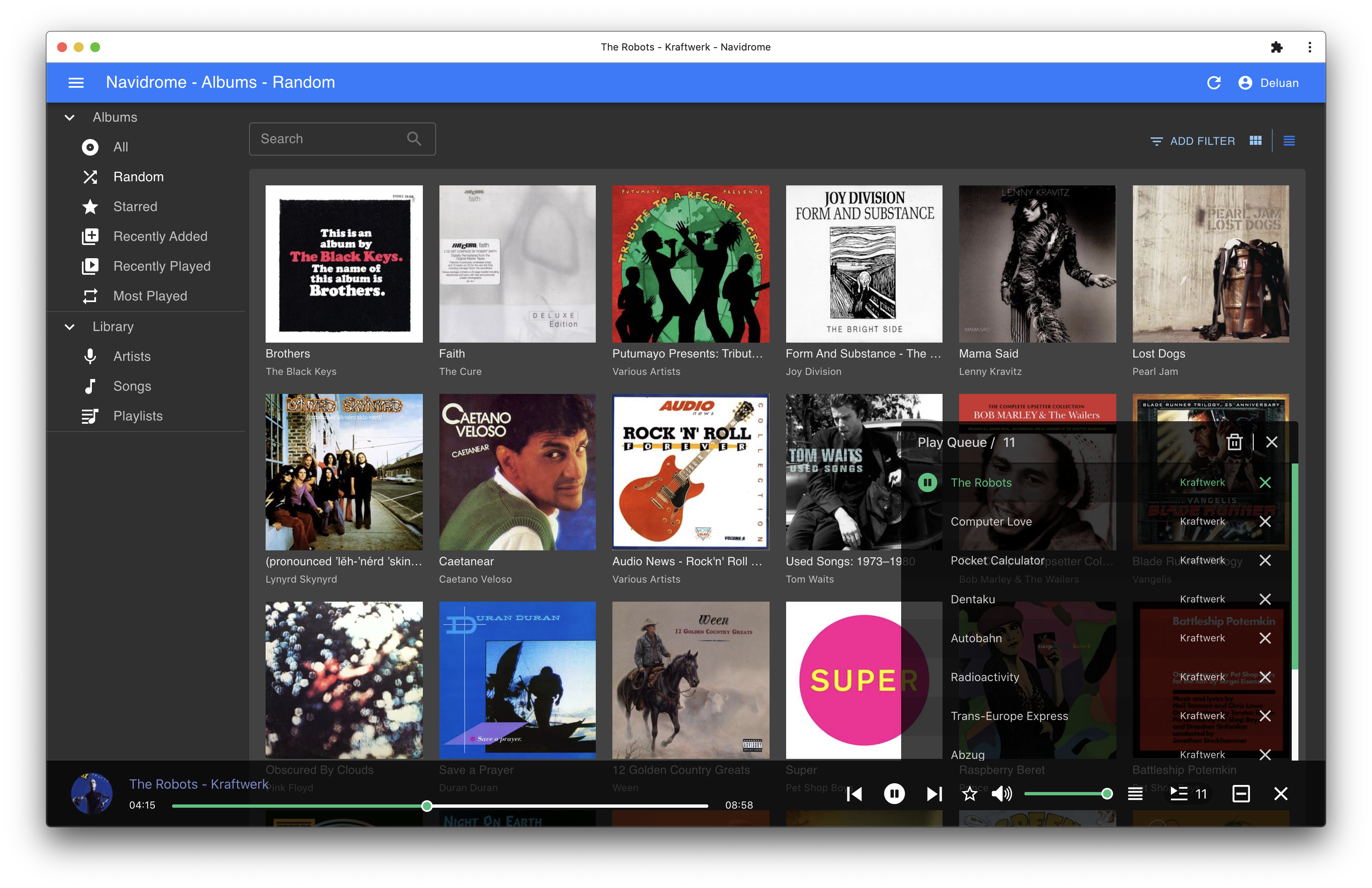
- Themeable, modern and responsive Web interface based on Material UI
- Compatible with all Subsonic/Madsonic/Airsonic clients
- Transcoding on the fly. Can be set per user/player. Opus encoding is supported
- Translated to various languages
Translations
Navidrome uses POEditor for translations, and we are always looking for more contributors
Documentation
All documentation can be found in the project's website: https://www.navidrome.org/docs. Here are some useful direct links:
Screenshots