066fc5eac2
# APlayer Integration for Navidrome Shares

This integration allows you to share music from Navidrome using APlayer, a beautiful HTML5 music player, without requiring authentication.

## Features

- 🎵 Beautiful, responsive music player interface
- 🔐 No authentication required - works with public share links
- ⏰ Respects share expiration dates
- 🎨 Clean, modern design
- 📱 Mobile-friendly
- 🔗 Easy to embed on external websites

## How to Use

### 1. Create a Share in Navidrome

1. In Navidrome, select songs, albums, or playlists you want to share
2. Click the share button and create a share link
3. Configure the share settings (expiration, description, etc.)

### 2. Get the APlayer URL

1. Go to the Navidrome admin panel
2. Navigate to "Shares" in the menu
3. Click on your share to edit it
4. You'll see two URLs:
   - **Share URL**: The regular Navidrome share page
   - **APlayer Embed URL**: The APlayer player page

### 3. Share or Embed

You can either:

- **Direct link**: Share the APlayer URL directly for people to listen in their browser
- **Embed in website**: Use an iframe to embed the player on your own website

#### Embed Example

```html
<iframe
  src="http://your-navidrome-server/share/SHARE_ID/aplayer"
  width="100%"
  height="500"
  frameborder="0"
  allow="autoplay">
</iframe>
```

## Technical Details

### How It Works

1. The APlayer page loads the share data from the server (no authentication needed)
2. Track streaming uses JWT tokens embedded in the share link
3. Tokens automatically expire when the share expires
4. All streaming is done through Navidrome's public API endpoints

### CDN vs. Vendored Assets

**✅ Current Implementation**: APlayer assets are vendored locally and served from the application

- Files are embedded in the Navidrome binary
- No external CDN dependencies
- Works in offline/intranet environments
- Better privacy and performance

For details on the vendoring implementation, see [VENDOR_APLAYER.md](VENDOR_APLAYER.md).

### Security

- No username/password required
- Uses the same security model as regular Navidrome shares
- JWT tokens are scoped to specific shares
- Respects share expiration dates
- Cannot access data outside the shared content

### Files Added/Modified

**New Files:**
- `resources/aplayer.html` - HTML template for the APlayer page
- `resources/aplayer-share.js` - JavaScript that initializes APlayer with share data

**Modified Files:**
- `server/public/public.go` - Added route for `/share/:id/aplayer`
- `server/public/handle_shares.go` - Added handler for APlayer page
- `ui/src/utils/urls.js` - Added `shareAPlayerUrl()` function
- `ui/src/share/ShareEdit.jsx` - Added APlayer URL display

## Customization

### Styling

You can customize the appearance by modifying `resources/aplayer.html`. The default theme uses a purple gradient background, but you can change:

- Colors and gradients
- Player theme color
- Layout and spacing
- Font styles

### Player Options

Edit `resources/aplayer-share.js` to modify APlayer settings:

```javascript
const ap = new APlayer({
  autoplay: false,    // Auto-start playback
  theme: '#b7daff',   // Player color theme
  loop: 'all',        // Loop mode (all/one/none)
  volume: 0.7,        // Default volume (0-1)
  // ... more options
});
```

For all available options, see [APlayer documentation](https://aplayer.js.org/).

## Credits

- [Navidrome](https://github.com/navidrome/navidrome) - Modern Music Server
- [APlayer](https://github.com/DIYgod/APlayer) - Beautiful HTML5 Music Player
- [AplayerForNavidrome](https://github.com/maytom2016/AplayerForNavidrome) - Original inspiration

## License

This integration follows the same license as Navidrome (GPL-3.0).

# Vendoring APlayer Assets (✅ COMPLETED)

The APlayer integration now uses locally vendored assets instead of CDN-hosted files. This provides better reliability, offline support, and privacy.

## Implementation Status: ✅ Complete

The following has been implemented:

1. ✅ Asset handlers created (`server/public/handle_aplayer_assets.go`)
2. ✅ Routes added for `/public/aplayer/APlayer.min.css` and `/public/aplayer/APlayer.min.js`
3. ✅ Template updated to use local assets
4. ✅ Files downloaded to `resources/` folder

## Benefits

- ✅ Works in offline/intranet environments
- ✅ No external dependencies
- ✅ Better privacy (no CDN tracking)
- ✅ Consistent versioning
- ✅ Faster load times (no external requests)
- ✅ Assets cached for 1 year for performance

## How It Works

1. APlayer CSS and JS files are stored in `resources/` directory
2. Go's embed.FS automatically embeds them into the binary
3. Public routes serve the files at `/public/aplayer/APlayer.min.css` and `/public/aplayer/APlayer.min.js`
4. The HTML template references these local URLs
5. Browser caches assets for optimal performance

## Files Involved

- `resources/APlayer.min.css` - APlayer stylesheet (12.5 KB)
- `resources/APlayer.min.js` - APlayer library (59.3 KB)
- `server/public/handle_aplayer_assets.go` - Asset serving handlers
- `server/public/public.go` - Route registration
- `resources/aplayer.html` - Template with local asset references

Navidrome Music Server 








Navidrome is an open source web-based music collection server and streamer. It gives you freedom to listen to your music collection from any browser or mobile device. It's like your personal Spotify!
Note: The master branch may be in an unstable or even broken state during development.
Please use releases instead of
the master branch in order to get a stable set of binaries.
Check out our Live Demo!
Any feedback is welcome! If you need/want a new feature, find a bug or think of any way to improve Navidrome, please file a GitHub issue or join the discussion in our Subreddit. If you want to contribute to the project in any other way (ui/backend dev, translations, themes), please join the chat in our Discord server.
Installation
See instructions on the project's website
Cloud Hosting
PikaPods has partnered with us to offer you an officially supported, cloud-hosted solution. A share of the revenue helps fund the development of Navidrome at no additional cost for you.

Features
- Handles very large music collections
- Streams virtually any audio format available
- Reads and uses all your beautifully curated metadata
- Great support for compilations (Various Artists albums) and box sets (multi-disc albums)
- Multi-user, each user has their own play counts, playlists, favourites, etc...
- Very low resource usage
- Multi-platform, runs on macOS, Linux and Windows. Docker images are also provided
- Ready to use binaries for all major platforms, including Raspberry Pi
- Automatically monitors your library for changes, importing new files and reloading new metadata
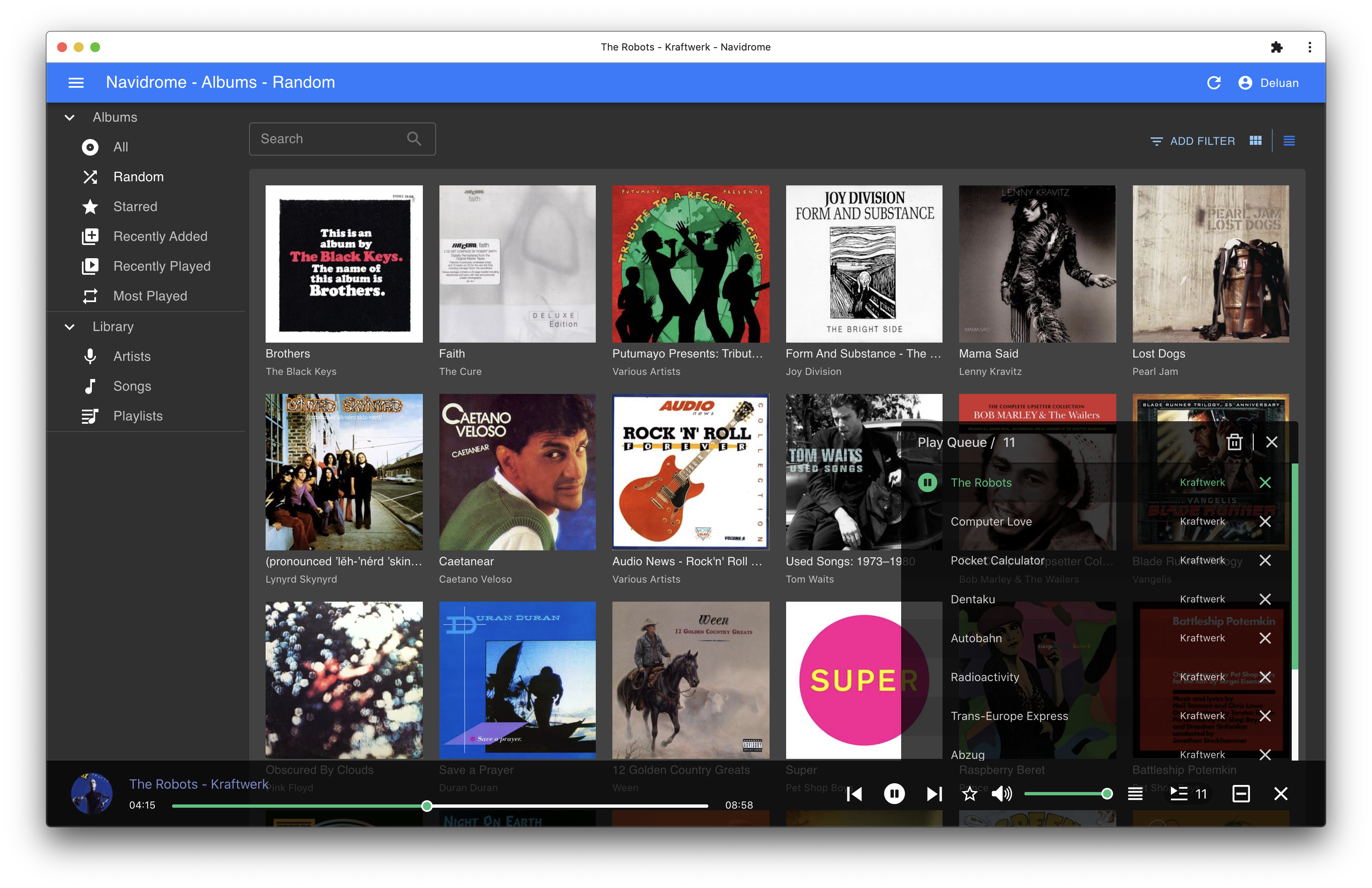
- Themeable, modern and responsive Web interface based on Material UI
- Compatible with all Subsonic/Madsonic/Airsonic clients
- Transcoding on the fly. Can be set per user/player. Opus encoding is supported
- Translated to various languages
Translations
Navidrome uses POEditor for translations, and we are always looking for more contributors
Documentation
All documentation can be found in the project's website: https://www.navidrome.org/docs. Here are some useful direct links:
Screenshots