279ff98e0d
* fix(ui): stop precaching index.html so logins can't show the wrong user

index.html is rendered per-user by the server: it carries __APP_CONFIG__,
including the auth payload (user id, name, role, Subsonic token) when
authentication comes from a reverse-proxy header. Workbox precached it, and
because precacheAndRoute registers its route before the NetworkOnly
NavigationRoute, every navigation to /app/ was answered from Cache Storage
with a frozen copy of whoever installed the service worker.

With ExtAuth, signing out and back in as a different user therefore kept
showing the previous user, along with their Subsonic token. Cache Storage
ignores the no-store header serve_index.go already sets, and ignores the
browser's "disable cache", so only clearing site data recovered.

Excluding index.html from the precache manifest lets the NetworkOnly
navigation strategy do the job it was written for. Existing poisoned caches
heal themselves: the entry is dropped when the new manifest activates.

The same stale document caused the create-admin dialog to reappear (#3613),
patched then by calling removeHomeCache() after login. That helper only ran
on password login and token refresh, so it never covered the ExtAuth path,
and a refetch re-poisoned the cache anyway. Fixing the cause makes it dead
code, so it is removed.

Also serve the offline page on 5xx: it arrives as a normal response, so the
existing catch never saw it, and without a precached shell a restarting
server would surface a raw gateway error. The offline copy is reworded to
fit both causes.

* test(ui): cover the service worker navigation fallback rules

The handler lived inside sw.js, which only loads in a service worker where
workbox arrives via importScripts, so none of it was reachable from vitest.
Moving the decision into its own module pins the rules that matter: a 5xx
falls back to the offline page like a thrown network error does, while 4xx
and 304 still pass through to the app.

Navidrome Music Server 








Navidrome is an open source web-based music collection server and streamer. It gives you freedom to listen to your music collection from any browser or mobile device. It's like your personal Spotify!
Note: The master branch may be in an unstable or even broken state during development.
Please use releases instead of
the master branch in order to get a stable set of binaries.
Check out our Live Demo!
Any feedback is welcome! If you need/want a new feature, find a bug or think of any way to improve Navidrome, please file a GitHub issue or join the discussion in our Subreddit. If you want to contribute to the project in any other way (ui/backend dev, translations, themes), please join the chat in our Discord server.
Installation
See instructions on the project's website
Cloud Hosting
PikaPods has partnered with us to offer you an officially supported, cloud-hosted solution. A share of the revenue helps fund the development of Navidrome at no additional cost for you.

Features
- Handles very large music collections
- Streams virtually any audio format available
- Reads and uses all your beautifully curated metadata
- Great support for compilations (Various Artists albums) and box sets (multi-disc albums)
- Multi-user, each user has their own play counts, playlists, favourites, etc...
- Very low resource usage
- Multi-platform, runs on macOS, Linux and Windows. Docker images are also provided
- Ready to use binaries for all major platforms, including Raspberry Pi
- Automatically monitors your library for changes, importing new files and reloading new metadata
- Supports lyrics from sidecar .ttml, .yaml/.yml Lyricsfile, .elrc, .lrc, .srt, .txt files and embedded TTML, Enhanced LRC, LRC, SRT, and plain-text tags (via
lyricspriority) - Themeable, modern and responsive Web interface based on Material UI
- Compatible with all Subsonic/Madsonic/Airsonic clients
- Transcoding on the fly. Can be set per user/player. Opus encoding is supported
- Translated to various languages
Translations
Navidrome uses POEditor for translations, and we are always looking for more contributors
Documentation
All documentation can be found in the project's website: https://www.navidrome.org/docs. Here are some useful direct links:
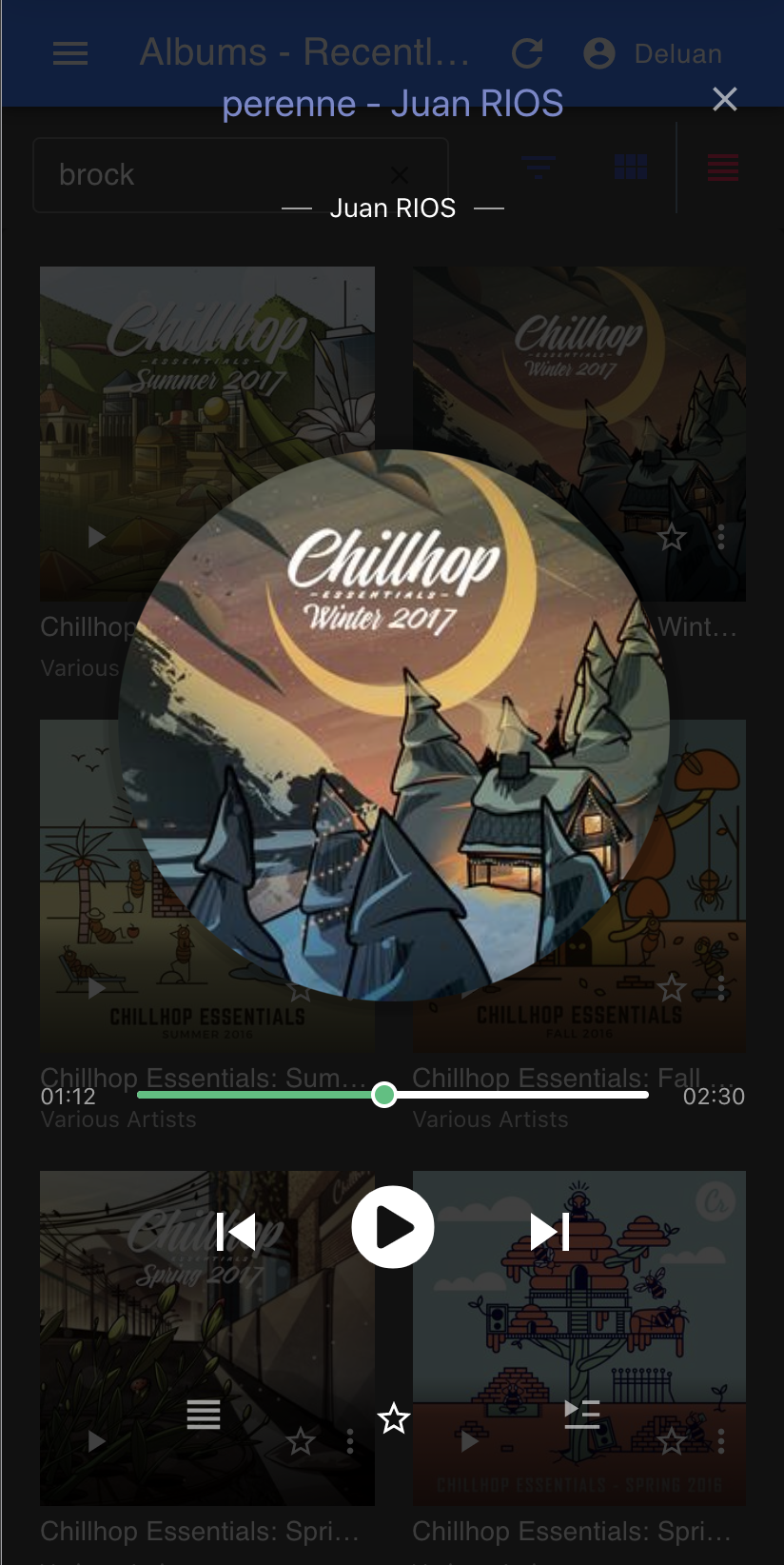
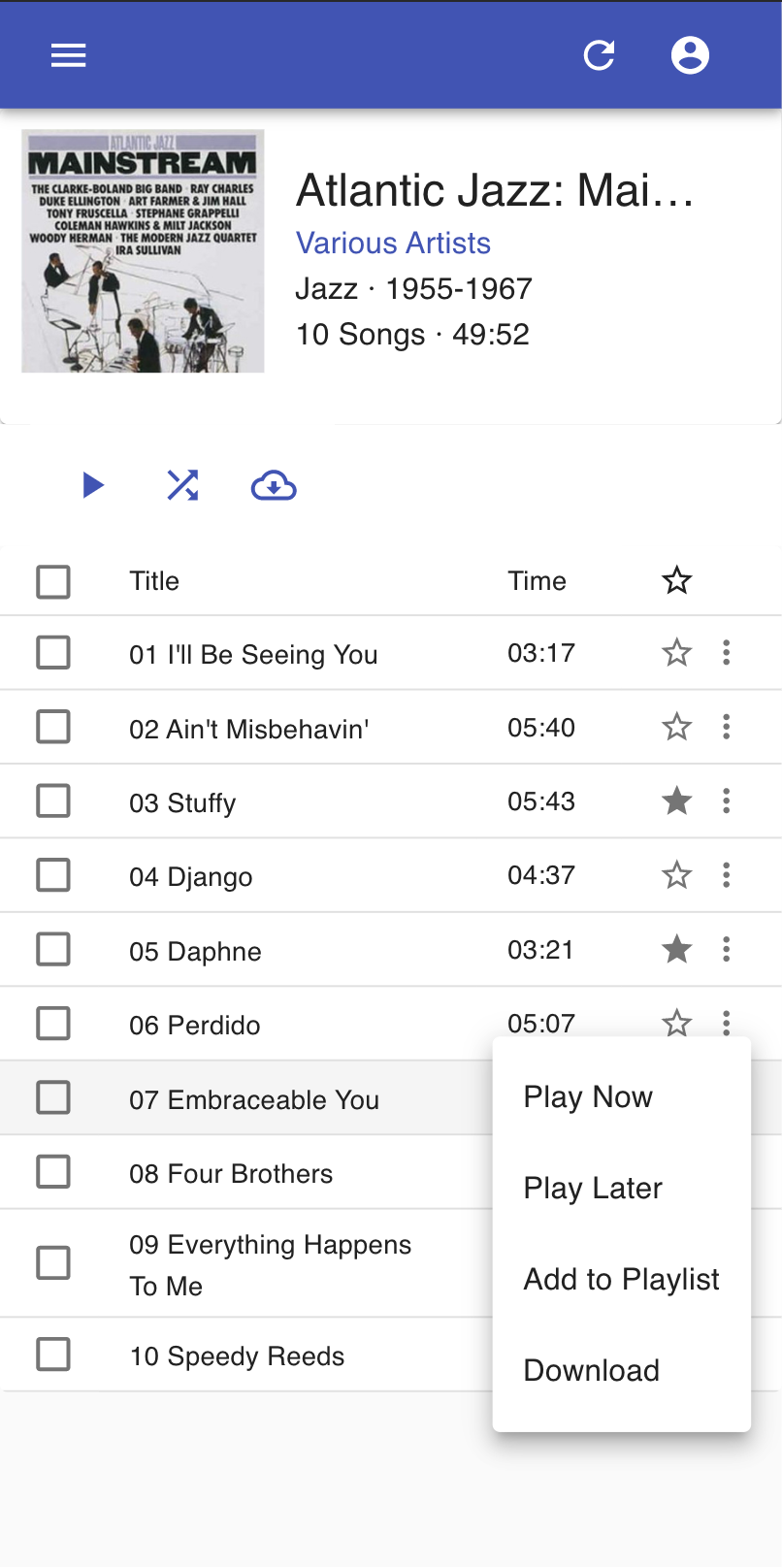
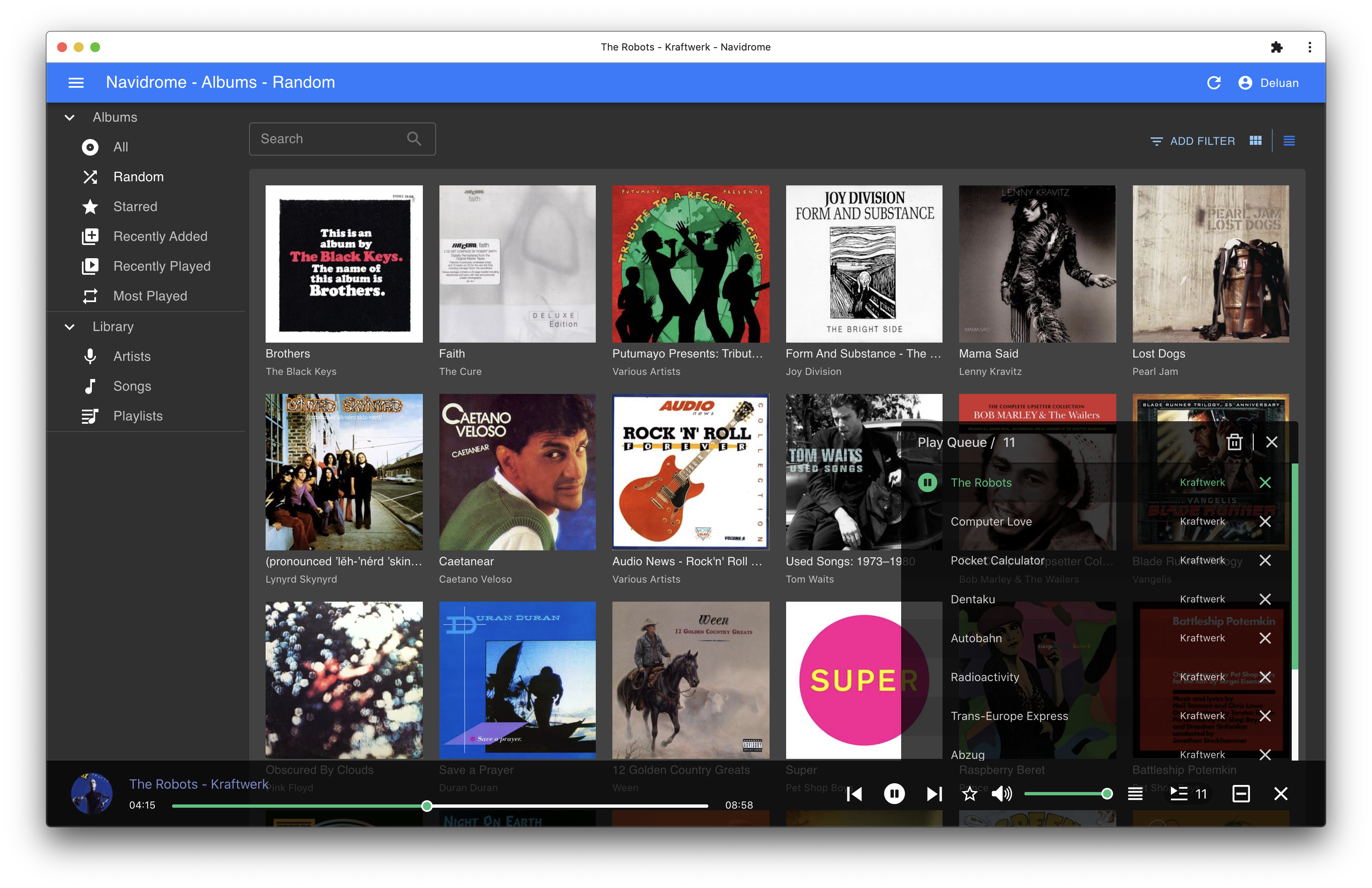
Screenshots