2802c05a66
* Implementing the RememberProperty pattern for the settings set
through the UI on install. Previously, these got reset on upgrade.

This is as simple as squirrelling them away in the registry for
all settings except for the INSTALLDIR, as the INSTALLDIR depends
on the environment that the msi is being installed into (i.e. the
actual location of ProgramFiles can be anywhere technically), that
needs to be dynamically set after the CostFinalize phase and in the
version of WiX schema supported by wixl needs to be implemented
through a customAction.

This will not fix the upgrade issue for existing installs, as the
information entered doesn't exist in the registry or anything so
the best option imo is to backup the navidrome database and config
uninstall the old version and install the new version with the
desired paths. It should then upgrade from there on correctly.

* Make it possible to build 386 and amd64 on the same machine

* When upgrading from the pre-fix installer, it would dump everything
into the C:\ root as the UI never executes to set the value for
the MSI_INSTALLATIONDIRECTORY, and the custom action doesn't run
on upgrade as we should be reading from the registry in that situation

This will force the customaction to run when the path is the confusingly
named TARGETDIR (which is C:\ in 99% of cases).

All other properties when upgrading from the pre-fix to the fix
will be reset to the default values as well; which was the same
as the previous behaviour anyway.

* build(msi): drop local ffmpeg download cache

The cache key did not include the ffmpeg version, and a partial download
would stick forever. CI runners start clean, so the cache only helped
local builds.

* fix(msi): set install directory during silent installs and upgrades

SetInstallDirProperty only ran in InstallUISequence, which Windows
Installer skips for /passive and /qn (the modes winget uses). With
MSI_INSTALLATIONDIRECTORY unset, the files and the service went to the
root of the drive with the most free space. Upgrades from releases that
did not store MSI_INSTALLATIONDIRECTORY in the registry hit the same
path, even with the full UI.

The action now runs before CostFinalize in both sequences, whenever the
registry search did not find a saved directory, and defaults to
[ProgramFiles64Folder]Navidrome\ (ProgramFilesFolder on x86) so it does
not depend on INSTALLDIR being resolved. The unused INSTALLDIR directory
is removed.

Verified on a GitHub Actions Windows runner: fresh installs with /passive,
/qn and /qr, upgrades from 0.63.1 with /passive and /qr, and an upgrade
between two fixed builds that keeps a custom directory and port.

---------

Co-authored-by: Deluan Quintão <deluan@navidrome.org>

Navidrome Music Server 








Navidrome is an open source web-based music collection server and streamer. It gives you freedom to listen to your music collection from any browser or mobile device. It's like your personal Spotify!
Note: The master branch may be in an unstable or even broken state during development.
Please use releases instead of
the master branch in order to get a stable set of binaries.
Check out our Live Demo!
Any feedback is welcome! If you need/want a new feature, find a bug or think of any way to improve Navidrome, please file a GitHub issue or join the discussion in our Subreddit. If you want to contribute to the project in any other way (ui/backend dev, translations, themes), please join the chat in our Discord server.
Installation
See instructions on the project's website
Cloud Hosting
PikaPods has partnered with us to offer you an officially supported, cloud-hosted solution. A share of the revenue helps fund the development of Navidrome at no additional cost for you.

Features
- Handles very large music collections
- Streams virtually any audio format available
- Reads and uses all your beautifully curated metadata
- Great support for compilations (Various Artists albums) and box sets (multi-disc albums)
- Multi-user, each user has their own play counts, playlists, favourites, etc...
- Very low resource usage
- Multi-platform, runs on macOS, Linux and Windows. Docker images are also provided
- Ready to use binaries for all major platforms, including Raspberry Pi
- Automatically monitors your library for changes, importing new files and reloading new metadata
- Supports lyrics from sidecar .ttml, .yaml/.yml Lyricsfile, .elrc, .lrc, .srt, .txt files and embedded TTML, Enhanced LRC, LRC, SRT, and plain-text tags (via
lyricspriority) - Themeable, modern and responsive Web interface based on Material UI
- Compatible with all Subsonic/Madsonic/Airsonic clients
- Transcoding on the fly. Can be set per user/player. Opus encoding is supported
- Translated to various languages
Translations
Navidrome uses POEditor for translations, and we are always looking for more contributors
Documentation
All documentation can be found in the project's website: https://www.navidrome.org/docs. Here are some useful direct links:
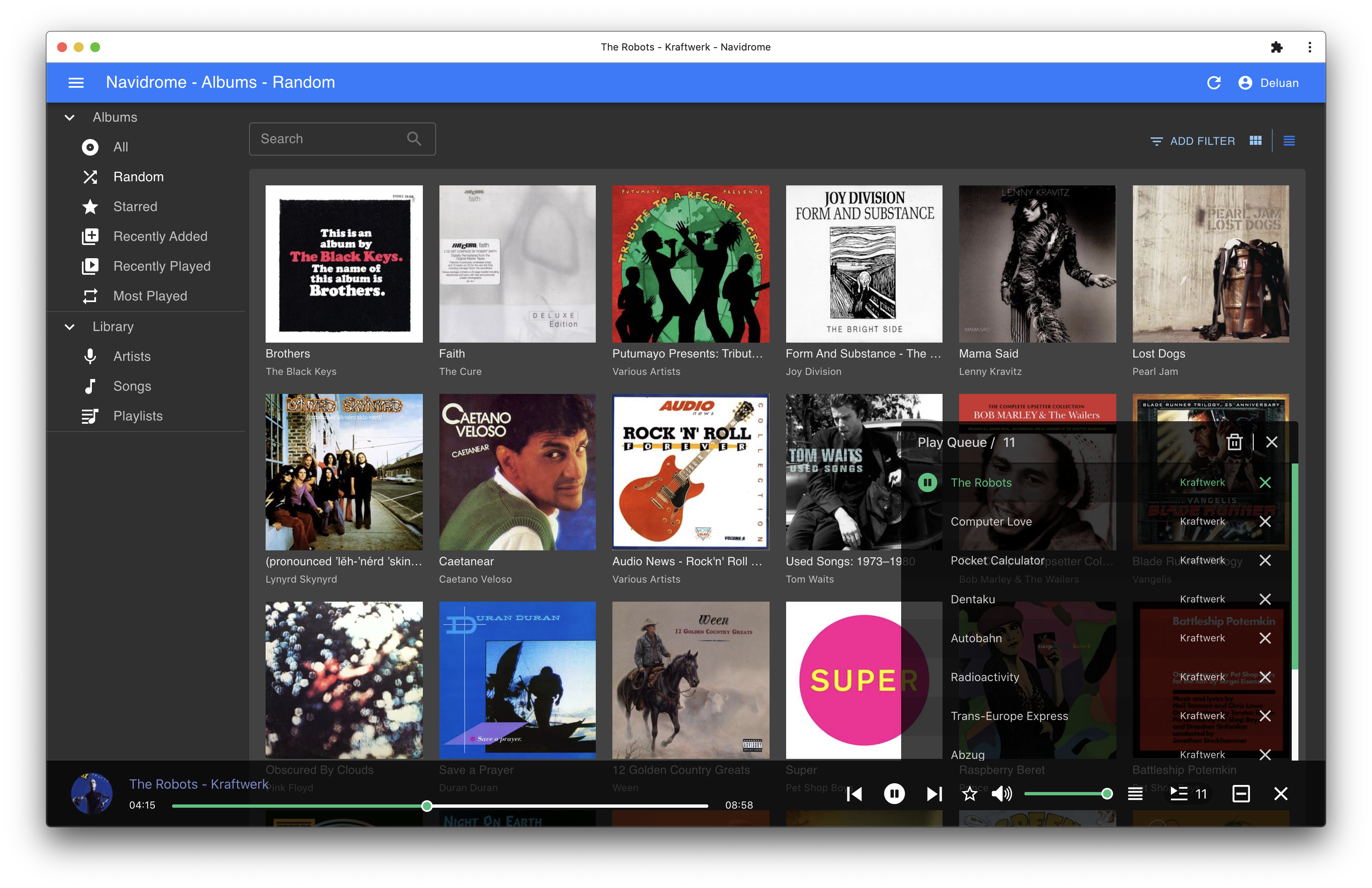
Screenshots