5927e693d1
* feat(persistence): add AlbumRepository.GetYears for distinct album years

* test(persistence): verify GetYears de-duplicates repeated years

Regression test that adds two albums with the same non-zero max_year
(2005) and verifies that GetYears() returns that year exactly once,
ensuring the SQL DISTINCT clause is applied correctly. Catches any
future removal of DISTINCT from the GetYears query.

* feat(jellyfin): add legacy /Items/Filters endpoint (genres + years)

* feat(jellyfin): add /Studios endpoint from record label tags

* refactor(persistence): drop duplicate columns in tagRepository.GetAll

* fix(jellyfin): exclude missing albums from filter years

GetYears only filtered max_year > 0, so albums whose files were all removed
(missing=true, kept when Scanner.PurgeMissing=never) contributed stale years
to /Items/Filters. Filter them out like the normal album listings do. Also
return an empty slice from the MockAlbumRepo to match the real repository.

* feat(jellyfin): filter /Items by Years=

* feat(jellyfin): filter /Items by StudioIds= (record labels)

* feat(jellyfin): scope filter and studio lists to ParentId library

* refactor(jellyfin): extract parentIDScope and libraryScopeFilter helpers

Collapse the three inline resolveLibraryScope(dto.DecodeID(parentid)) call
sites and the duplicated empty-scope guard into two small helpers, so the
empty-scope=unrestricted contract lives in one place. Reuse the existing
names() helper in the Years= e2e test.

* feat(jellyfin): expose record labels as album Studios

Add a Studios field to the album BaseItemDto, populated from the record-label
tags and gated behind Fields=Studios (matching Jellyfin's ItemFields
convention). Studio ids reuse the record-label tag identity, so they round-trip
with the /Studios list and the StudioIds= filter. Real Jellyfin leaves Studios
empty for music; Feishin reads it as the album's record label.

Navidrome Music Server 








Navidrome is an open source web-based music collection server and streamer. It gives you freedom to listen to your music collection from any browser or mobile device. It's like your personal Spotify!
Note: The master branch may be in an unstable or even broken state during development.
Please use releases instead of
the master branch in order to get a stable set of binaries.
Check out our Live Demo!
Any feedback is welcome! If you need/want a new feature, find a bug or think of any way to improve Navidrome, please file a GitHub issue or join the discussion in our Subreddit. If you want to contribute to the project in any other way (ui/backend dev, translations, themes), please join the chat in our Discord server.
Installation
See instructions on the project's website
Cloud Hosting
PikaPods has partnered with us to offer you an officially supported, cloud-hosted solution. A share of the revenue helps fund the development of Navidrome at no additional cost for you.

Features
- Handles very large music collections
- Streams virtually any audio format available
- Reads and uses all your beautifully curated metadata
- Great support for compilations (Various Artists albums) and box sets (multi-disc albums)
- Multi-user, each user has their own play counts, playlists, favourites, etc...
- Very low resource usage
- Multi-platform, runs on macOS, Linux and Windows. Docker images are also provided
- Ready to use binaries for all major platforms, including Raspberry Pi
- Automatically monitors your library for changes, importing new files and reloading new metadata
- Supports lyrics from sidecar .ttml, .yaml/.yml Lyricsfile, .elrc, .lrc, .srt, .txt files and embedded TTML, Enhanced LRC, LRC, SRT, and plain-text tags (via
lyricspriority) - Themeable, modern and responsive Web interface based on Material UI
- Compatible with all Subsonic/Madsonic/Airsonic clients
- Transcoding on the fly. Can be set per user/player. Opus encoding is supported
- Translated to various languages
Translations
Navidrome uses POEditor for translations, and we are always looking for more contributors
Documentation
All documentation can be found in the project's website: https://www.navidrome.org/docs. Here are some useful direct links:
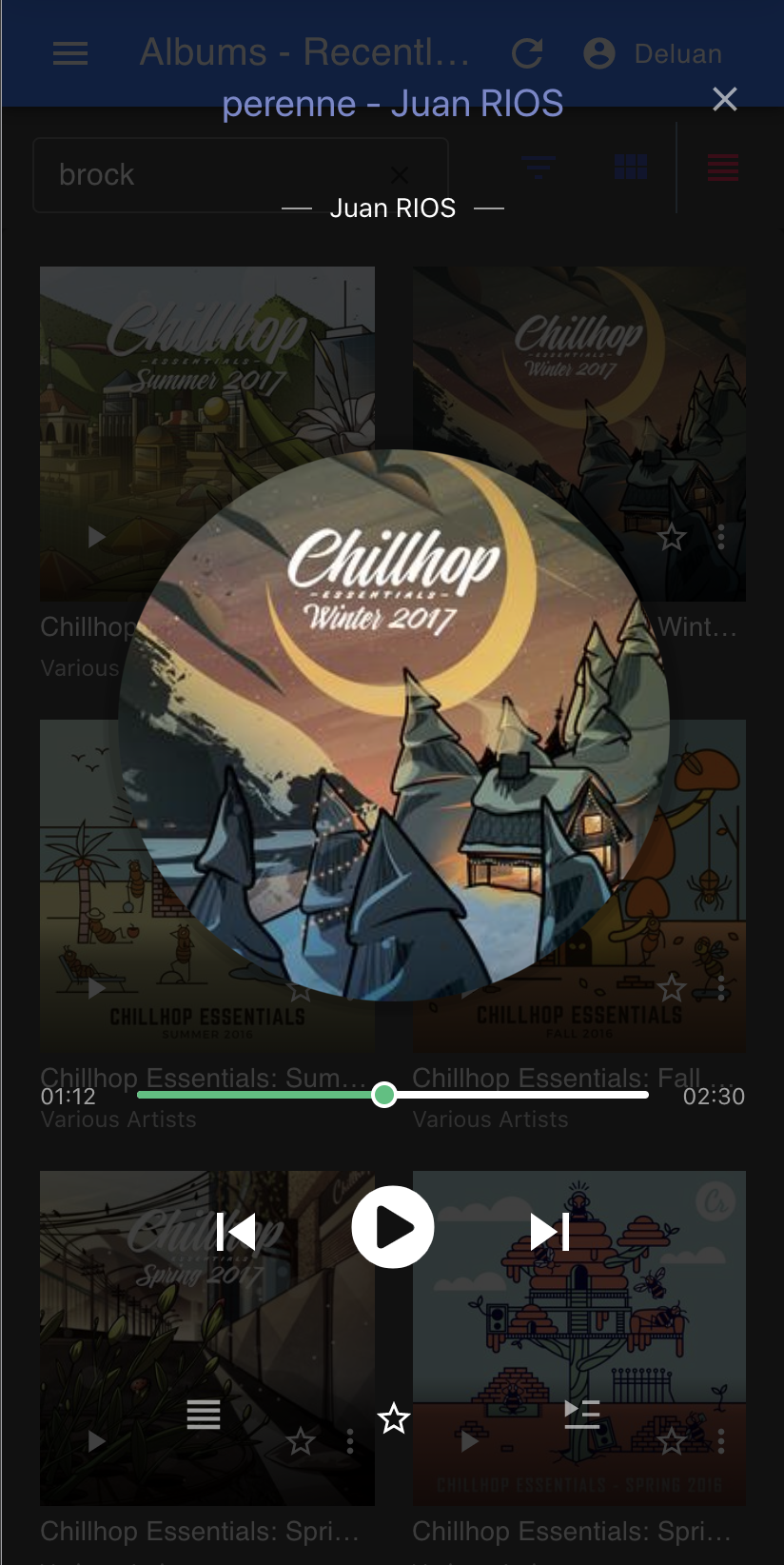
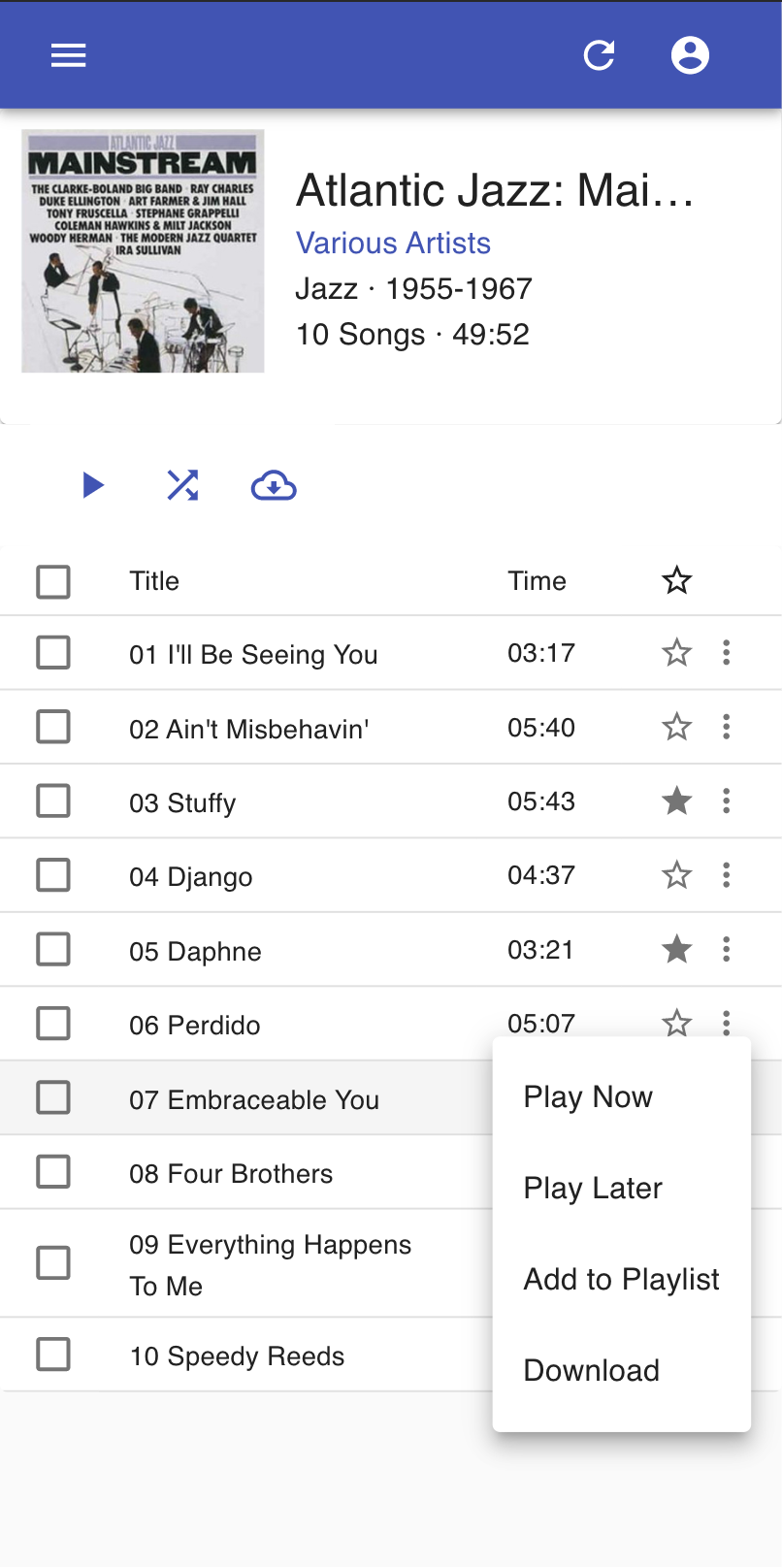
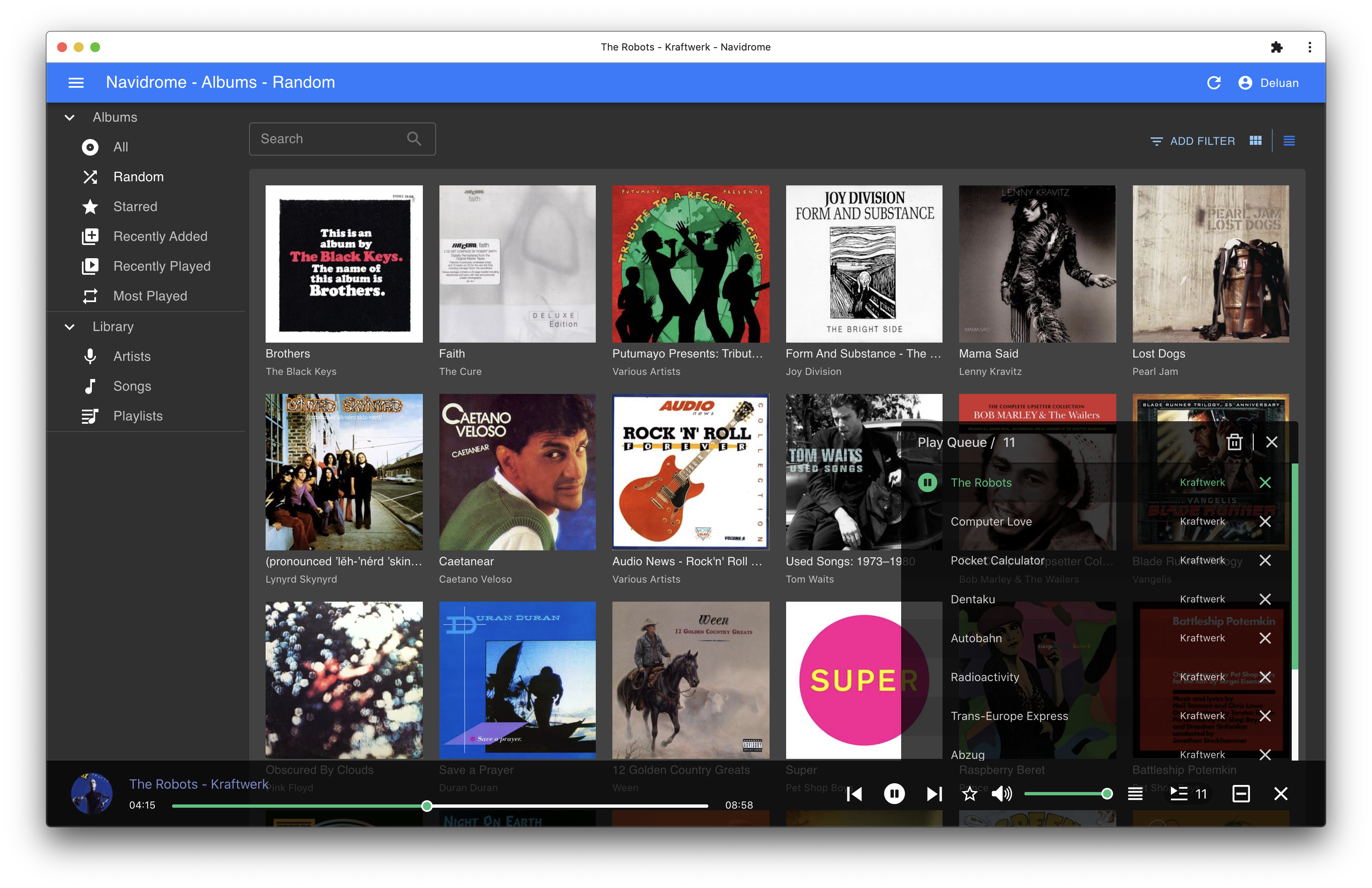
Screenshots