7fa13761d7
* fix(scanner): resolve file symlinks with the production local storage FS

The symlink classification added for GHSA-r5qr-m328-qcf4 relied on
fs.ReadLink, but the local storage FS wraps os.DirFS behind the fs.FS
interface, hiding its ReadLinkFS implementation. Every resolution failed
at the first hop, so the scanner silently skipped ALL file symlinks,
regardless of target or the FollowSymlinks setting. Libraries made of
symlinks (e.g. shared-pool setups) lost all their tracks after
upgrading to 0.63.

The local storage now exposes full OS-level resolution (EvalSymlinks)
through a new optional storage.SymlinkResolverFS interface, which the
scanner prefers over the fs.ReadLink hop loop. This also classifies a
chain by its FINAL target even when it passes through an audio-named
intermediate outside the library, closing a bypass the hop loop had.

Regular (non-symlink) entries keep the same early-return path, so scan
performance is unaffected for normal libraries.

Fixes #5752

* fix(test): keep watcher specs off the real local storage

The watcher specs spawn watchLibrary goroutines that are not joined on
spec teardown. Now that the scanner test binary registers the file://
storage, those leaked goroutines reached newLocalStorage, which reads
conf.Server on construction, racing with the configtest cleanup that
restores the config snapshot (caught by CI's race detector). Point the
mock libraries at a fake storage scheme, which never touches the config
and does not support watching, so the goroutine exits immediately.

* fix(storage): reject invalid fs paths in ResolveSymlink

Defense-in-depth for the SymlinkResolverFS contract: names must be valid
fs.FS paths. A lexical ".." in the name would otherwise escape the
library root via filepath.Join cleaning. No current caller can produce
such a name (they come from ReadDir walks), but the guard enforces the
documented contract at the boundary.

Navidrome Music Server 








Navidrome is an open source web-based music collection server and streamer. It gives you freedom to listen to your music collection from any browser or mobile device. It's like your personal Spotify!
Note: The master branch may be in an unstable or even broken state during development.
Please use releases instead of
the master branch in order to get a stable set of binaries.
Check out our Live Demo!
Any feedback is welcome! If you need/want a new feature, find a bug or think of any way to improve Navidrome, please file a GitHub issue or join the discussion in our Subreddit. If you want to contribute to the project in any other way (ui/backend dev, translations, themes), please join the chat in our Discord server.
Installation
See instructions on the project's website
Cloud Hosting
PikaPods has partnered with us to offer you an officially supported, cloud-hosted solution. A share of the revenue helps fund the development of Navidrome at no additional cost for you.

Features
- Handles very large music collections
- Streams virtually any audio format available
- Reads and uses all your beautifully curated metadata
- Great support for compilations (Various Artists albums) and box sets (multi-disc albums)
- Multi-user, each user has their own play counts, playlists, favourites, etc...
- Very low resource usage
- Multi-platform, runs on macOS, Linux and Windows. Docker images are also provided
- Ready to use binaries for all major platforms, including Raspberry Pi
- Automatically monitors your library for changes, importing new files and reloading new metadata
- Supports lyrics from sidecar .ttml, .yaml/.yml Lyricsfile, .elrc, .lrc, .srt, .txt files and embedded TTML, Enhanced LRC, LRC, SRT, and plain-text tags (via
lyricspriority) - Themeable, modern and responsive Web interface based on Material UI
- Compatible with all Subsonic/Madsonic/Airsonic clients
- Transcoding on the fly. Can be set per user/player. Opus encoding is supported
- Translated to various languages
Translations
Navidrome uses POEditor for translations, and we are always looking for more contributors
Documentation
All documentation can be found in the project's website: https://www.navidrome.org/docs. Here are some useful direct links:
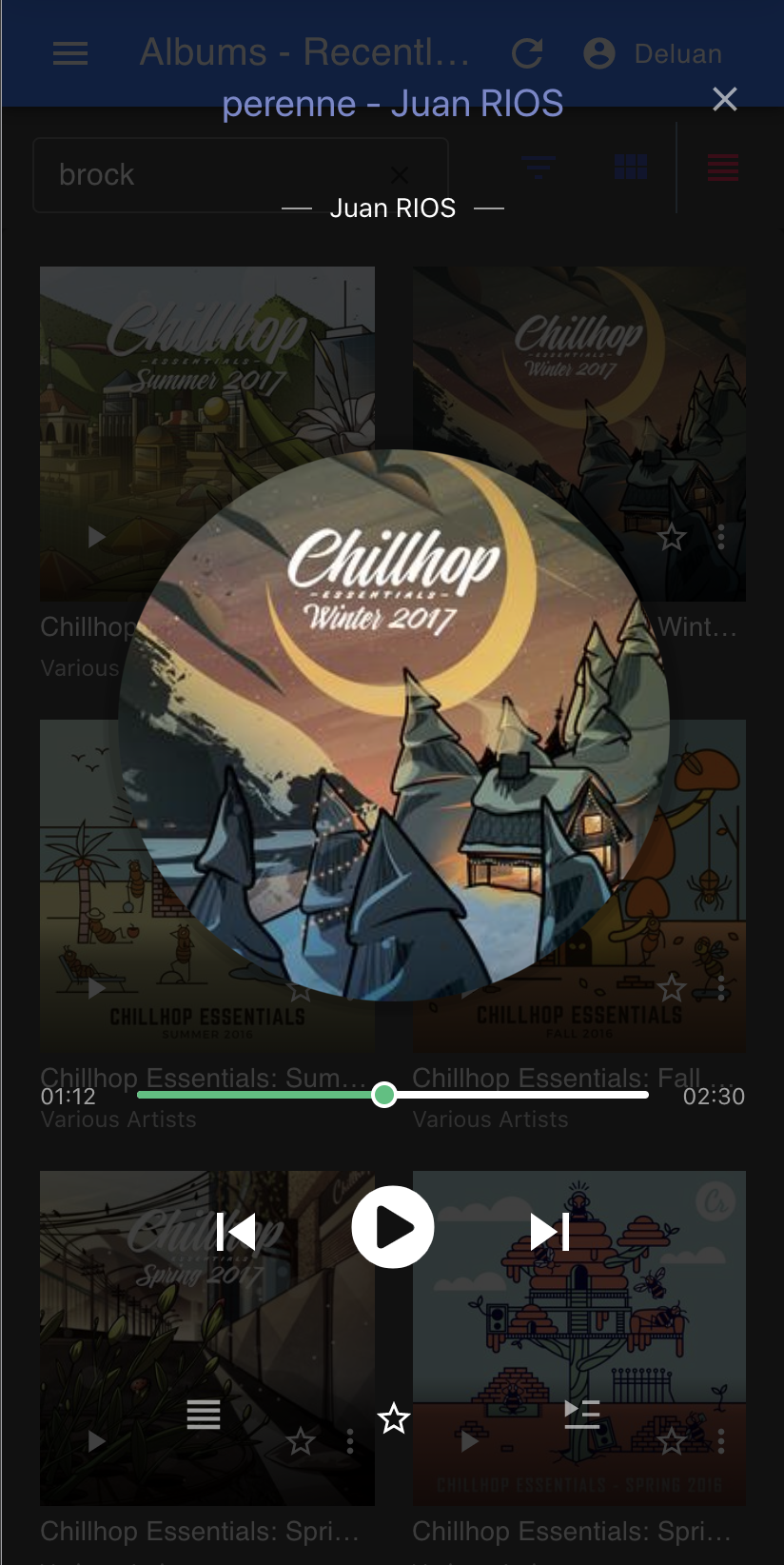
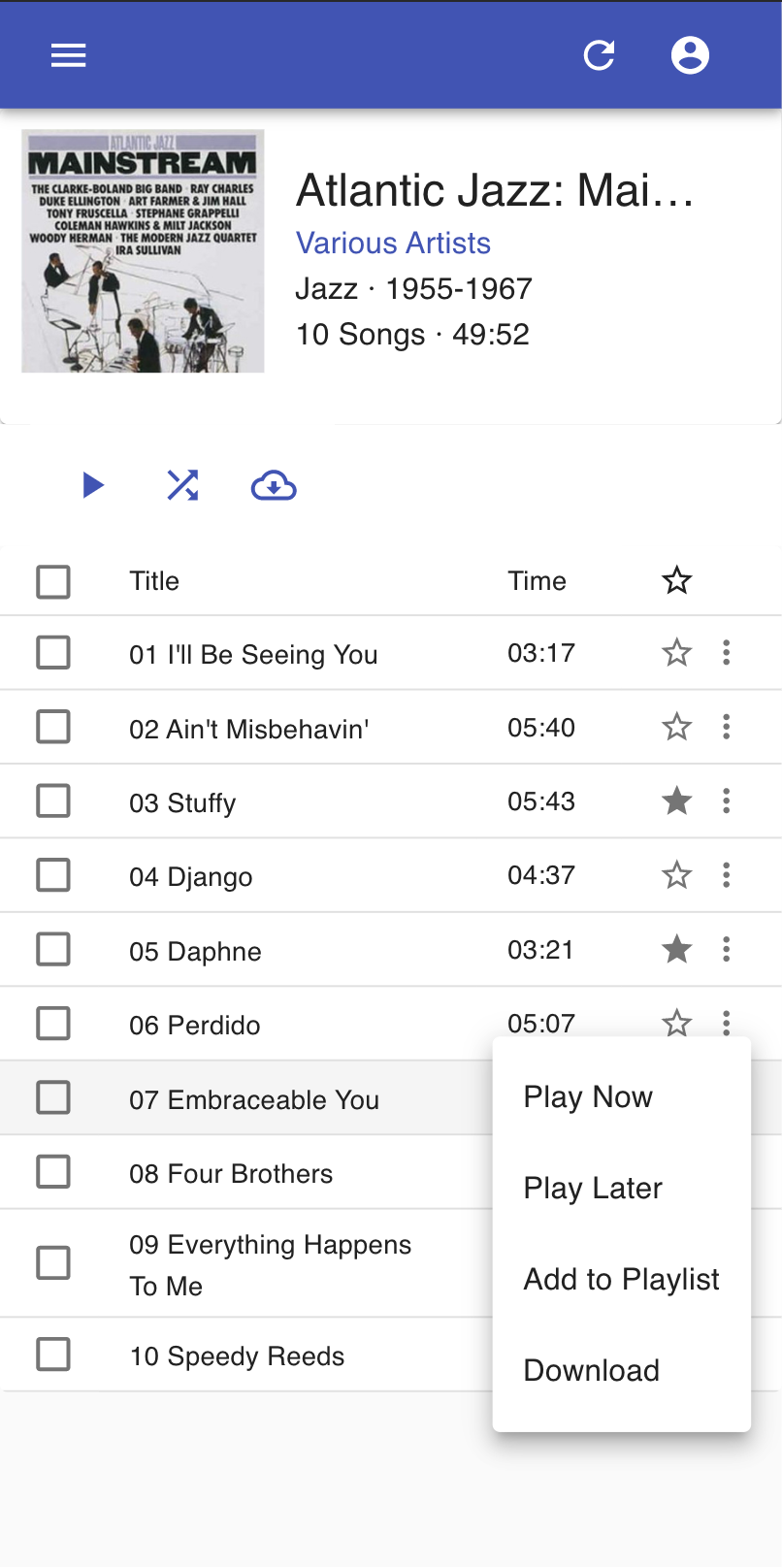
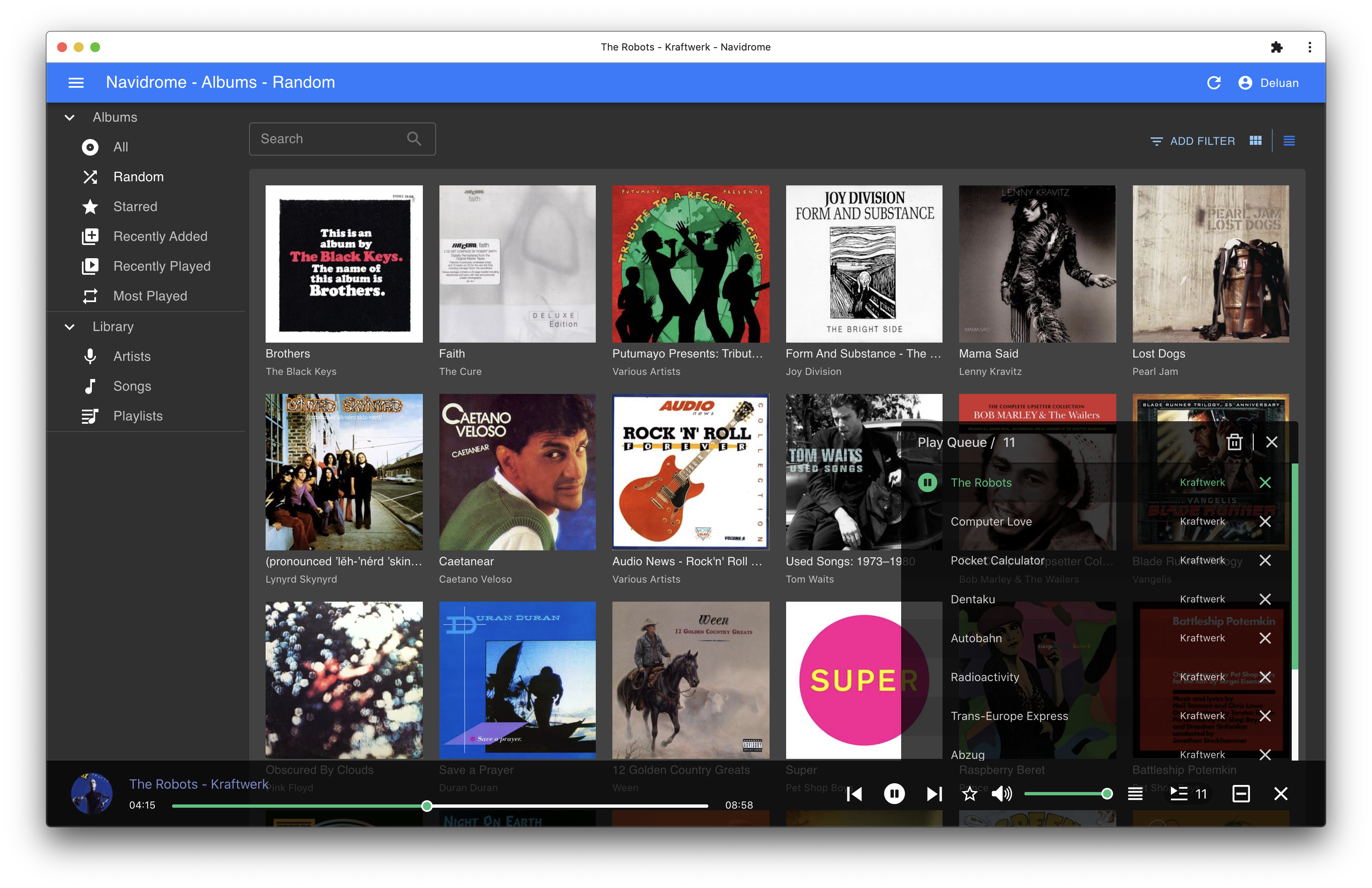
Screenshots