95615bcb18
* fix(artwork): serve images whose format has no registered decoder

The new pipeline derives dimensions, mime and the placeholder hashes at
resolution time, so a decode became a precondition for recording artwork at
all. An image in a format Go has no decoder for therefore failed acquisition,
retried until the 12h budget ran out, and then settled as absent, serving a
placeholder from that point on. The old pipeline decoded only to resize and
fell back to the original bytes when that failed, so these covers used to work.

A local file is picked by matching an image extension, so bytes it cannot
decode are most likely a codec we lack: image.ErrFormat on a folder, upload or
embedded source now yields an Artwork row carrying just the hash and mime, and
the bytes stay servable. An external response carries no such guarantee, so it
still fails and retries rather than pinning a non-image body as a cover. A
corrupt image of a known format and an over-cap declared size still fail, so
the decompression bomb guard is unchanged. Absent rows recorded by earlier
builds are re-resolved by the existing stale-absent recheck within a day, so
no epoch bump is needed to repair them.

Reusing a stored image now re-decodes when it carries no dimensions, so a
row recorded while a decoder was missing can still be upgraded later.

Registers jxl, heic and heif in mime_types.yaml: image detection resolves the
extension through the host MIME table, and the Alpine release image ships no
/etc/mime.types, so those covers were never recorded in folder.ImageFiles
there and never reached the pipeline at all.

* fix(artwork): never record empty bytes as artwork

image.DecodeConfig returns image.ErrFormat for an empty payload just as it
does for a codec with no registered decoder, so a zero-byte cover file was
recorded as found artwork and served as an empty response instead of falling
back to the placeholder. A truncated image of a known format already fails
with unexpected EOF rather than ErrFormat, so only the empty case needed the
guard.

Navidrome Music Server 








Navidrome is an open source web-based music collection server and streamer. It gives you freedom to listen to your music collection from any browser or mobile device. It's like your personal Spotify!
Note: The master branch may be in an unstable or even broken state during development.
Please use releases instead of
the master branch in order to get a stable set of binaries.
Check out our Live Demo!
Any feedback is welcome! If you need/want a new feature, find a bug or think of any way to improve Navidrome, please file a GitHub issue or join the discussion in our Subreddit. If you want to contribute to the project in any other way (ui/backend dev, translations, themes), please join the chat in our Discord server.
Installation
See instructions on the project's website
Cloud Hosting
PikaPods has partnered with us to offer you an officially supported, cloud-hosted solution. A share of the revenue helps fund the development of Navidrome at no additional cost for you.

Features
- Handles very large music collections
- Streams virtually any audio format available
- Reads and uses all your beautifully curated metadata
- Great support for compilations (Various Artists albums) and box sets (multi-disc albums)
- Multi-user, each user has their own play counts, playlists, favourites, etc...
- Very low resource usage
- Multi-platform, runs on macOS, Linux and Windows. Docker images are also provided
- Ready to use binaries for all major platforms, including Raspberry Pi
- Automatically monitors your library for changes, importing new files and reloading new metadata
- Supports lyrics from sidecar .ttml, .yaml/.yml Lyricsfile, .elrc, .lrc, .srt, .txt files and embedded TTML, Enhanced LRC, LRC, SRT, and plain-text tags (via
lyricspriority) - Themeable, modern and responsive Web interface based on Material UI
- Compatible with all Subsonic/Madsonic/Airsonic clients
- Transcoding on the fly. Can be set per user/player. Opus encoding is supported
- Translated to various languages
Translations
Navidrome uses POEditor for translations, and we are always looking for more contributors
Documentation
All documentation can be found in the project's website: https://www.navidrome.org/docs. Here are some useful direct links:
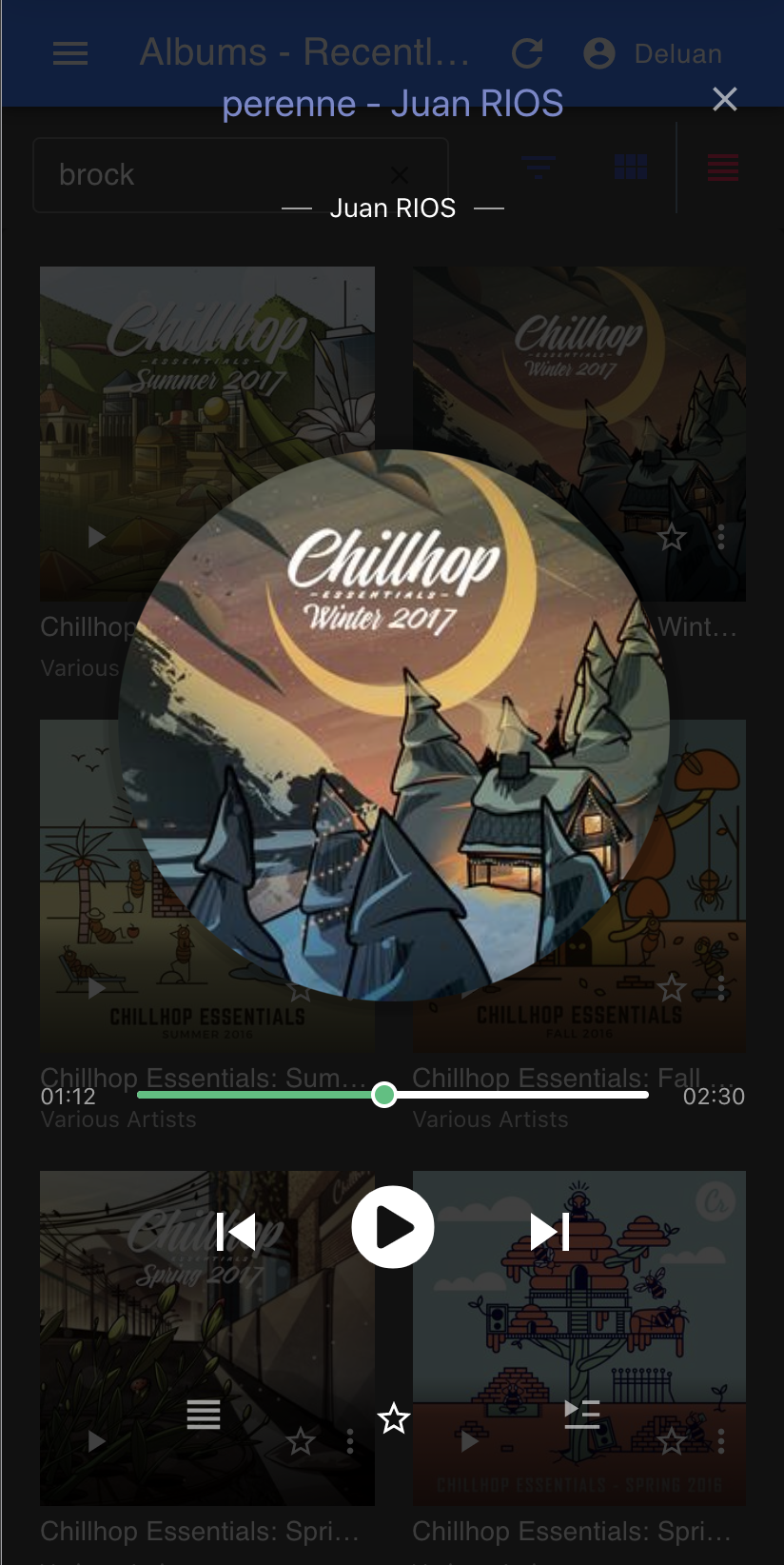
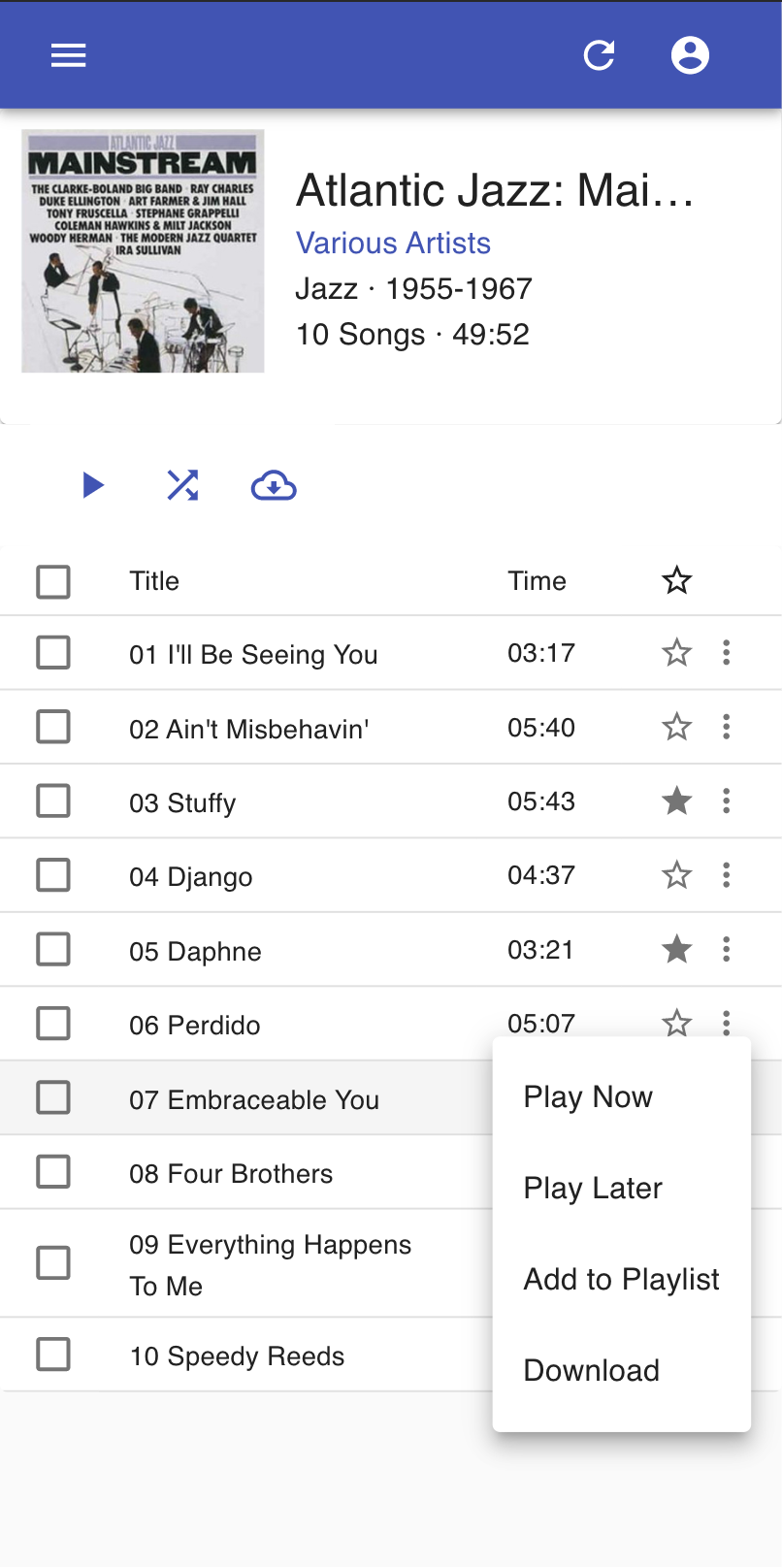
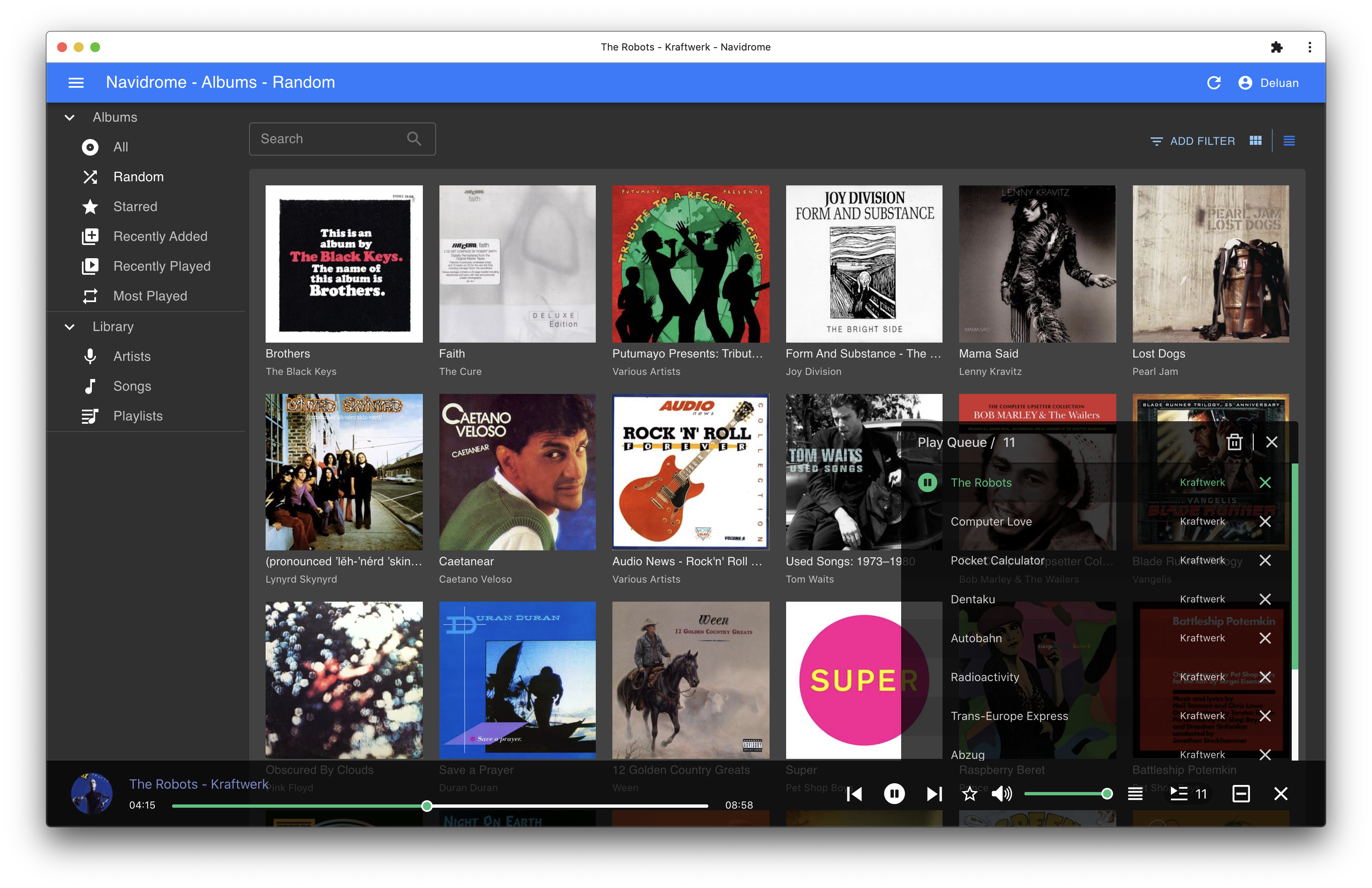
Screenshots