c773c279ca
# Navidrome 分享播放器嵌入代码使用示例

## 功能说明

在分享详情页(如 `http://127.0.0.1:4533/app/#/share/895AGkthN4`),现在会显示四种嵌入代码选项:

### 1. 左下角悬浮播放器 (推荐)

这是最适合博客和网页的嵌入方式,提供:
- 🎵 可折叠的悬浮按钮
- 📱 响应式设计,支持移动端
- 🎨 美观的渐变样式
- 👆 点击展开/收起播放器
- 🔒 点击外部区域自动收起

**效果预览:**
- 收起状态:左下角显示一个圆形音乐图标按钮
- 展开状态:显示完整的播放器界面(380x520px)

### 2. 基础 iframe

最简单的嵌入方式,适合:
- 固定位置显示
- 快速集成
- 无需额外样式

### 3. 响应式 iframe

自适应布局嵌入,适合:
- 需要响应式设计的页面
- 博客文章内容区域
- 16:9 宽高比显示

### 4. 右下角悬浮播放器

与左下角版本功能相同,但显示在右下角,可根据网页布局选择。

---

## 使用方法

### 步骤 1:创建分享

1. 在 Navidrome 中选择要分享的歌曲、专辑或播放列表
2. 点击"分享"按钮创建分享链接
3. 进入分享详情页

### 步骤 2:获取嵌入代码

1. 在分享详情页向下滚动到"嵌入代码 (Embed Code)"区域
2. 选择需要的嵌入类型(推荐"左下角悬浮播放器")
3. 点击复制按钮复制代码

### 步骤 3:嵌入到网页

将复制的代码粘贴到您的网页 HTML 中,通常在 `</body>` 标签之前。

---

## 代码示例

### 示例 1:博客文章中添加悬浮播放器

```html
<!DOCTYPE html>
<html>
<head>
    <title>我的博客文章</title>
</head>
<body>
    <article>
        <h1>我的音乐分享</h1>
        <p>这是我最喜欢的音乐收藏...</p>
    </article>

    <!-- Navidrome 悬浮播放器 -->
    <!-- 将从 Navidrome 复制的完整代码粘贴在这里 -->
    <div id="navidrome-floating-player">
        ...
    </div>
</body>
</html>
```

### 示例 2:WordPress 博客

在 WordPress 中使用自定义 HTML 块:

1. 添加"自定义 HTML"块
2. 粘贴嵌入代码
3. 发布文章

### 示例 3:个人网站多个页面共享

将嵌入代码添加到网站模板的 footer 中,所有页面都会显示悬浮播放器。

---

## 自定义样式

如果需要自定义悬浮播放器的位置或样式,可以修改嵌入代码中的 CSS:

### 修改位置

```css
/* 修改为右下角 */
#navidrome-floating-player {
  right: 20px;  /* 改为 right */
  bottom: 20px;
}

/* 修改为右上角 */
#navidrome-floating-player {
  right: 20px;
  top: 20px;  /* 改为 top */
}
```

### 修改大小

```css
/* 展开时的大小 */
#nav-player-container.nav-expanded {
  width: 450px;    /* 修改宽度 */
  height: 600px;   /* 修改高度 */
}

/* 按钮大小 */
#nav-player-toggle {
  width: 70px;     /* 修改按钮宽度 */
  height: 70px;    /* 修改按钮高度 */
}
```

### 修改颜色主题

```css
/* 按钮渐变色 */
#nav-player-toggle {
  background: linear-gradient(135deg, #FF6B6B 0%, #4ECDC4 100%);
}
```

---

## 注意事项

1. **跨域问题**:确保 Navidrome 服务器配置允许 iframe 嵌入
2. **HTTPS**:如果您的网站使用 HTTPS,Navidrome 也需要配置 HTTPS
3. **分享过期**:嵌入的播放器依赖分享链接,注意设置合适的过期时间
4. **移动端优化**:悬浮播放器已包含移动端适配,但建议在移动设备上测试效果

---

## 浏览器兼容性

悬浮播放器支持所有现代浏览器:
- ✅ Chrome/Edge (88+)
- ✅ Firefox (85+)
- ✅ Safari (14+)
- ✅ iOS Safari (14+)
- ✅ Android Chrome (88+)

---

## 功能特性

### 悬浮播放器特性

- ✨ 平滑展开/收起动画
- 🎯 自动定位到角落
- 🖱️ 悬停放大效果
- 📱 移动端自适应
- 🎨 渐变色设计
- 🔊 完整的 APlayer 功能支持

### APlayer 功能

- 🎵 播放/暂停控制
- ⏭️ 上一首/下一首
- 🔀 随机播放
- 🔁 循环模式
- 🎚️ 音量控制
- 📋 播放列表
- 📥 下载功能(如果启用)

---

## 技术支持

如果遇到问题,可以:
1. 检查浏览器控制台是否有错误
2. 确认 Navidrome 服务器正常运行
3. 验证分享链接是否有效
4. 提交 Issue 到 Navidrome GitHub 仓库

Navidrome Music Server 








Navidrome is an open source web-based music collection server and streamer. It gives you freedom to listen to your music collection from any browser or mobile device. It's like your personal Spotify!
Note: The master branch may be in an unstable or even broken state during development.
Please use releases instead of
the master branch in order to get a stable set of binaries.
Check out our Live Demo!
Any feedback is welcome! If you need/want a new feature, find a bug or think of any way to improve Navidrome, please file a GitHub issue or join the discussion in our Subreddit. If you want to contribute to the project in any other way (ui/backend dev, translations, themes), please join the chat in our Discord server.
Installation
See instructions on the project's website
Cloud Hosting
PikaPods has partnered with us to offer you an officially supported, cloud-hosted solution. A share of the revenue helps fund the development of Navidrome at no additional cost for you.

Features
- Handles very large music collections
- Streams virtually any audio format available
- Reads and uses all your beautifully curated metadata
- Great support for compilations (Various Artists albums) and box sets (multi-disc albums)
- Multi-user, each user has their own play counts, playlists, favourites, etc...
- Very low resource usage
- Multi-platform, runs on macOS, Linux and Windows. Docker images are also provided
- Ready to use binaries for all major platforms, including Raspberry Pi
- Automatically monitors your library for changes, importing new files and reloading new metadata
- Themeable, modern and responsive Web interface based on Material UI
- Compatible with all Subsonic/Madsonic/Airsonic clients
- Transcoding on the fly. Can be set per user/player. Opus encoding is supported
- Translated to various languages
Translations
Navidrome uses POEditor for translations, and we are always looking for more contributors
Documentation
All documentation can be found in the project's website: https://www.navidrome.org/docs. Here are some useful direct links:
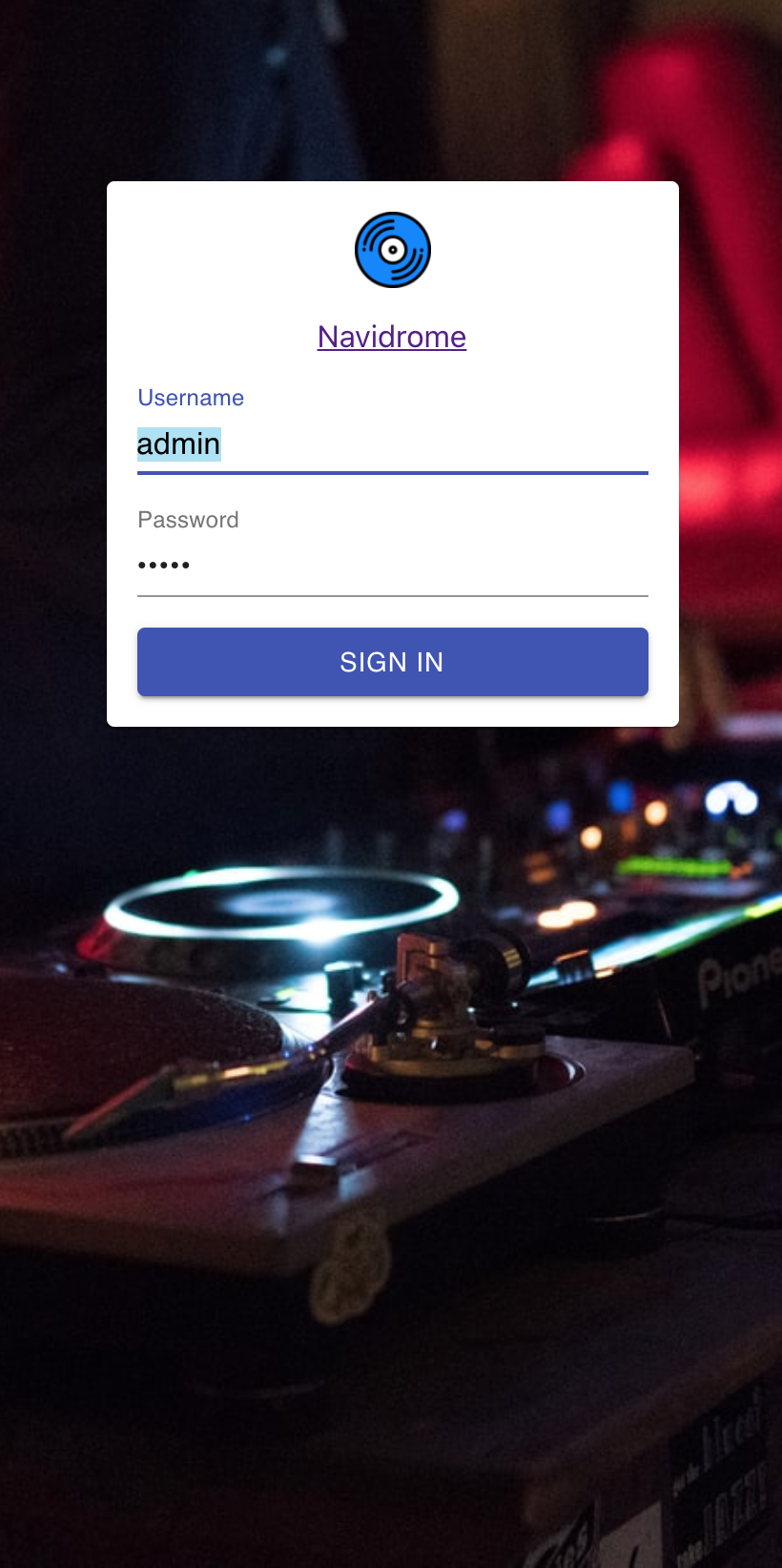
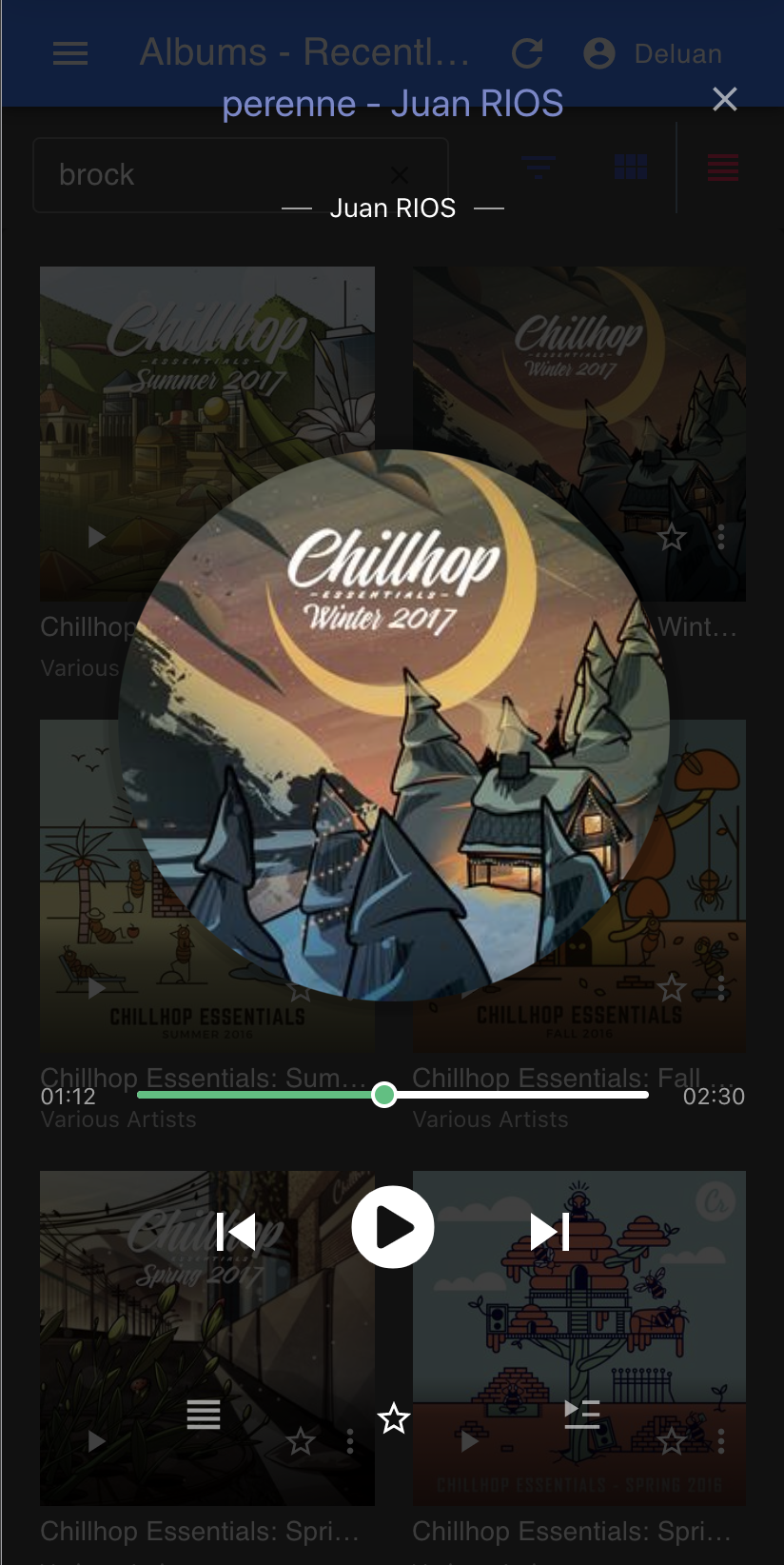
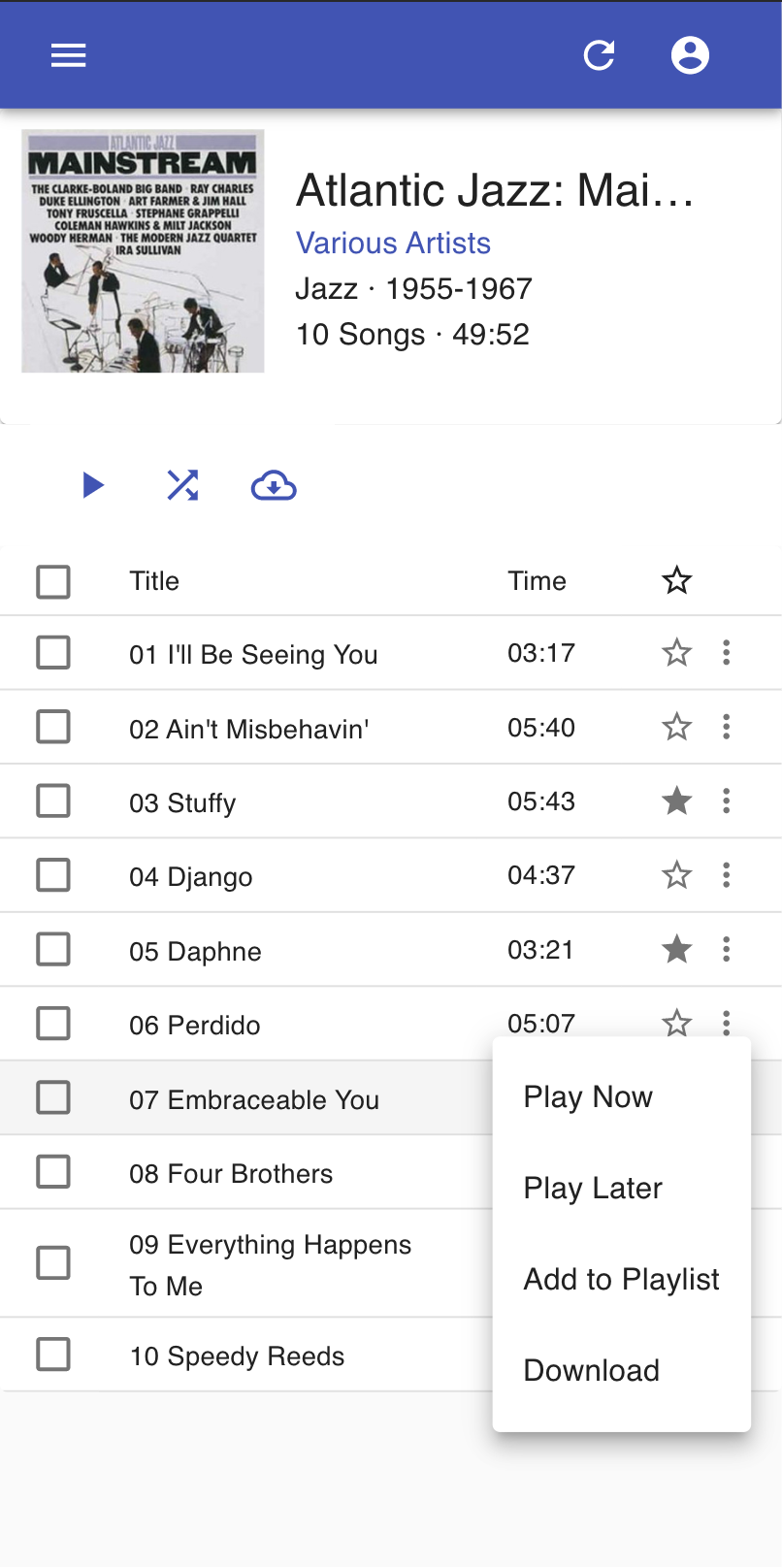
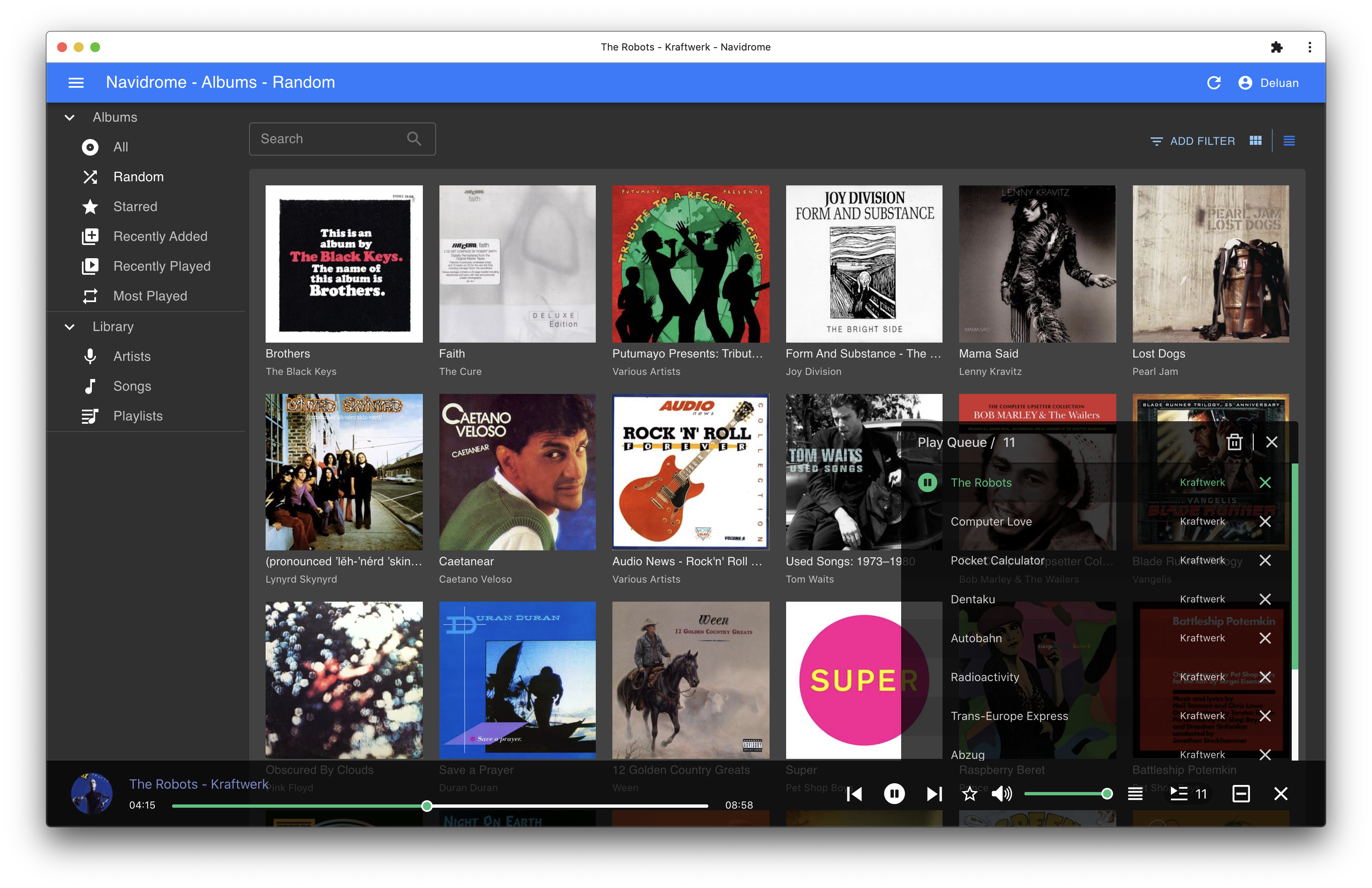
Screenshots