fb61827ab6
* test: fix flaky tests in utils/cache

Two tests in the utils/cache suite were timing- and ordering-dependent
and failed intermittently on CI (notably on the Windows runner).

The FileHaunter tests raced the asynchronous cache-cleanup goroutine with
a fixed 400ms sleep, then asserted the directory state once. On slow
runners the haunter had not finished scrubbing, so the assertion saw the
original files and failed. Replace the fixed sleep with Eventually polling
so the assertions wait for the haunter to converge. While doing so, the
exact set and count of reaped files proved nondeterministic (the empty
file is double-counted in the size loop and LRU survivors depend on
OS access-time ordering), so the assertions now check the haunter's
actual guarantees: the empty file is always scrubbed and the cache stays
within the configured maxSize/maxItems bound. This also lets the
previously-disabled maxItems context and its commented-out assertions be
re-enabled.

The HTTPClient 'caches repeated requests' test relied on a shared
requestsReceived counter that was never reset in BeforeEach. Under
randomized spec order another spec could run first and leave the counter
non-zero, breaking the first assertion. Reset the counter and header in
BeforeEach to make the spec independent of execution order.

Verified with: ginkgo -race -repeat=80 --randomize-all ./utils/cache/

* test: surface errors in dirSize and align Eventually with house style

Address code review feedback on the cache flaky-test fix:

- dirSize now returns (uint64, error) and the maxSize spec asserts the
  error is nil. Previously a ReadDir/Info failure silently returned 0,
  which always satisfies '<= maxSize' and would mask a real filesystem
  error as a passing test.
- dirSize skips non-regular entries (info.Mode().IsRegular()) to match
  its doc comment and avoid counting directories or symlinks.
- The Eventually blocks now use .WithTimeout()/.WithPolling() with
  time.Duration values instead of string-literal durations, matching the
  prevailing pattern in the test suite.

Navidrome Music Server 








Navidrome is an open source web-based music collection server and streamer. It gives you freedom to listen to your music collection from any browser or mobile device. It's like your personal Spotify!
Note: The master branch may be in an unstable or even broken state during development.
Please use releases instead of
the master branch in order to get a stable set of binaries.
Check out our Live Demo!
Any feedback is welcome! If you need/want a new feature, find a bug or think of any way to improve Navidrome, please file a GitHub issue or join the discussion in our Subreddit. If you want to contribute to the project in any other way (ui/backend dev, translations, themes), please join the chat in our Discord server.
Installation
See instructions on the project's website
Cloud Hosting
PikaPods has partnered with us to offer you an officially supported, cloud-hosted solution. A share of the revenue helps fund the development of Navidrome at no additional cost for you.

Features
- Handles very large music collections
- Streams virtually any audio format available
- Reads and uses all your beautifully curated metadata
- Great support for compilations (Various Artists albums) and box sets (multi-disc albums)
- Multi-user, each user has their own play counts, playlists, favourites, etc...
- Very low resource usage
- Multi-platform, runs on macOS, Linux and Windows. Docker images are also provided
- Ready to use binaries for all major platforms, including Raspberry Pi
- Automatically monitors your library for changes, importing new files and reloading new metadata
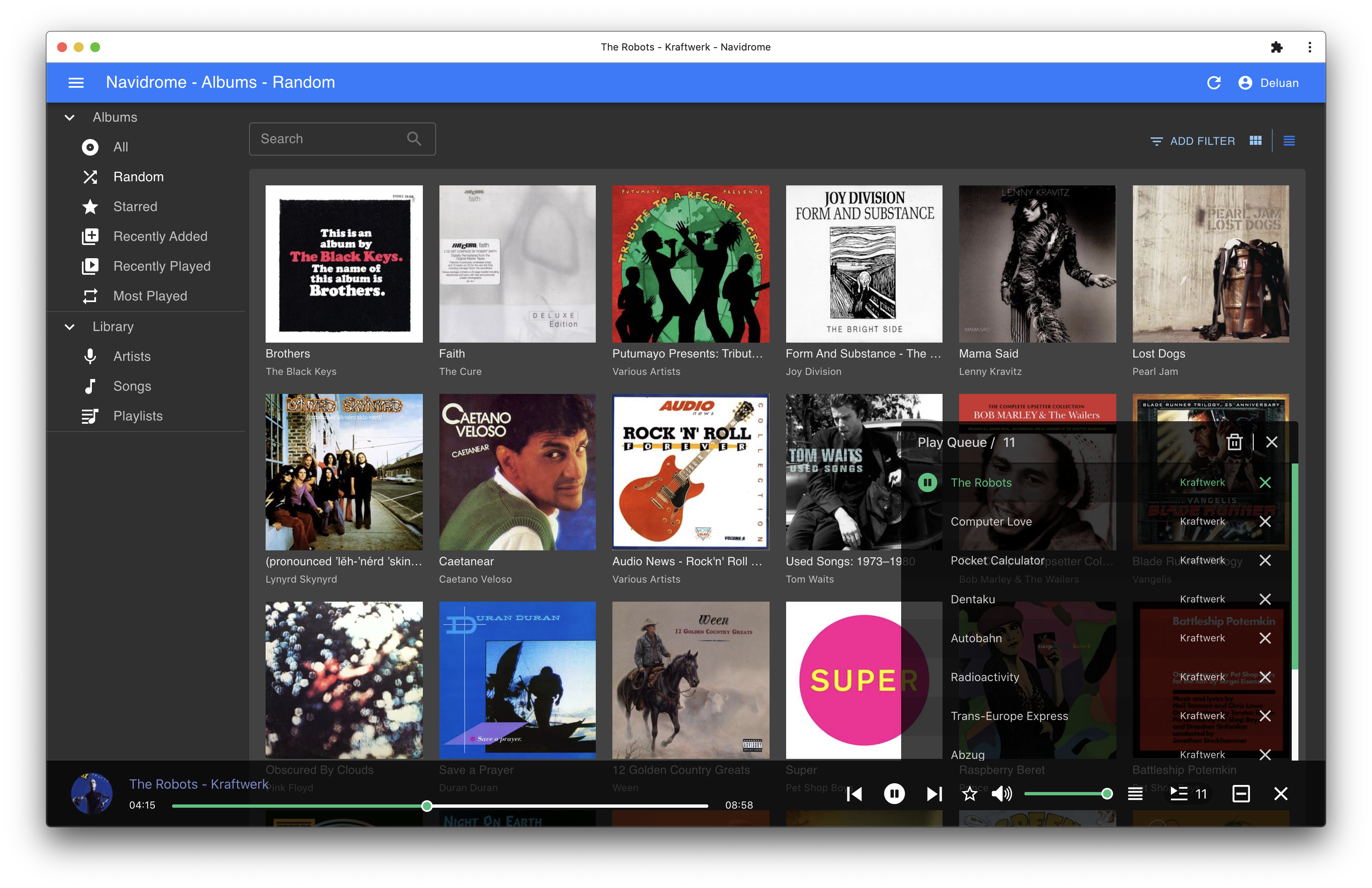
- Themeable, modern and responsive Web interface based on Material UI
- Compatible with all Subsonic/Madsonic/Airsonic clients
- Transcoding on the fly. Can be set per user/player. Opus encoding is supported
- Translated to various languages
Translations
Navidrome uses POEditor for translations, and we are always looking for more contributors
Documentation
All documentation can be found in the project's website: https://www.navidrome.org/docs. Here are some useful direct links:
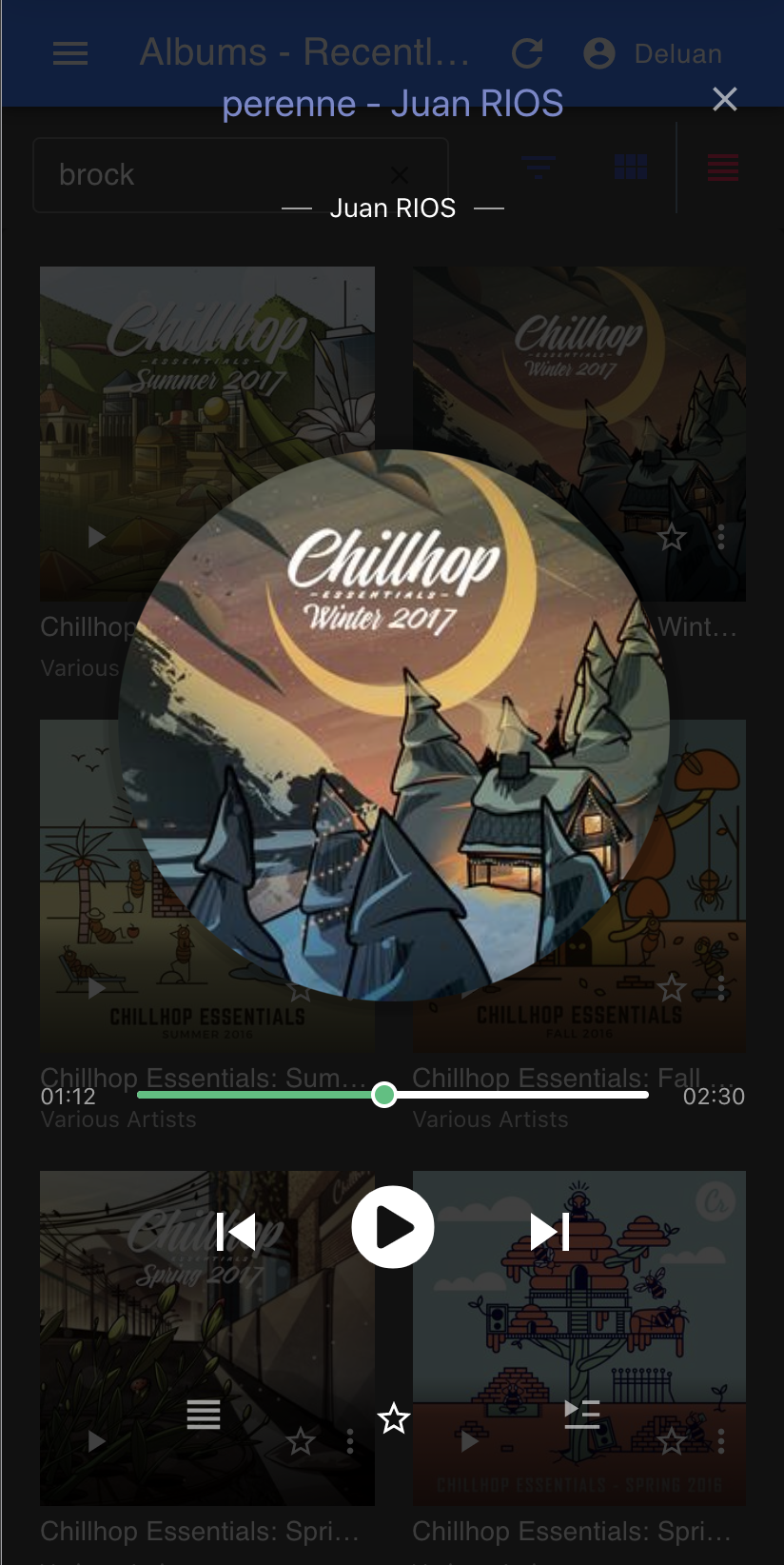
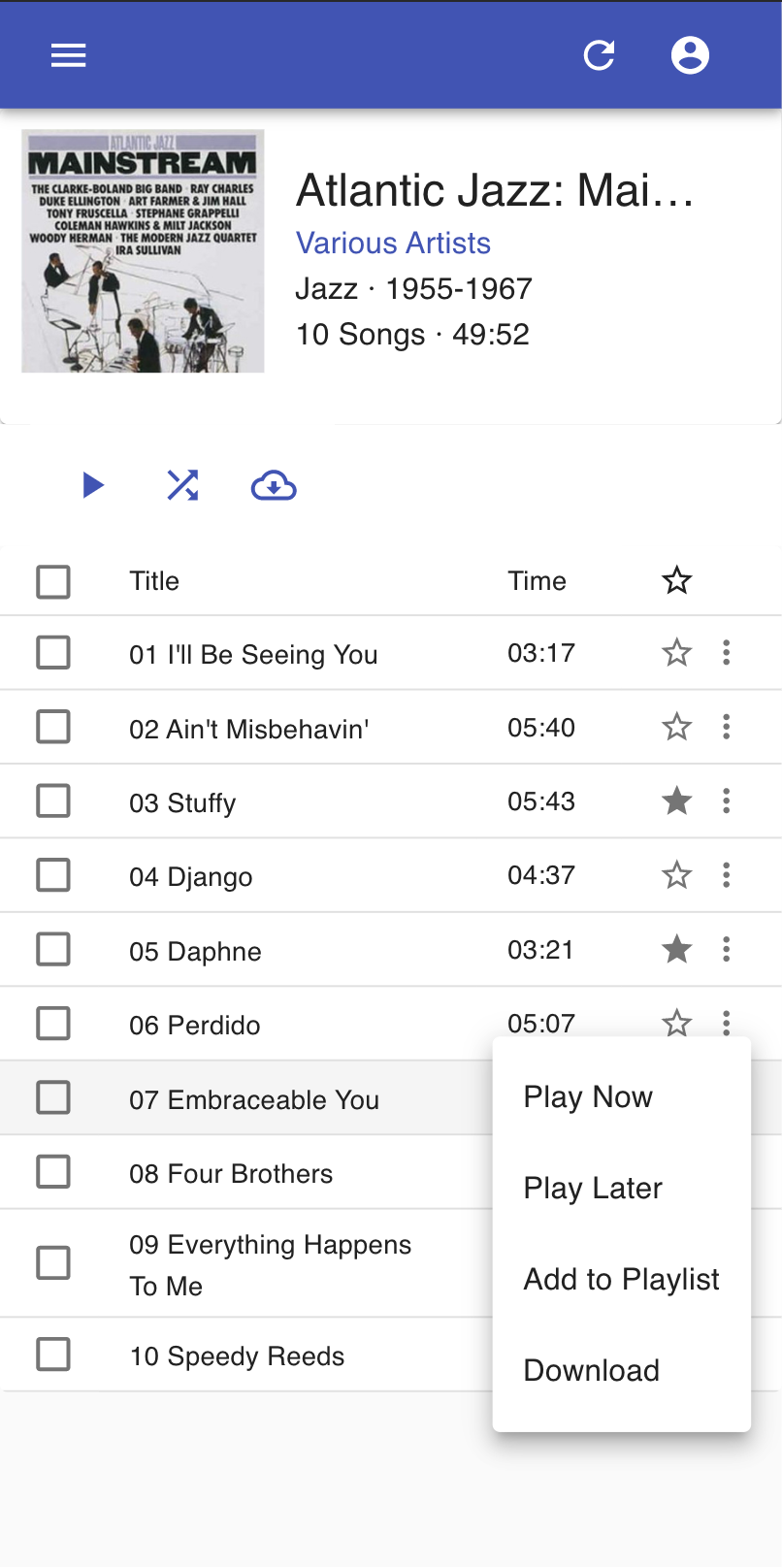
Screenshots