 ecbd4b7d55
* fix(stream): cap DSD transcoded to lossless PCM at 88.2kHz

DSD64 was sent as 352.8kHz FLAC/WAV, which many clients cannot play.
Client and codec profile limits below 88.2kHz still apply.

ffprobe already reports DSD at rate/8 with 8 bits per sample, so only
rates read from tags are divided, and any DSD depth maps to 24-bit PCM.
Probed files used to come out at 44.1kHz with a bit depth of 8.

Fixes #6288

Co-authored-by: Olli Sulopuisto <1051255+ollisulopuisto@users.noreply.github.com>
Signed-off-by: Junker der Provinz <133605895+junkerderprovinz@users.noreply.github.com>

* fix(stream): let a client's sample rate limit replace the DSD cap

The 88.2kHz cap on DSD transcoded to lossless PCM is meant for clients that
say nothing about sample rates, like the legacy stream endpoint. Applied
unconditionally, it also overrode clients that declared their own
audioSamplerate limit: a client accepting up to 192kHz got 88.2kHz, and one
accepting only 96kHz or 192kHz got no compatible profile at all.

The cap now applies only when the client has no audioSamplerate limitation
for the target codec. Otherwise the client's limit decides the rate.

* refactor(stream): share the audio codec profile matcher

Direct play checks, transcode limitations and the new DSD cap check each
looped over the client's codec profiles with the same audio-type and codec
alias filter. They now use one audioCodecProfiles iterator, so the DSD cap
decision cannot drift from the limitations that are actually applied.
targetSampleRate takes a single capDSD flag instead of two adjacent bools.

* test(stream): table-drive the DSD to FLAC sample rate specs

Six specs repeated the same DSD source and FLAC transcoding profile and
differed only in the source rate, the client's codec profiles and the
expected rate. A DescribeTable lists the cap policy case by case, and
every entry now also checks the 24-bit depth.

---------

Signed-off-by: Junker der Provinz <133605895+junkerderprovinz@users.noreply.github.com>
Co-authored-by: Olli Sulopuisto <1051255+ollisulopuisto@users.noreply.github.com>
Co-authored-by: Deluan Quintão <deluan@navidrome.org>

Navidrome Music Server 






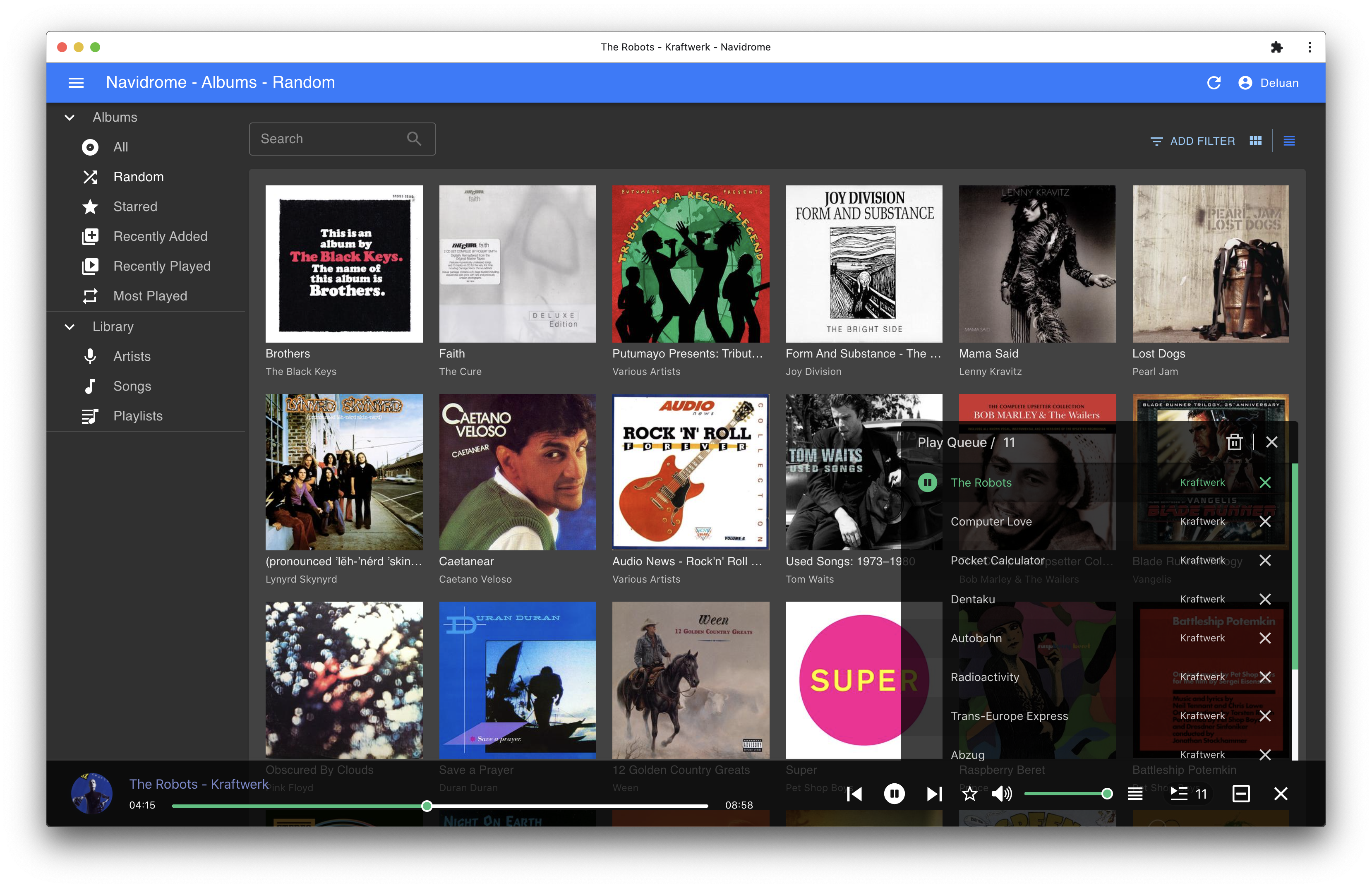
Navidrome is an open source web-based music collection server and streamer. It gives you freedom to listen to your music collection from any browser or mobile device. It's like your personal Spotify!
Note: The master branch may be in an unstable or even broken state during development.
Please use releases instead of
the master branch in order to get a stable set of binaries.
Check out our Live Demo!
Any feedback is welcome! If you find a bug, please file a GitHub issue. If you need/want a new feature or think of any way to improve Navidrome, please share it in Discussions or join the discussion in our Subreddit. Before contributing code, please read the Contribution Guide. If you want to contribute to the project in any other way (ui/backend dev, translations, themes), please join the chat in our Discord server.
Installation
See instructions on the project's website
Cloud Hosting
Several cloud hosting providers partner with us to offer officially supported, cloud-hosted solutions. If you sign up with any of these providers, a share of the revenue funds the development of Navidrome at no additional cost for you.


Features
- Handles very large music collections
- Streams virtually any audio format available
- Reads and uses all your beautifully curated metadata
- Great support for compilations (Various Artists albums) and box sets (multi-disc albums)
- Multi-user, each user has their own play counts, playlists, favourites, etc...
- Very low resource usage
- Multi-platform, runs on macOS, Linux and Windows. Docker images are also provided
- Ready to use binaries for all major platforms, including Raspberry Pi
- Automatically monitors your library for changes, importing new files and reloading new metadata
- Supports lyrics from sidecar .ttml, .yaml/.yml Lyricsfile, .elrc, .lrc, .srt, .txt files and embedded TTML, Enhanced LRC, LRC, SRT, and plain-text tags (via
lyricspriority) - Themeable, modern and responsive Web interface based on Material UI
- Compatible with all Subsonic/Madsonic/Airsonic clients
- Transcoding on the fly. Can be set per user/player. Opus encoding is supported
- Translated to various languages
Translations
Navidrome uses POEditor for translations, and we are always looking for more contributors
Documentation
All documentation can be found in the project's website: https://www.navidrome.org/docs. Here are some useful direct links:
Screenshots